

![Schneider PC1512 SD [Schneider/PC]](https://www.jungsi.de/blog/wp-content/uploads/Schneider-PC-1512SD.jpg)
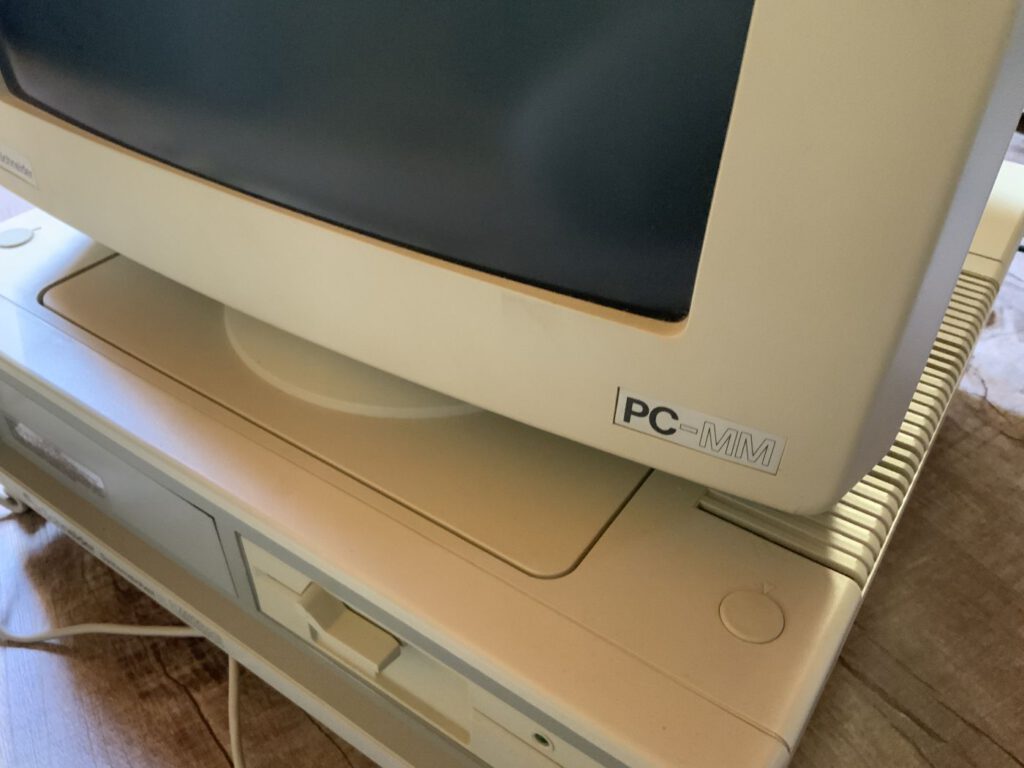
This time, the latest addition to my collection isn’t a home computer, but a PC. Schneider was already well known in Germany for marketing the popular 8-bit computers of the CPC series, as well as the JOYCE computers, which were developed by the British company Amstrad.
In the second half of 1985, Amstrad embarked on a new project to develop a PC-compatible computer. The internal project name spoke volumes: AIRO – Amstrad’s IBM Ripp-Off. The final product, the PC1512, was unveiled in 1986 and was once again marketed in Germany under the Schneider brand.
The name PC1512 stands for:
- Personal Computer
- 1 – first generation
- 512 – the then generous memory capacity of 512 KB
Variants
The PC1512 was available in two basic configurations:
- PC1512 SD: with a floppy disk drive
- PC1512 DD: with two floppy disk drives
Optional konnte der Rechner mit einer 10 MB oder 20 MB großen Festplatte ausgestattet werden. Käufer hatten zudem die Wahl zwischen einem Farbmonitor oder einem Schwarz-Weiß-Monitor. Mit einem Einstiegspreis von etwa 2.000 DM (1988/1989: 1.298 DM) für die günstigste Variante war der PC1512 ein äußerst attraktives Angebot. Das spiegelt sich auch in seinem Erfolg wider: Mit einem Marktanteil von 25 % in Europa wurde der PC1512 zu einem echten Kassenschlager.
Technical specifications and special features
The computer is based on an Intel 8086 processor running at 8 MHz and is one of the first IBM XT-compatible machines. Alternatively, the processor could be replaced with a NEC V40. Other upgrades included:
Upgrade of the RAM to 640 KB
Use of an 8087 FPU coprocessor
The graphics used an extended CGA mode, which offered a resolution of 640 × 200 pixels with 16 colours (or shades of grey).
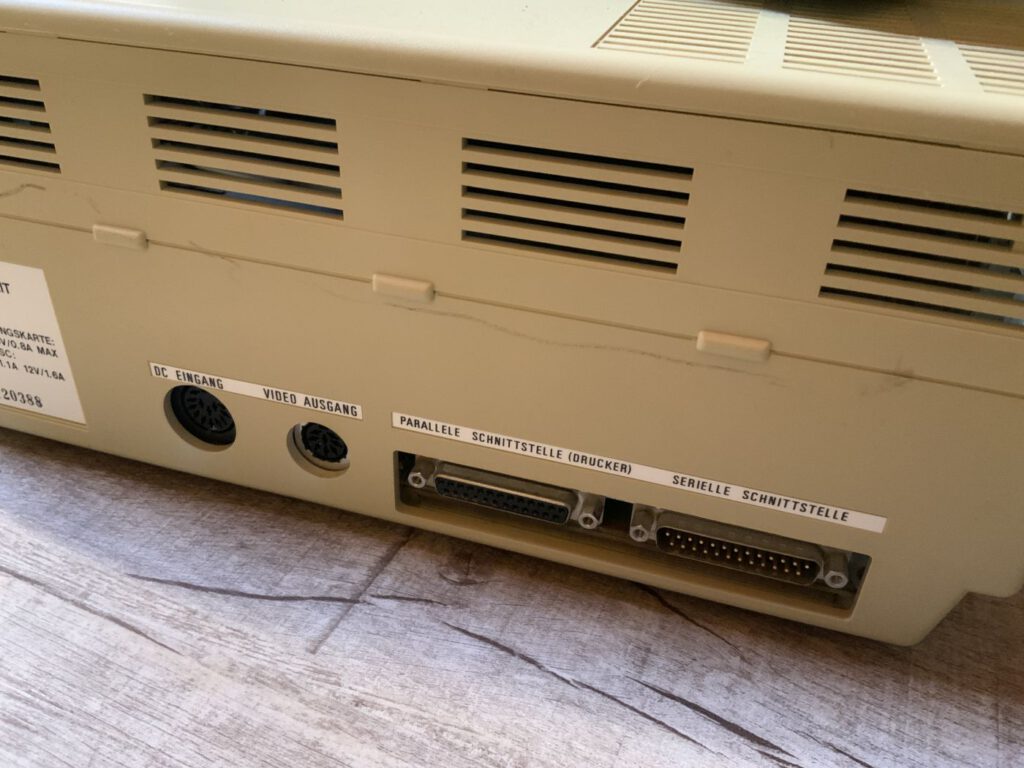
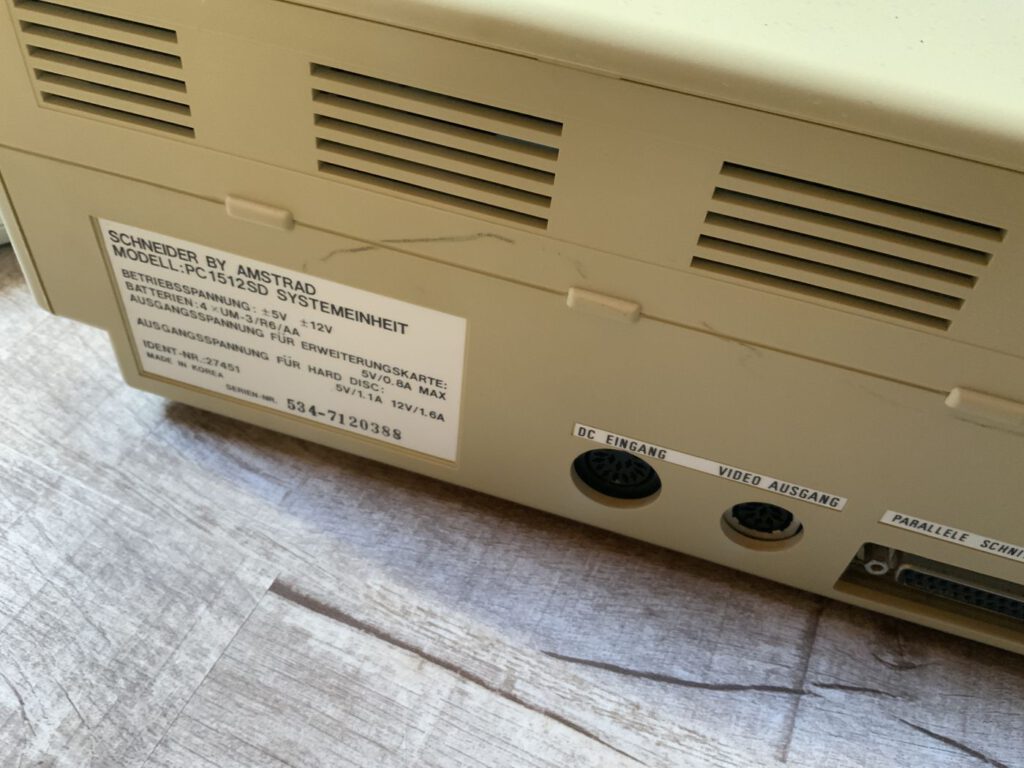
As is customary with Schneider, the power connection was also integrated into the monitor on this computer. This meant that a fan in the computer case was not required, making the PC1512 whisper-quiet. Another practical feature: instead of rechargeable batteries on the circuit board, which could leak over time and cause damage, the case lid contains battery compartments for standard AA batteries.
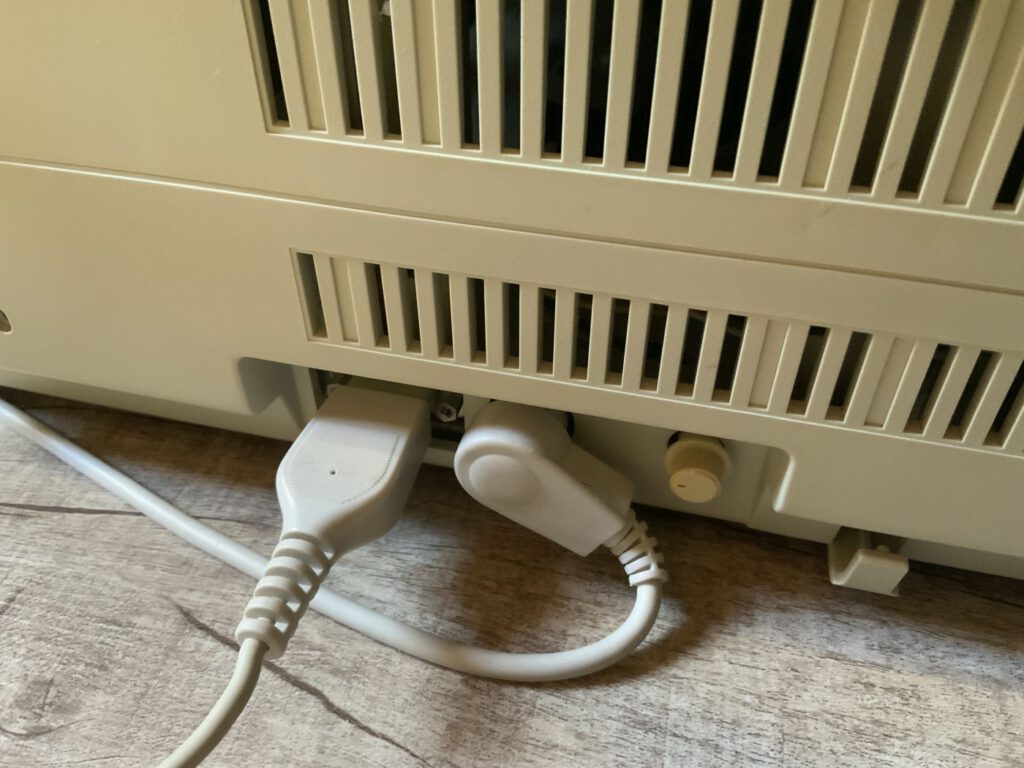
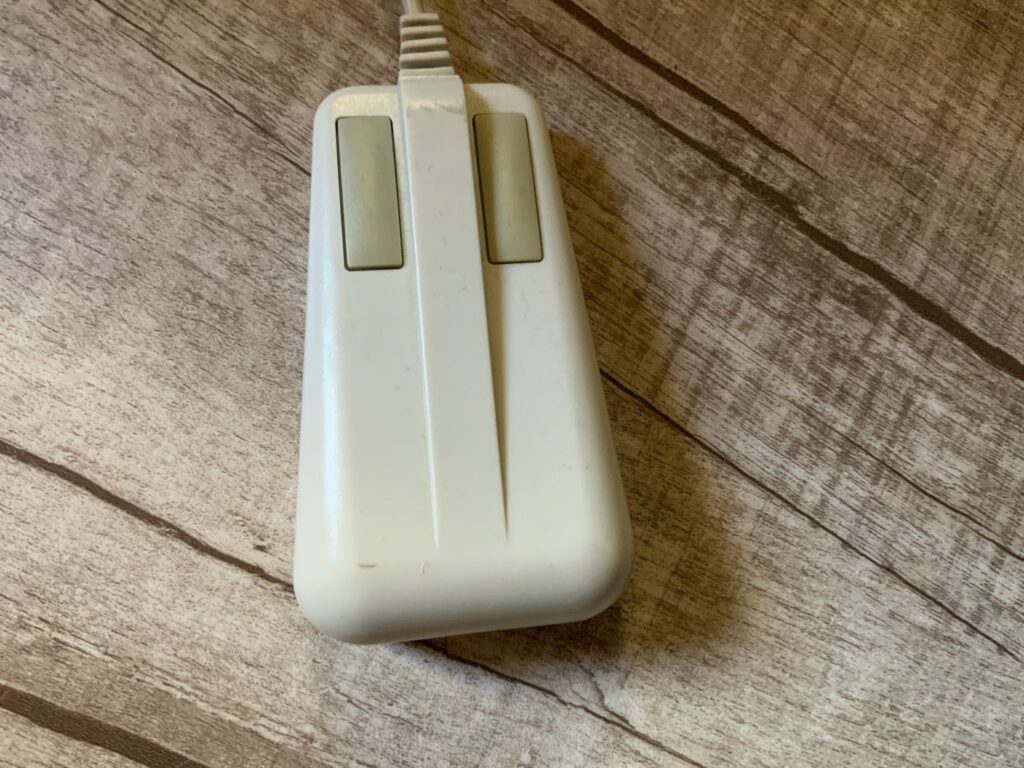
The ISA slots are easily accessible and are located under a removable cover on the back of the case. However, the mouse and keyboard ports are proprietary and not compatible with other standards. The control for the internal speaker is situated right next to them.
Software and accessories
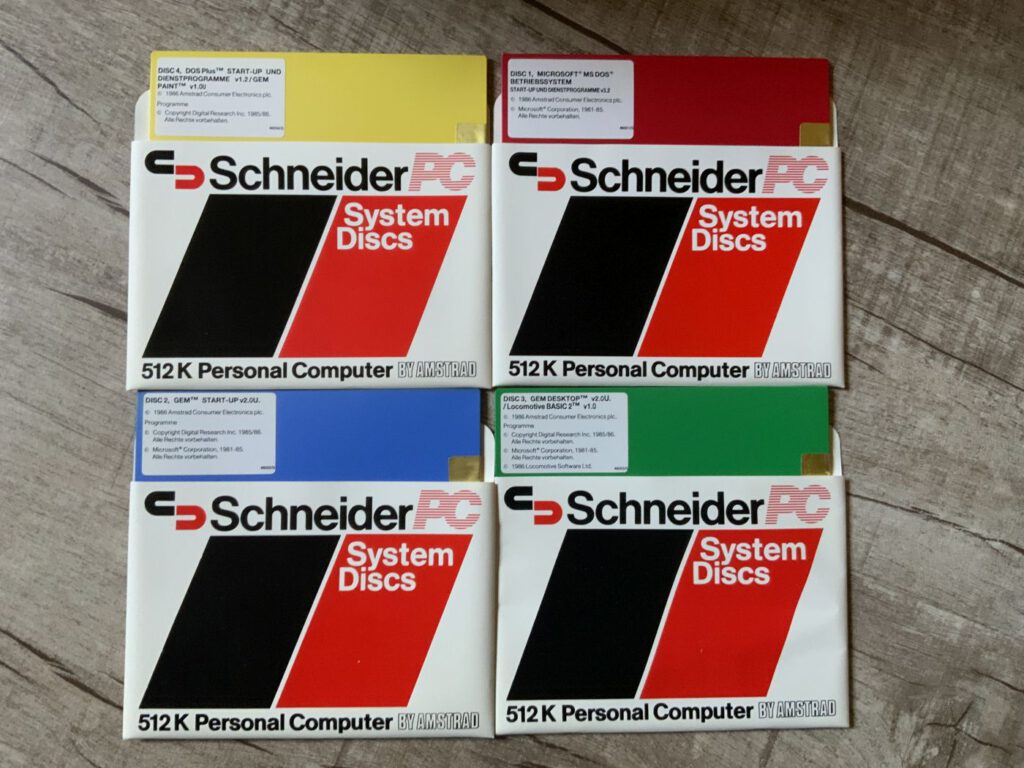
The package included a comprehensive software suite on four coloured 5.25-inch floppy disks:
- MS-DOS 3.2
- DR-DOS+ 1.2 (based on CP/M)
- GEM (Graphical Environment Manager) einschließlich GEMPaint und GEM BASIC
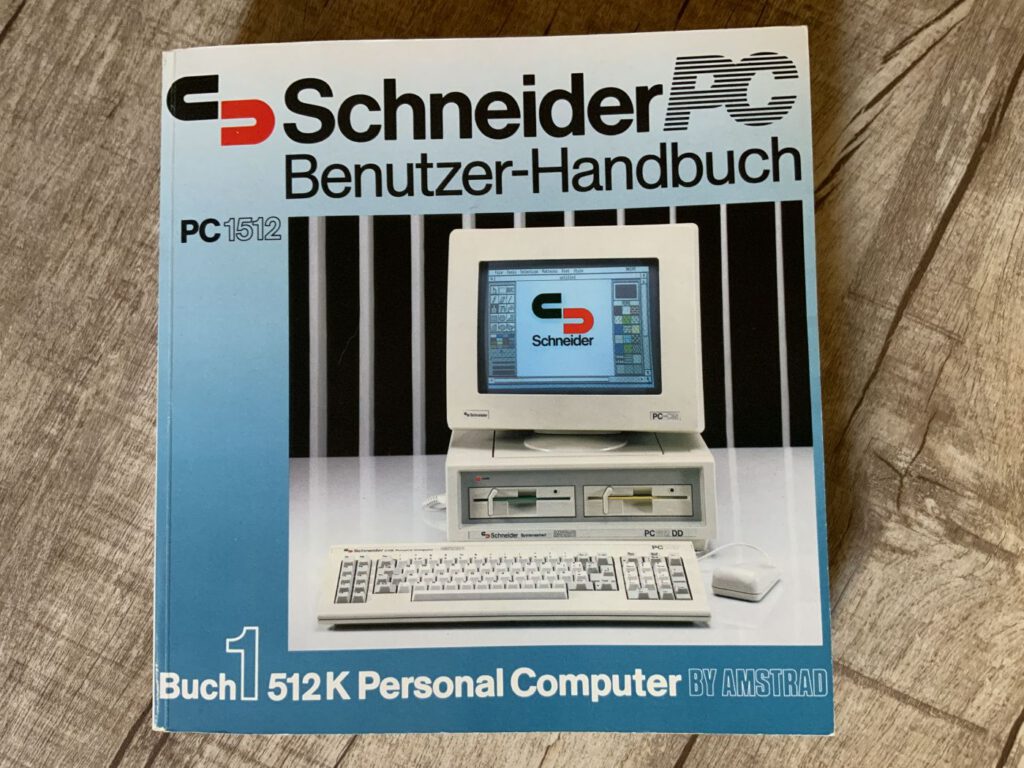
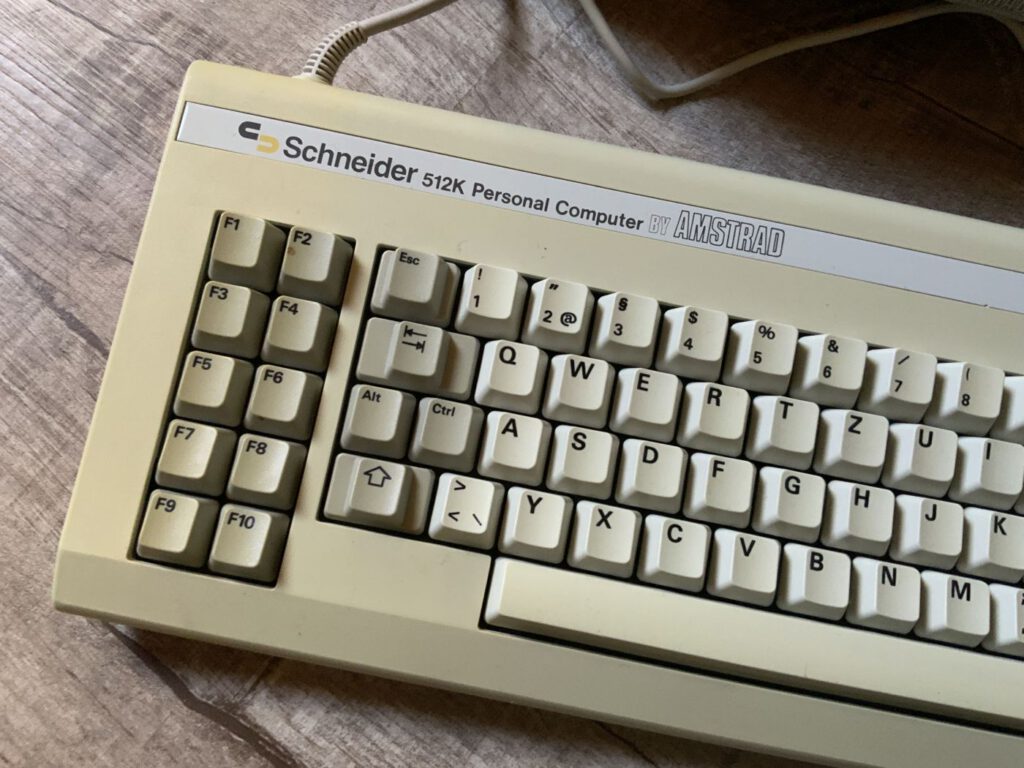
In addition, the buyer received a high-quality keyboard, a mouse and an 800-page manual.
The BIOS – a particular challenge
The design of an IBM PC was largely open-source, with the exception of the BIOS. This is responsible for booting the computer and acts as an interface between the hardware and software. As Amstrad could not simply copy the BIOS, a dedicated team had to develop a compatible version based on the specifications. Interestingly, the developers were so surprised by the conservative design of the IBM PC that they designed the PC1512 to be significantly more efficient, integrating many functions into just a few chips.
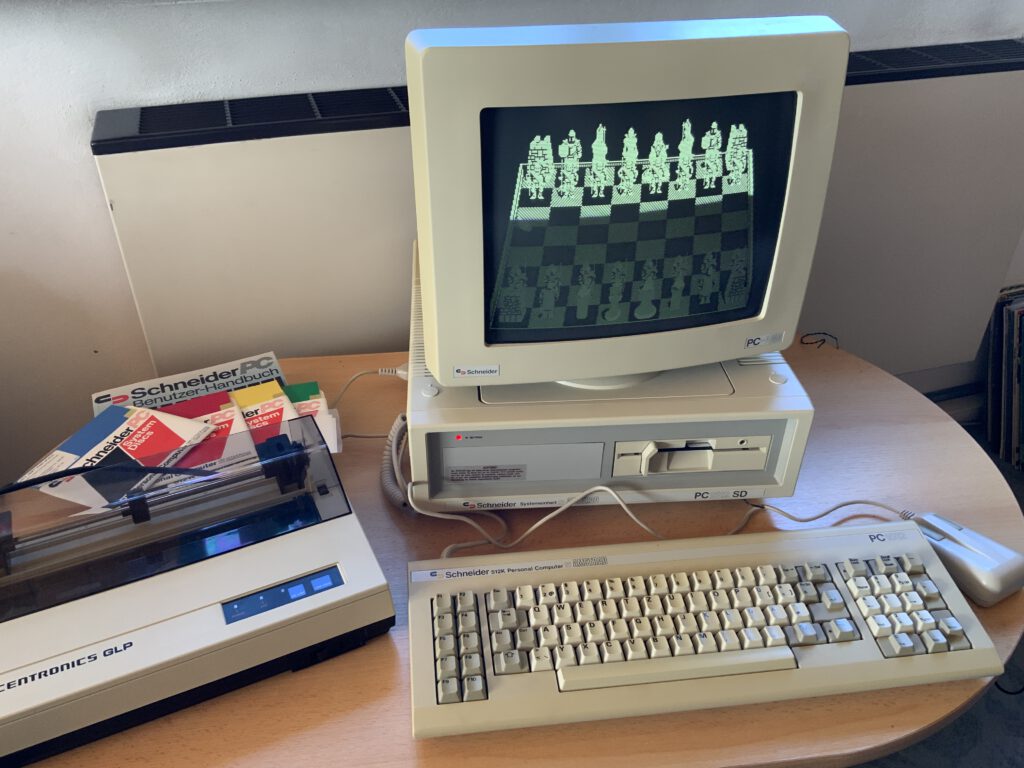
My find: PC1512 SD
I was lucky enough to find a listing for a PC1512 SD on eBay. It couldn’t be posted, but arranging to collect it in Munich was no problem. The package contained:
- A PC1512 SD with a monochrome monitor (slightly yellowed), both in their original packaging
- The four original floppy disks and the 800-page manual
- Backups of games
- A suitable printer: the Centronics GLP (Great Little Printer) from 1984 – also in its original packaging with a manual
Successor: PC1640
The successor, the PC1640, was unveiled as early as the end of 1986. The main improvements were:
- The RAM has been upgraded to 640 KB.
- An additional EGA graphics mode was supported, for which a high-resolution monitor with a built-in fan was available.
The variants of the PC1640 were largely the same as those of the PC1512.
Centronics GLP – A printer with a history
Centronics, known as the developer of the parallel interface, launched the GLP series in 1984. These affordable serial dot matrix printers offered reliable performance and were a popular addition to computers such as the PC1512.
Tips & Facts
Whilst researching the PC1512, I came across some interesting details that I would like to summarise here:
- Mouse-Emulation: If you don’t have a mouse, you can use the numeric keypad (e.g. the ‘7’ key for left, ‘9’ for right).
- HardCard: Early models of the PC1512 could be fitted with a HardCard (an ISA controller card with an integrated hard drive).
- Boot disks: Using boot disks from a PPC512 or PC200, a PC1512 can boot without any problems from a 3.5-inch 720 KB floppy disk. Alternatively, a floppy disk can be formatted to 360 KB in the 3.5" drive of another PC.
- BIOS settings: Hard drives cannot be configured via the setup menu. The l NVR tool can help with this; it must be launched from a system disk.
- Windows:The latest compatible version is Windows 3.0, although older versions such as Windows 2 also work. For floppy disk drives, however, only Windows 1.0 is compatible – though there is hardly any software available for it.
- Memory: The memory can be upgraded from 512 to 640 kB using the appropriate chips – don’t forget to set the jumper accordingly
- XTIDE CF card: An XTIDE CF card can be used as a hard drive.
If you’re looking for suitable floppy disks for the PC1512/PC1640, here’s a link to a source: Amstrad File Archive
Here is an article regarding an external power supply for these computers: Amstrad PC1512 Liberation Part 1 – Building An External Power Supply – ctrl.alt.rees
An interesting article on the subject: Amstrad 1512 – CGA(ish?) to VGA – Page 2 \ VOGONS Technical specifications: Amstrad PC Technical Reference Manual &n
![Schneider VGA AT System 40 [Schneider/PC]](https://www.jungsi.de/blog/wp-content/uploads/VGA-AT-System-40-Schneider.jpg)
![Tecra 8100 [Toshiba]](https://www.jungsi.de/blog/wp-content/uploads/Toshiba-Tecra-8100-aufgeklappt.jpg)
![Highscreen 386 SX 20 [Vobis]](https://www.jungsi.de/blog/wp-content/uploads/Highscreen-386-SX-20-aufgeklappt.jpg)
Hallo,
super Beitrag, aber die CPU ist ein 8085 und nicht 8086 und kann durch einen NEC V30 ersetzt werden, nicht V40. Habe ich selbst bei meinem vor über 35 Jahren gemacht. Ich habe in noch heute und werde ihn demnächst mal wieder anschließen.
Hallo,
ich muss mich korrigieren. Die Original-CPU ist doch ein 8086.