

![Schneider VGA AT System 40 [Schneider/PC]](https://www.jungsi.de/blog/wp-content/uploads/VGA-AT-System-40-Schneider.jpg)
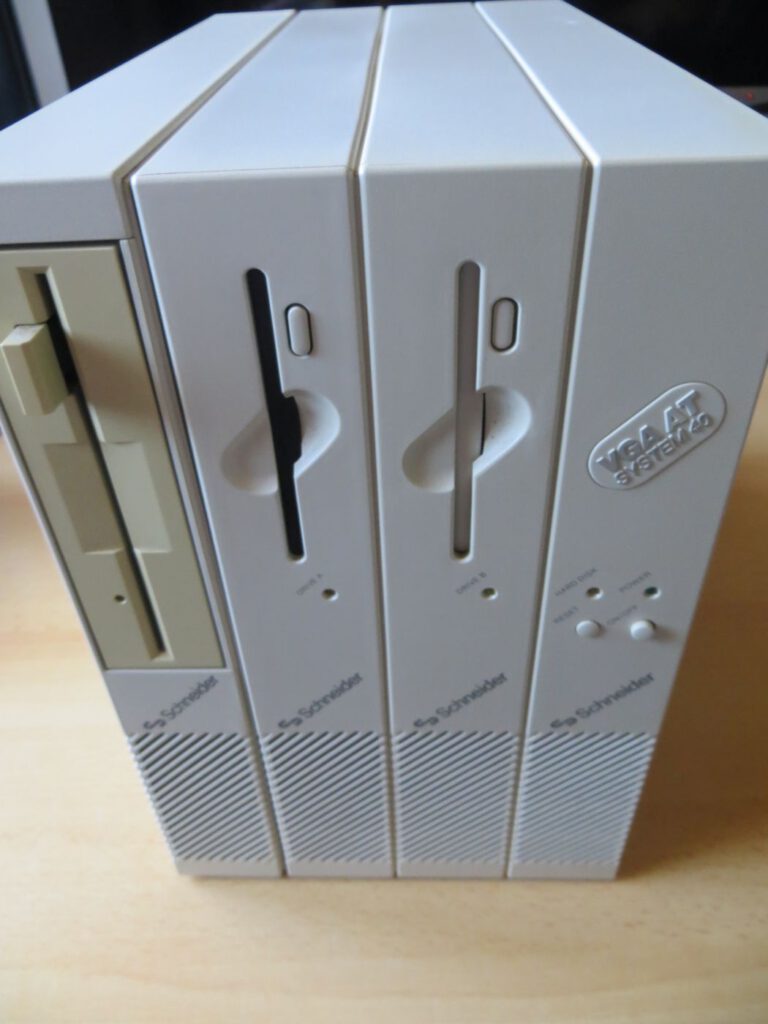
The Schneider VGA AT System 40 was introduced in 1989 as the successor to the System 240, making it another IBM-compatible computer from Schneider Rundfunkwerke. This article will be longer than usual because there is very little information available online about this computer. Therefore, I will summarize all the information I could find here and supplement it with my own personal experiences.
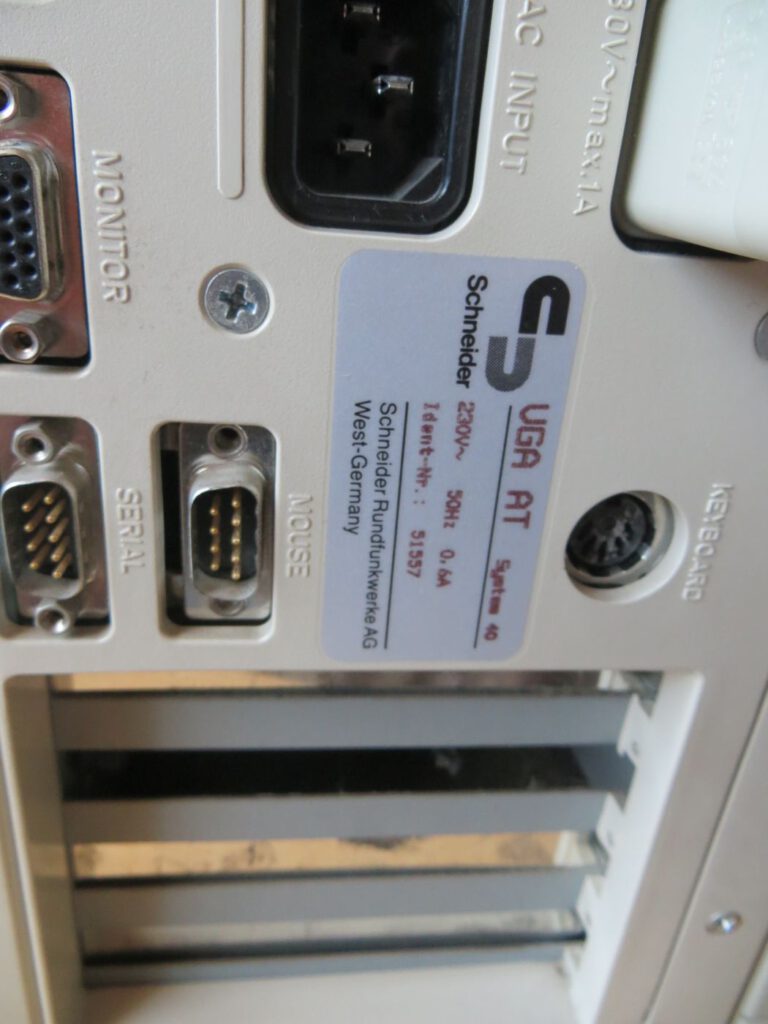
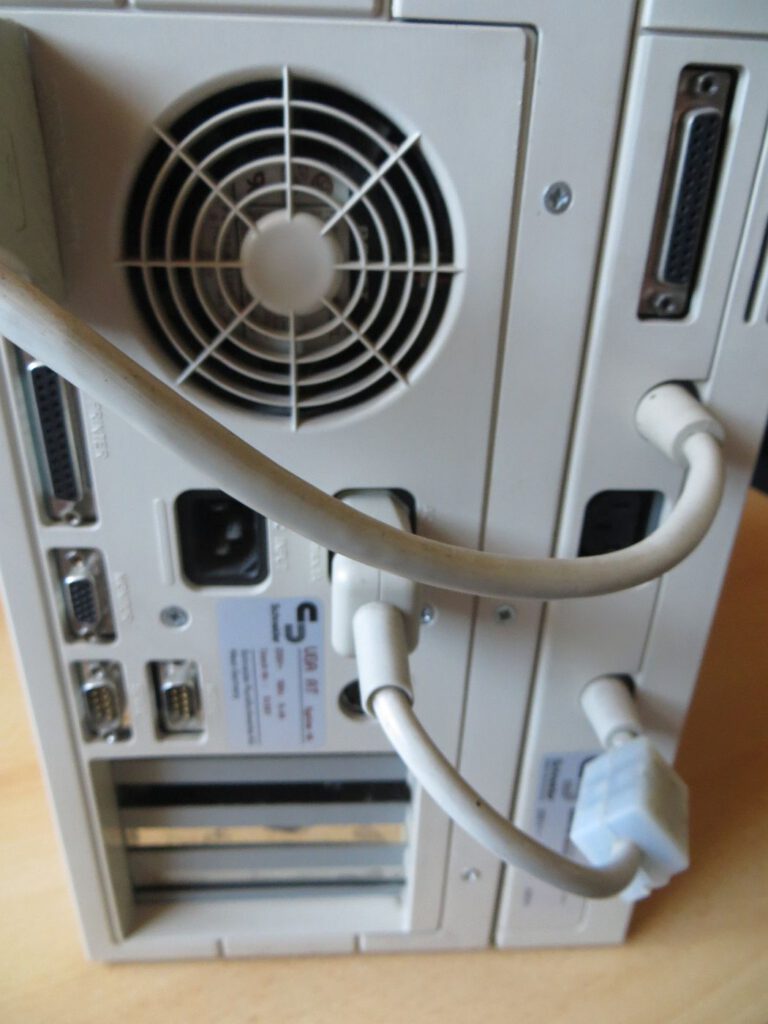
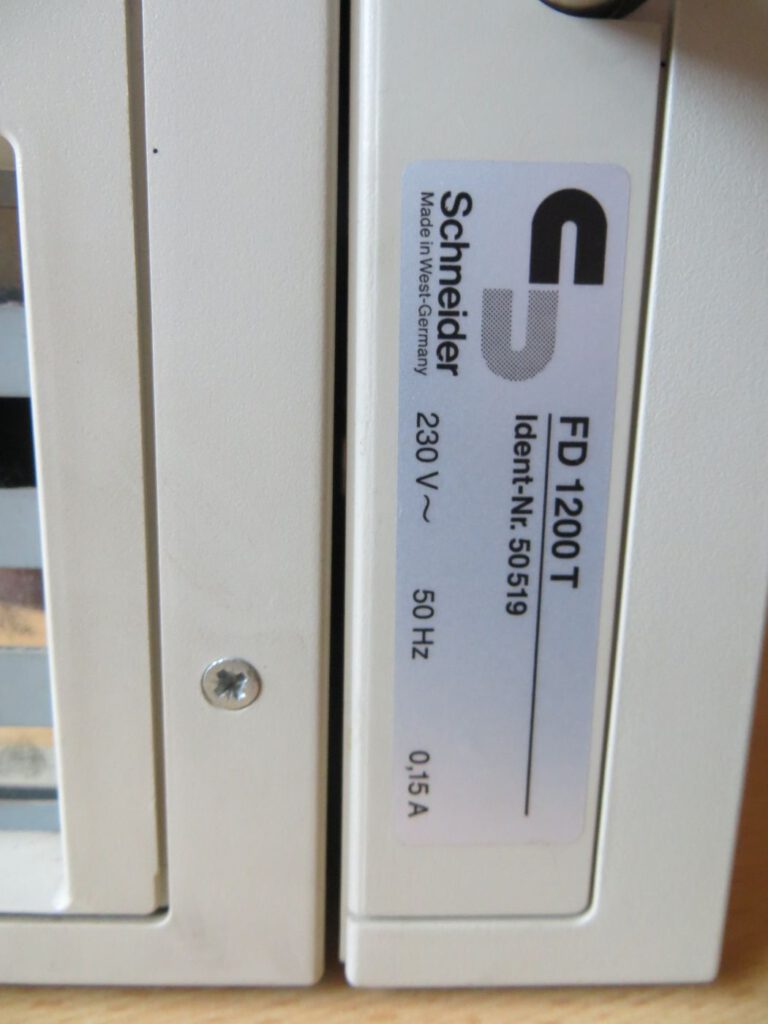
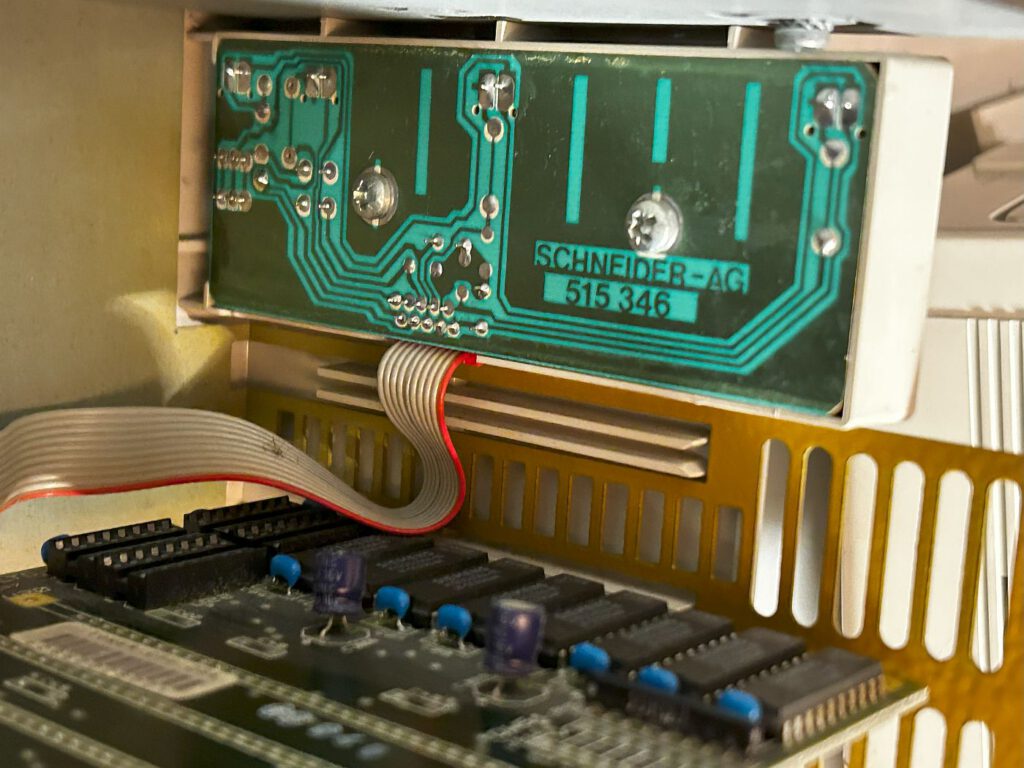
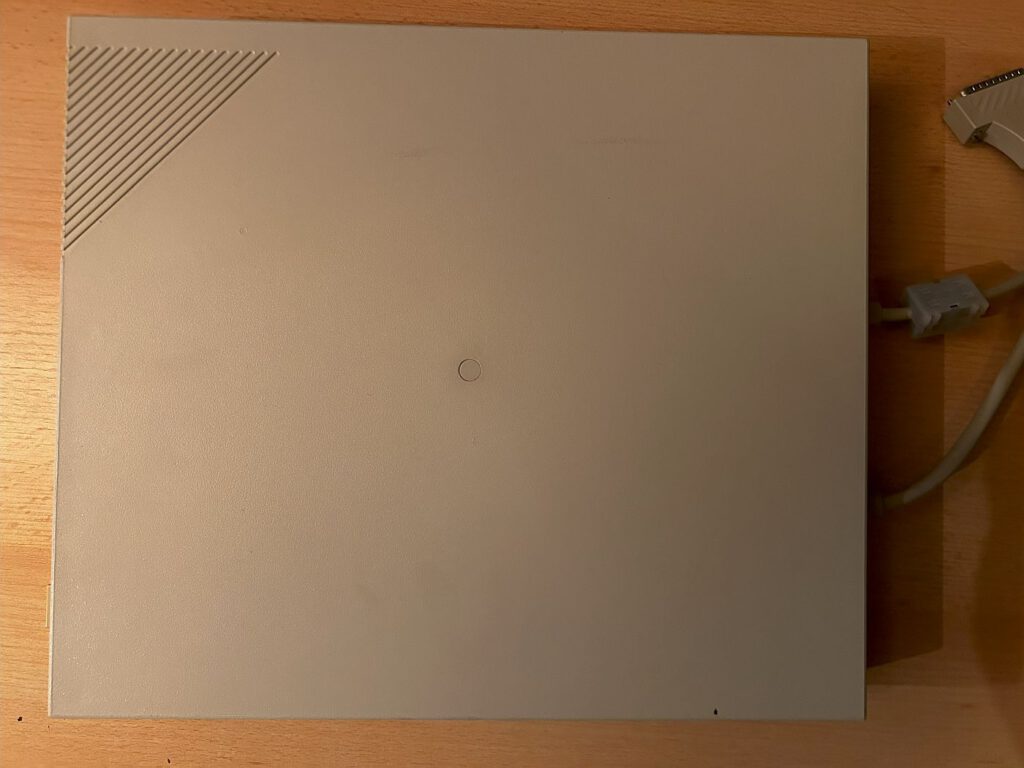
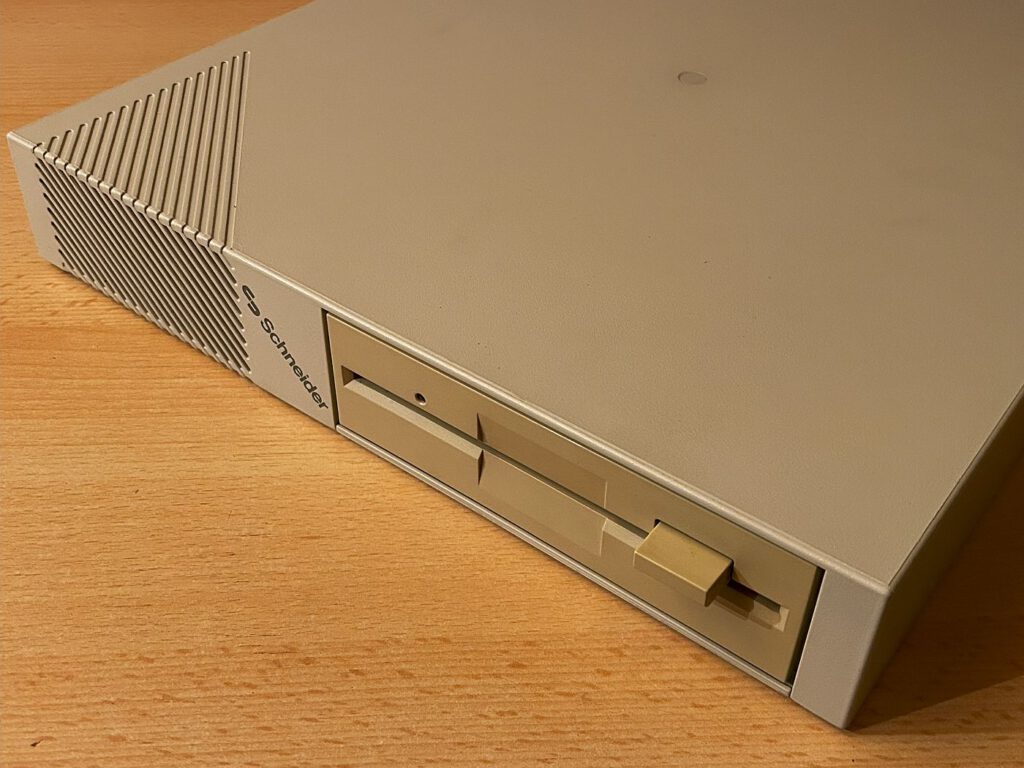
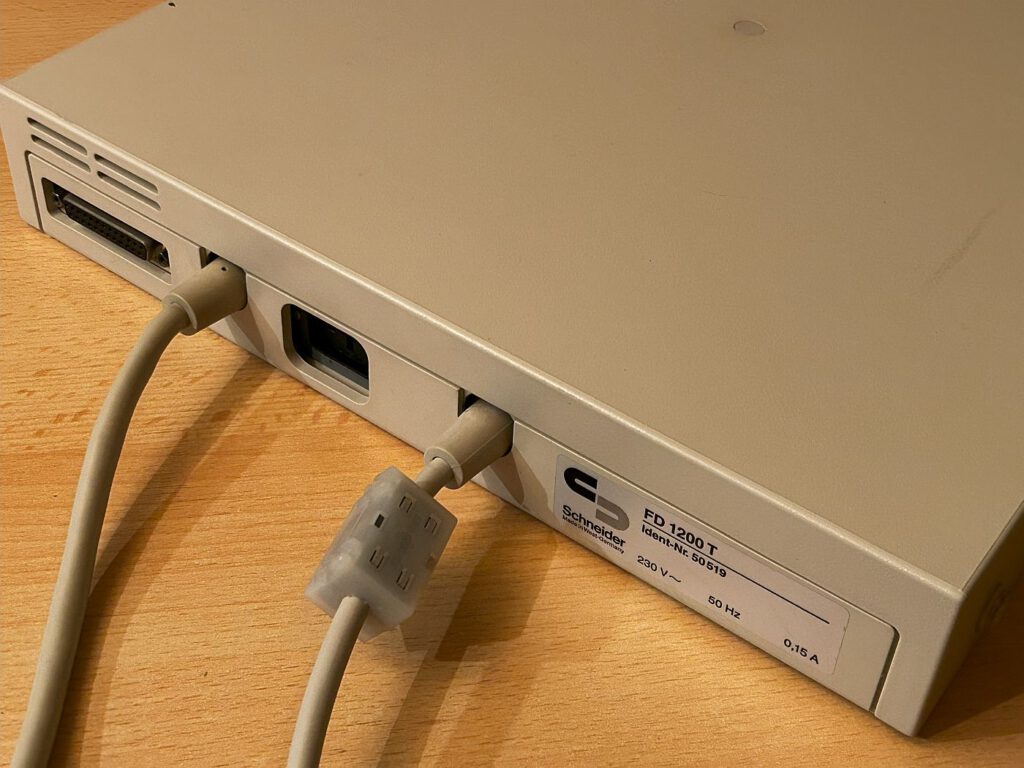
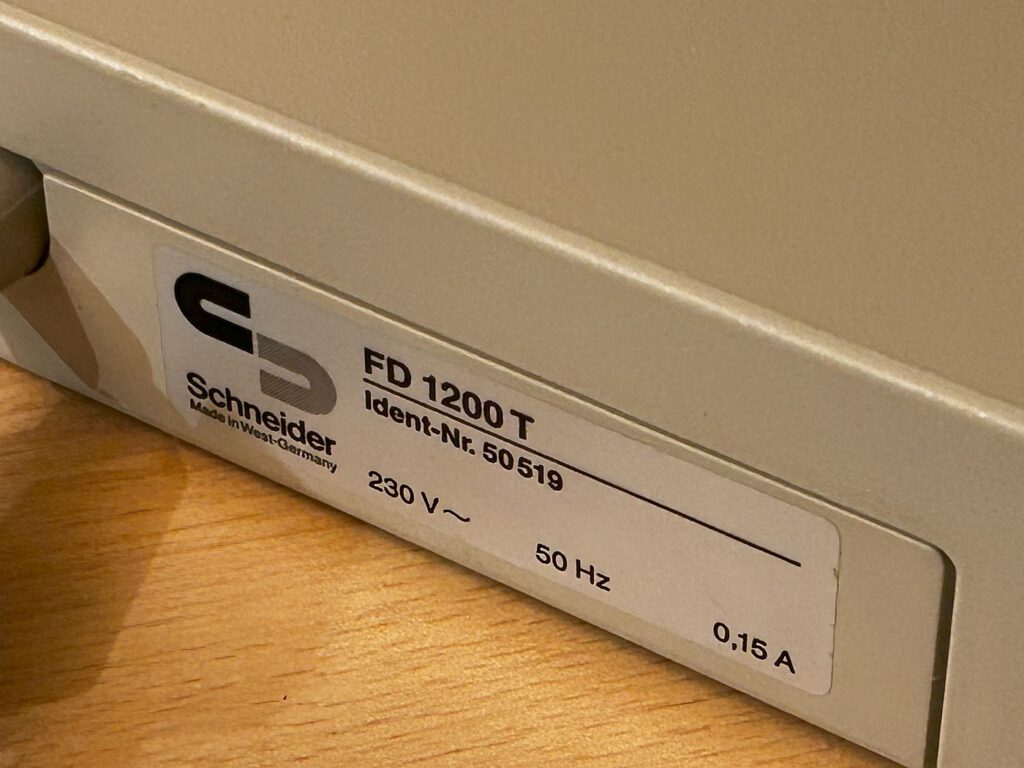
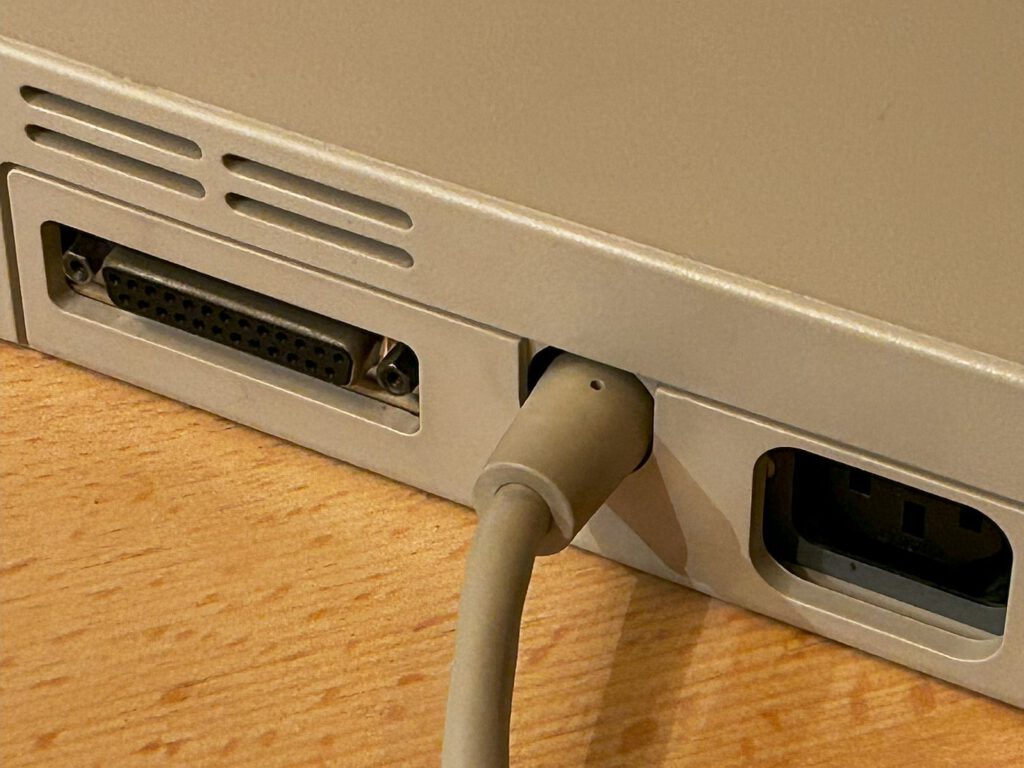
The number 40 in the name refers to the built-in 40-megabyte hard drive; a System 70 with a 70-megabyte hard drive also existed. A 3.5-inch HD drive (1.44 MB) was used for floppy disks. My Schneider computer is equipped with the FD1200T expansion module—attached to the side—which provides a 5.25-inch HD floppy drive with a 1.2 MB capacity. It connects to the tower via a special cable, and power is supplied by the main unit. The included monitor (15-inch, black and white) plugs into the power socket on the FD1200. There is also an additional drive connector; I am unsure whether this was intended for an extra floppy drive or a compatible tape drive.
Summary of the models
| Series | Modell | CPU | Special feature |
|---|---|---|---|
| 1 | Tower AT 201 | 286/10 MHz | Base model, 1 FDD |
| 2 | Tower AT 202 | 286/10 MHz | 2 FDDs |
| 3 | Tower AT 220 | 286/10 MHz | + 20 MB HDD |
| 4 | Tower AT 240 | 286/10 MHz | Intermediate model |
| 5 | Tower AT 220 „Mega“ | 286/10 MHz | Special series, 2,000 units |
| 6 | Tower AT 260 | 286/12,5 MHz | + 60 MB HDD, 1,44 MB FDD |
| 7 | Tower 386 (16/25 MHz) | 386 | Multiple HDD variants |
| 8 | VGA AT System 40/70 | 286/10 MHz | Integrated VGA, successor to the 240 |
Note: The exact sequence of the 201/202/220/240 models within 1988 is not conclusively documented across all sources. The 386 models and the VGA System 40 are documented for 1989.
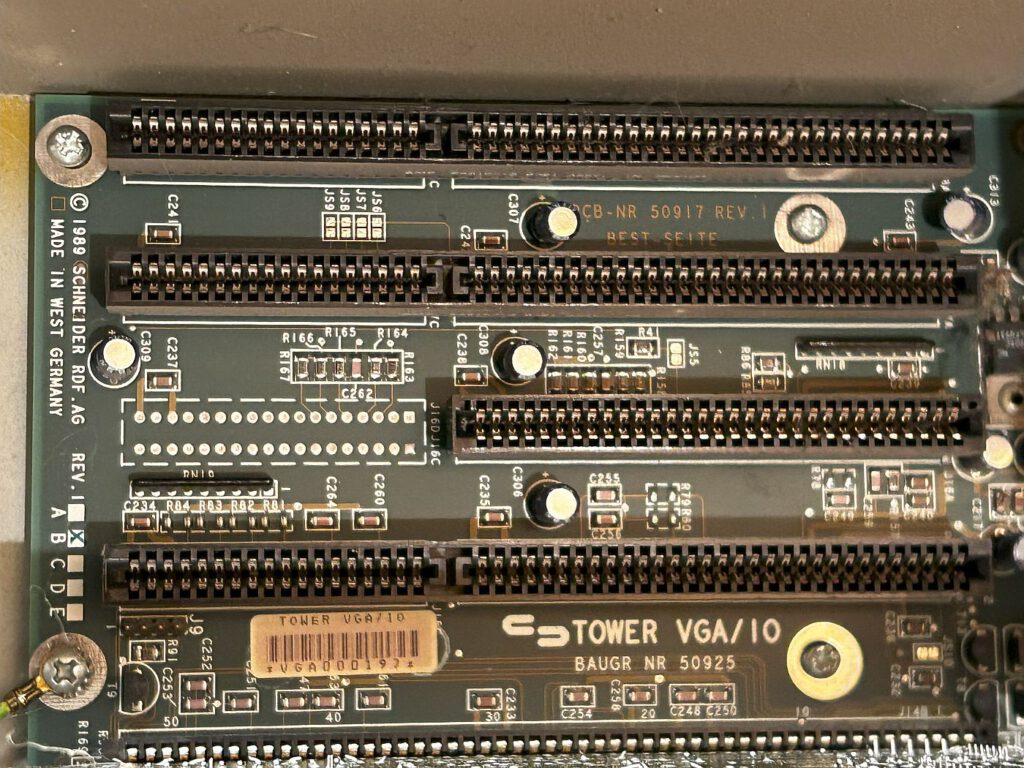
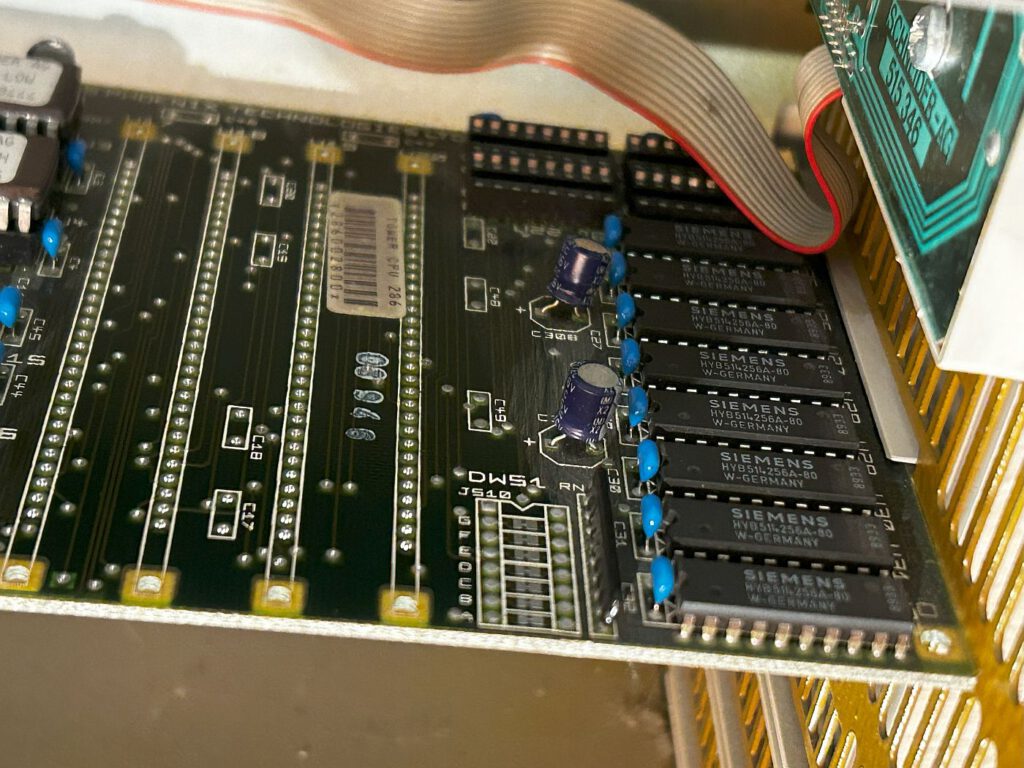
The computer was not a simple copy but a proprietary design by Schneider. The processor card was plugged into an ISA slot on the motherboard. It utilized a 12 MHz Siemens SAB 80286 processor capable of accessing 1 MB of RAM. Also integrated onto the board was an ATI VGA Wonder graphics chip with 256 KB of RAM, enabling a resolution of 800 × 600 pixels with 16 colors. According to information found online, this unit (including the monitor) would have cost approximately 5,900 DM in 1990.
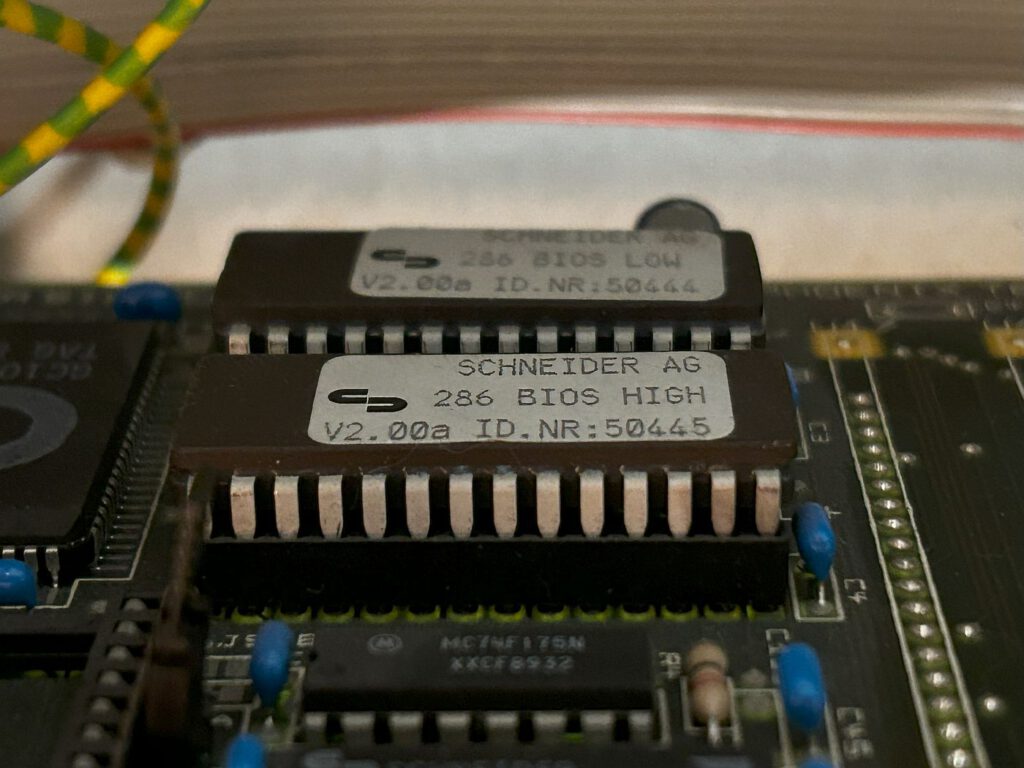
The motherboard houses the floppy disk controller, the hard disk controller, and the integrated ATI graphics chip. The 1989 model—identified by PCB No. 50917 Rev. 1—also bears the marking "Rev. 1 B." Additionally, the designation "Tower VGA/10" (Assembly 50925) appears on the board. The CPU card is equipped with a Siemens 80286 CPU and 1024 KB of RAM. Although the board appears designed to accommodate more memory, no corresponding expansion card is known to exist. An empty chip socket suggests that an 80287 coprocessor was originally intended. The two BIOS chips are labeled "Schneider AG 286 BIOS HIGH/LOW" (V2.00a, ID Nos. 50445 and 50444). A BIOS version 2.03 exists that reportedly allows for the definition of a "user type" for hard drives.
For me, this Schneider machine is a bit of a highlight. On one hand, the case impresses with its excellent design; on the other, my brother wrote his diploma thesis on it around 1993. The setup was complemented by an HP DeskJet 500 printer.
Unfortunately, the computer had to sit in storage for a while because it wouldn't turn on immediately. I made my first attempts to get it running in late 2022. Upon powering up, the computer booted directly into the BIOS; however, since the settings I adjusted there were not being saved, I suspected the motherboard battery. I proceeded to disassemble the computer—a task that proved difficult. It turned out the issue wasn't the battery itself, but a Dallas 1287 chip. I ordered an identical chip and tried again, but even with the new one, the BIOS settings still wouldn't save. I later suspected that the chip came from old stock and was also discharged. As a final attempt, I tried to boot the computer using a setup disk. Searching for it was a long process, but ultimately successful. Nevertheless, no attempt to boot worked; regardless of my settings, the computer refused to start.
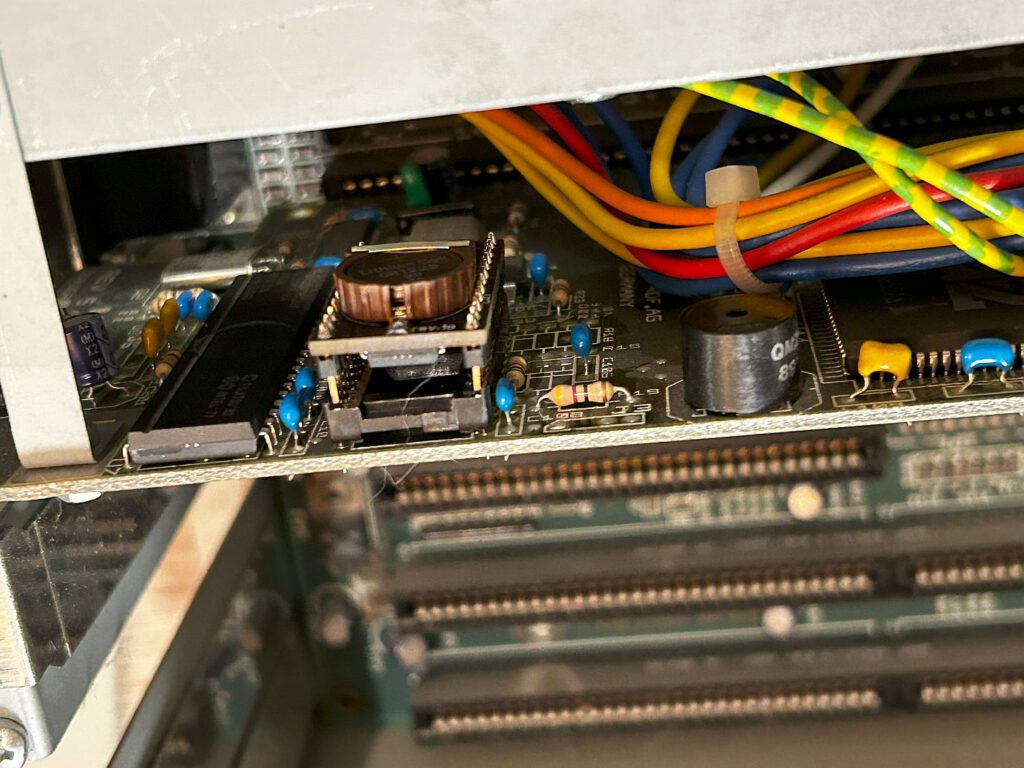
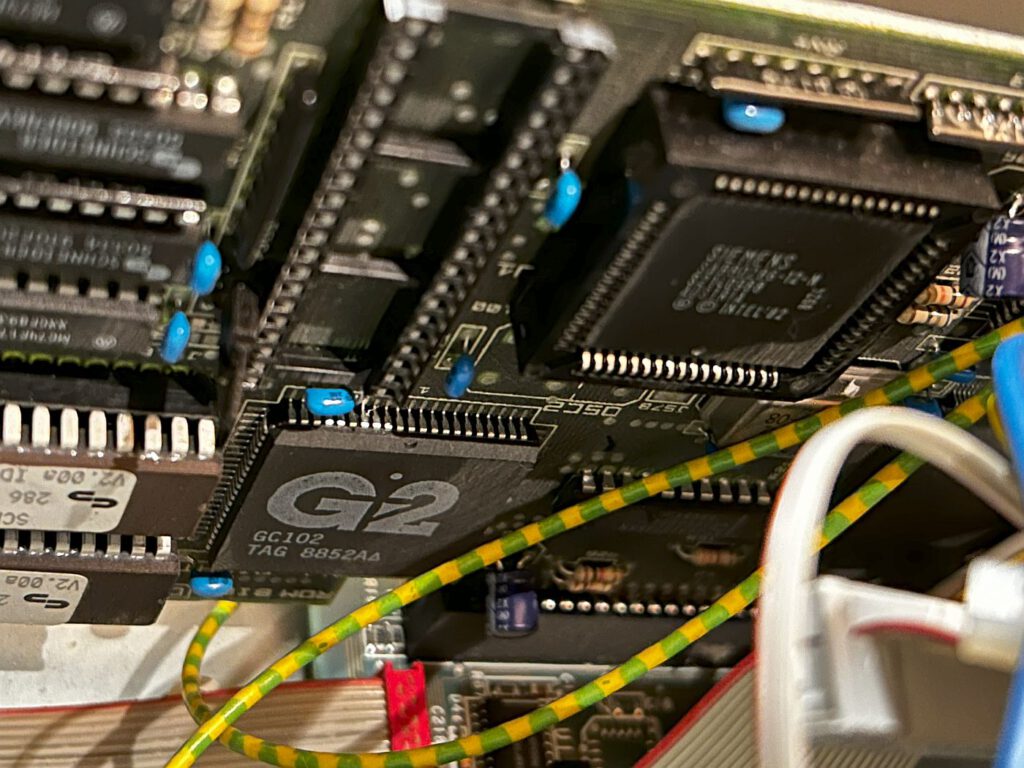
In January 2024, I resumed my research regarding the computer and first ordered a replacement for the Dallas chip from Italy. This is a small circuit board that holds a coin cell battery and replaces the original clock chip.
Once I had installed this replacement on the motherboard, the Schneider retained the settings I entered in the BIOS. The challenge then was finding the correct BIOS settings, which is very difficult without a manual.
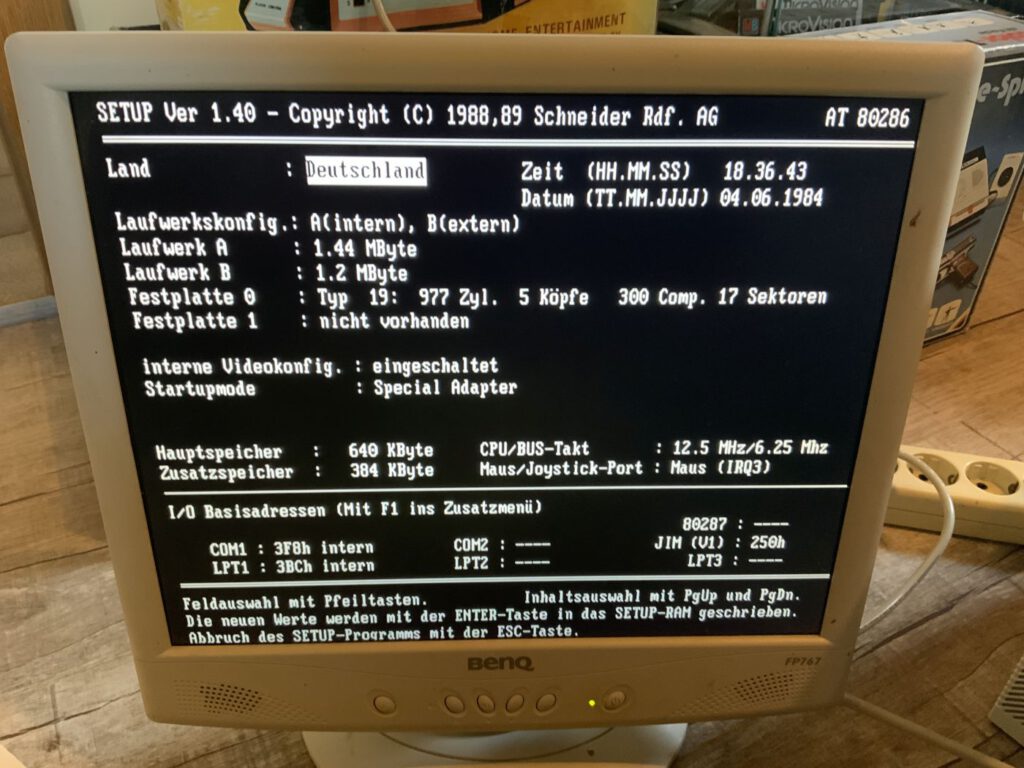
Country, date, and time are straightforward, but the floppy disk drives can be tricky. Up to four drives can be used; their sequence is specified using four numbers representing the order.
0 – 1 – 2 – 3:
0 = first internal drive
1 = second internal drive
2 = first external drive
3 = second external drive
So, this would be a suitable configuration for a computer with two internal drives and one external drive.
For my configuration, this means:
0 – 2 – 1 – 3
First comes the internal drive (0), second is the first external drive (1)—the others are not present.
Three standard configurations can be selected:
A (external)
A (internal) B (external) ⇾ as in my case
A (internal) B (internal)
All other configurations can be selected using the CTRL key. The appropriate capacity must also be set for drives A and B. Once these settings were correct, I was finally able to boot the computer from the MS-DOS 3.3 startup disk, though I still did not have access to the hard drive.
I ran into trouble with the hard drive settings—unfortunately, because I hadn't read the manual carefully. The VGA AT 40 is equipped with a 40 MB Seagate ST157-A drive. I kept trying to use settings that matched the drive's datasheet, which clearly didn't work.
This proved the old saying true once again: RTFM – Read The Fucking Manual 😉
It explicitly states that for hard drive 0 in this system, you have to select Type 19 (977 cylinders, 5 heads, 0 compensation, 17 sectors).
For the video configuration, the internal adapter must be enabled, and the special adapter selected for the startup mode. The main memory is 640 KB, and the additional memory is 384 KB.
The CPU/bus clock speed must also be set; 12.5 MHz/6.25 MHz is likely the best choice here.
Once everything was configured correctly, the Schneider finally booted from the hard drive. First, a virus scanner loaded, followed by the Logitech mouse driver, and finally Windows 3.1.
I could not use the Logitech mouse connected to the computer immediately; the BIOS settings required switching the mouse/joystick port to "Joystick" mode, and the mouse had to be connected to COM port 2.
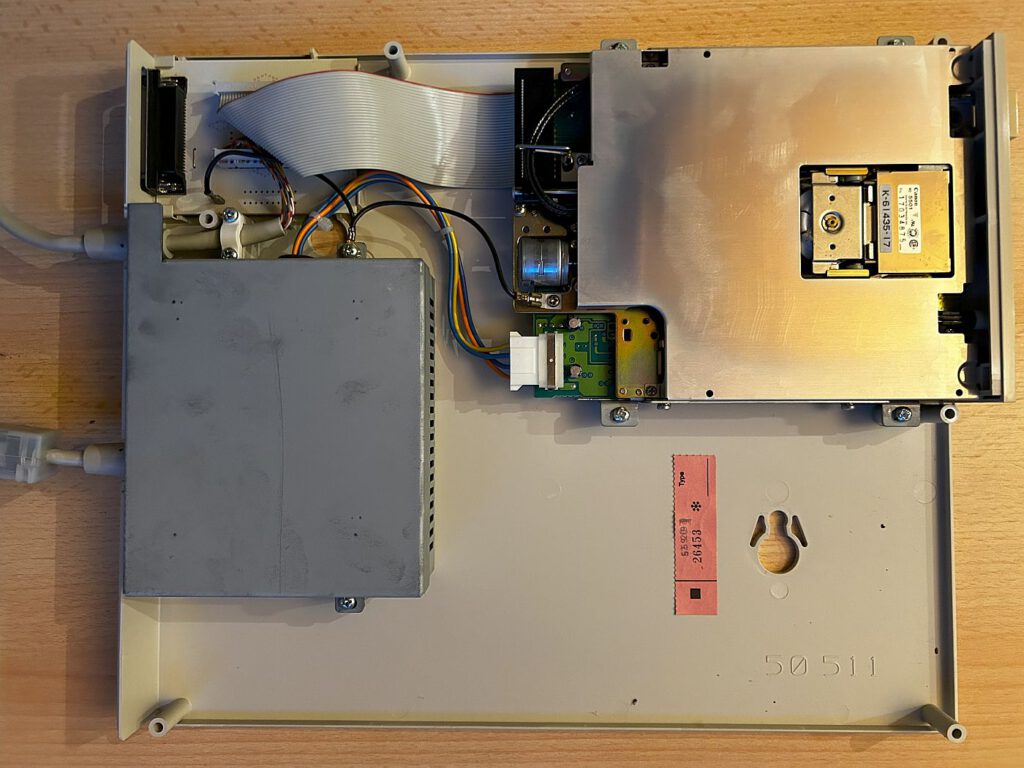
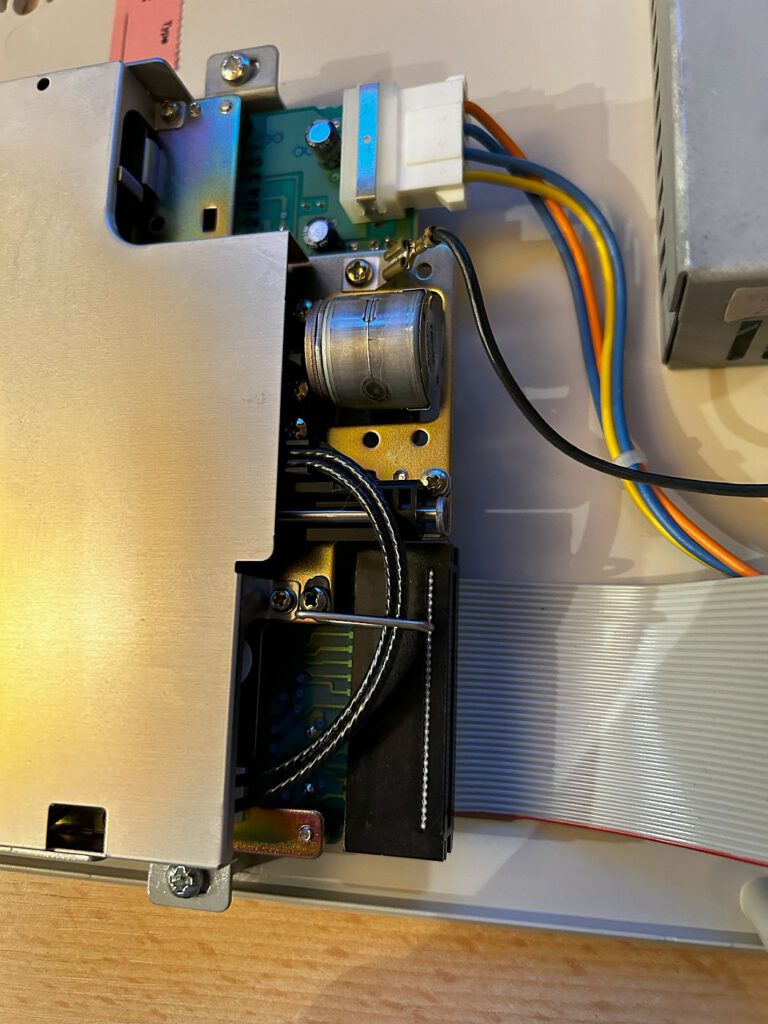
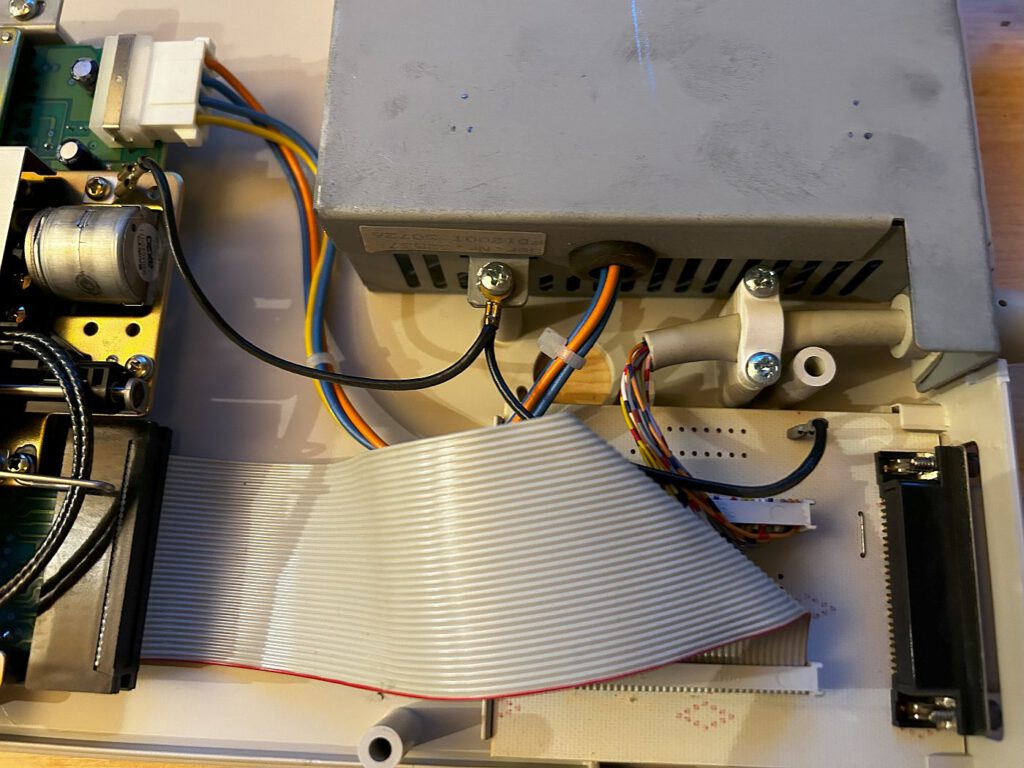
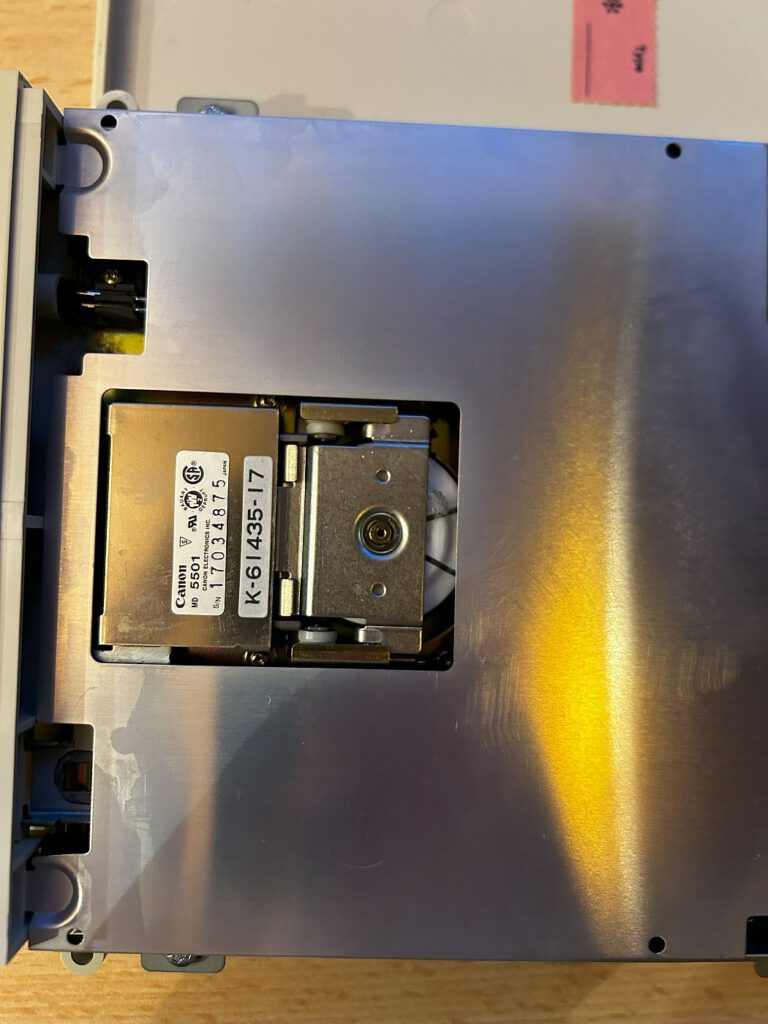
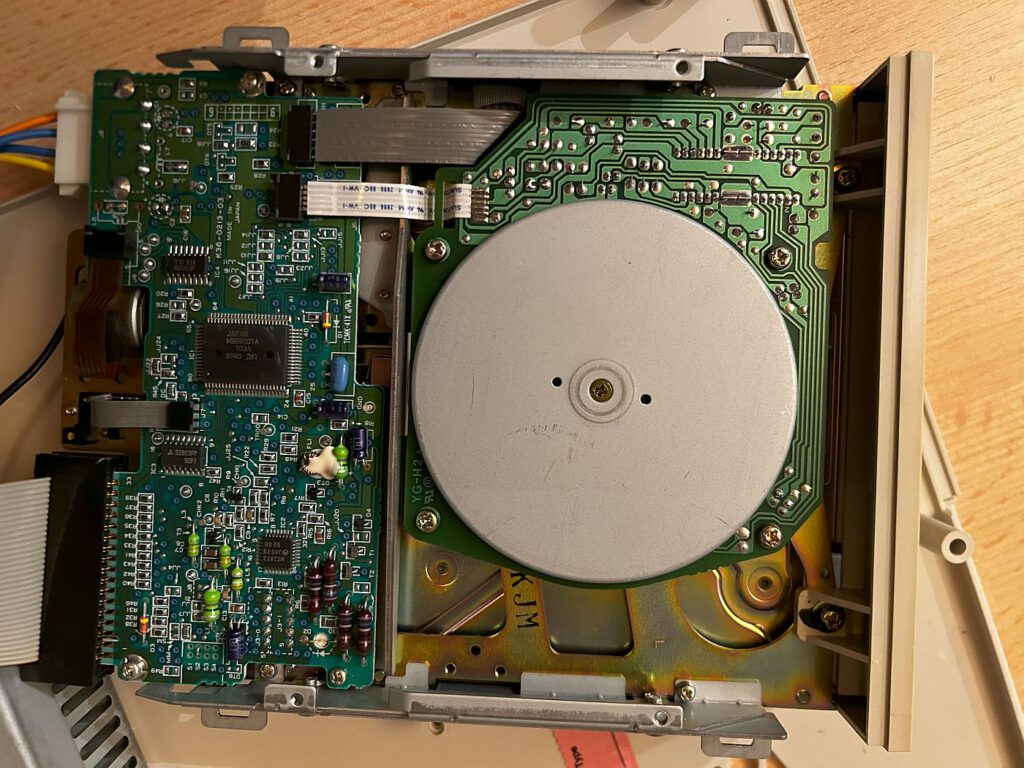
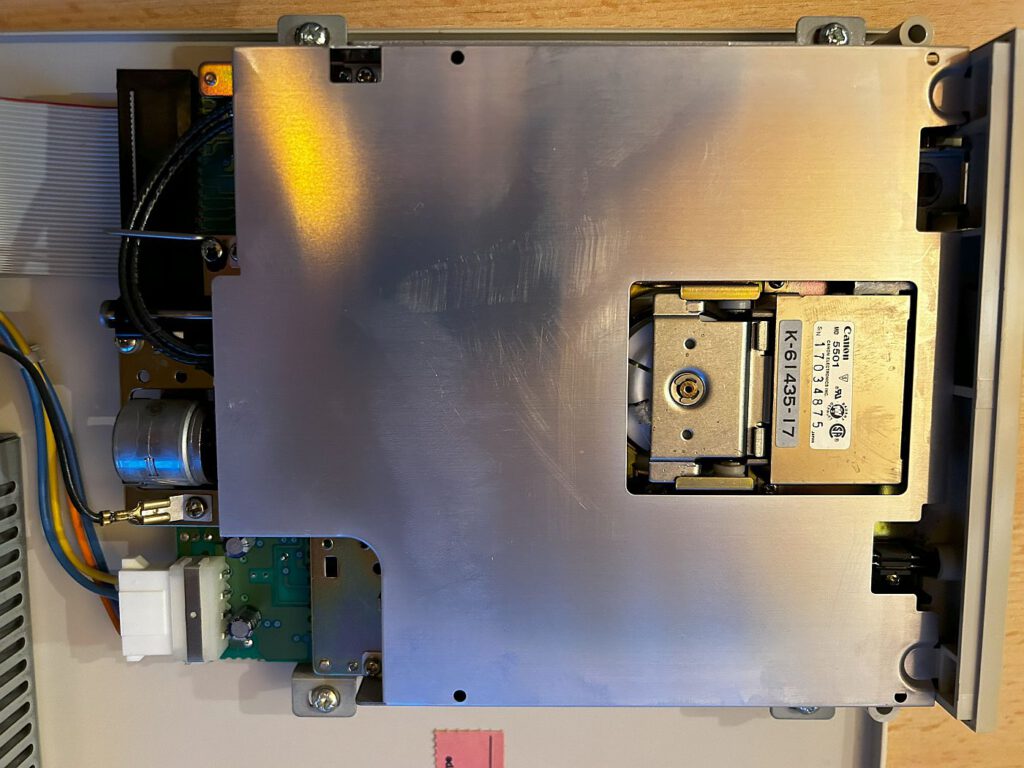
Next, I wanted to copy a few games from the 5.25-inch drive to the hard drive. That didn't work either (naturally). Accessing the drive worked, but the floppy disks couldn't be read. There was also an issue with ejecting the disks. Even compatible 1.2 MB HD floppy disks could not be formatted. After dismantling the drive, I understood the underlying mechanism: the floppy disk is inserted and the eject button is pressed, which lowers the read/write head onto the disk. The disk can then be read without any problems. The drive installed in the FD1200-T is a Canon MD 5501.
Note
The FD1200 T manual mentions the use of a driver "EXDSKBIO.DRV". As far as I can tell, this only applies to the predecessors of the VGA AT System 40, such as the AT Tower 201.
Incidentally, there was a special edition of the Tower-AT 220 called the "Mega." Double the memory (1 MB) and a 1.44 MB floppy disk drive (standard: 720 KB) made this computer "special."
To back up my brother's personal data from the computer, I used an Iomega ZIP drive. Driver: IOMEGA ZIP Drive 100 DOS Drivers Version 3.0 (German).
I launched the "GUEST" program from DOS, which then mounted the corresponding drive. For the data backup destination, I used a *ThinkPad 390E* running Windows XP, with the Iomega driver already installed.
Sound Card
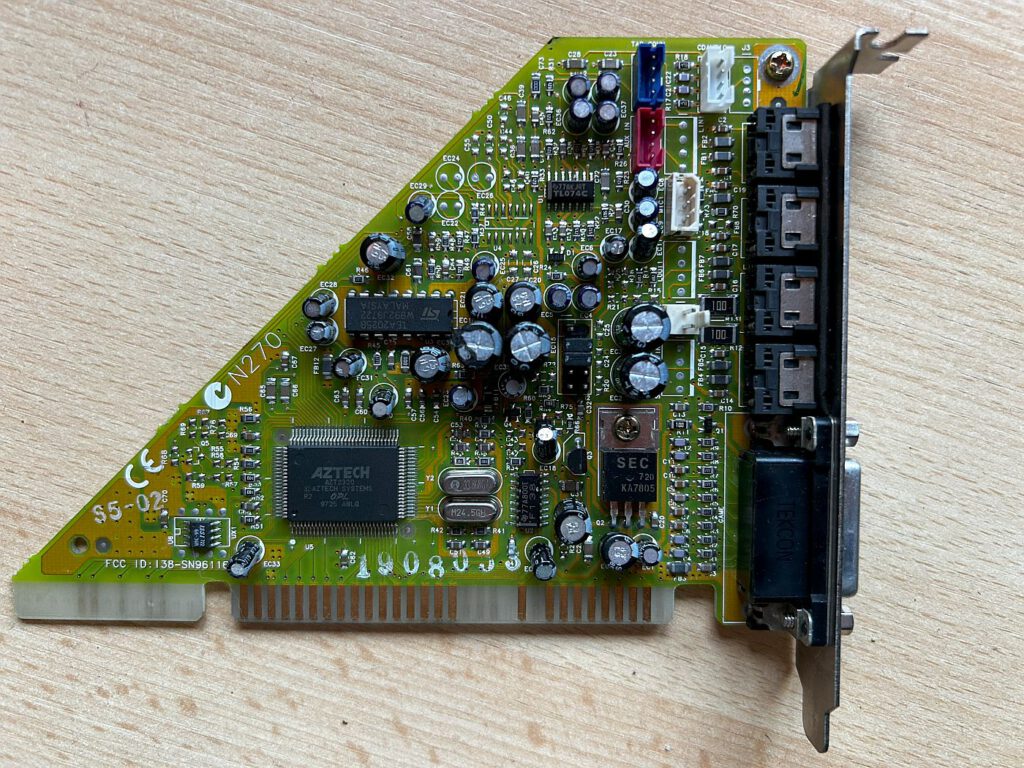
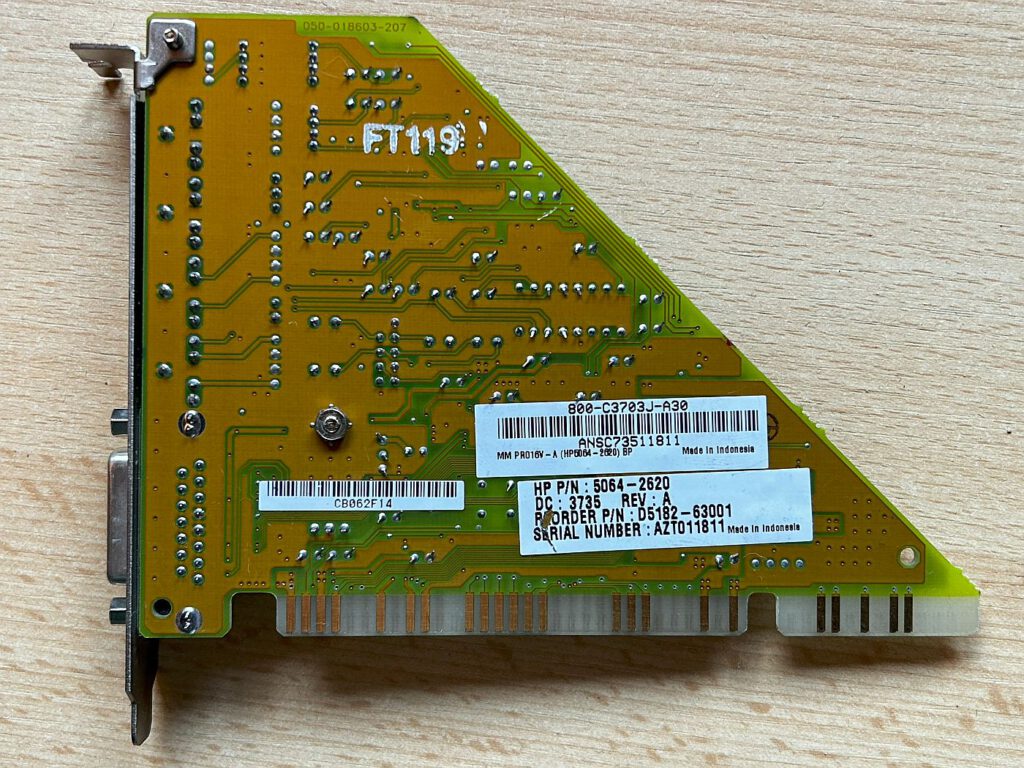
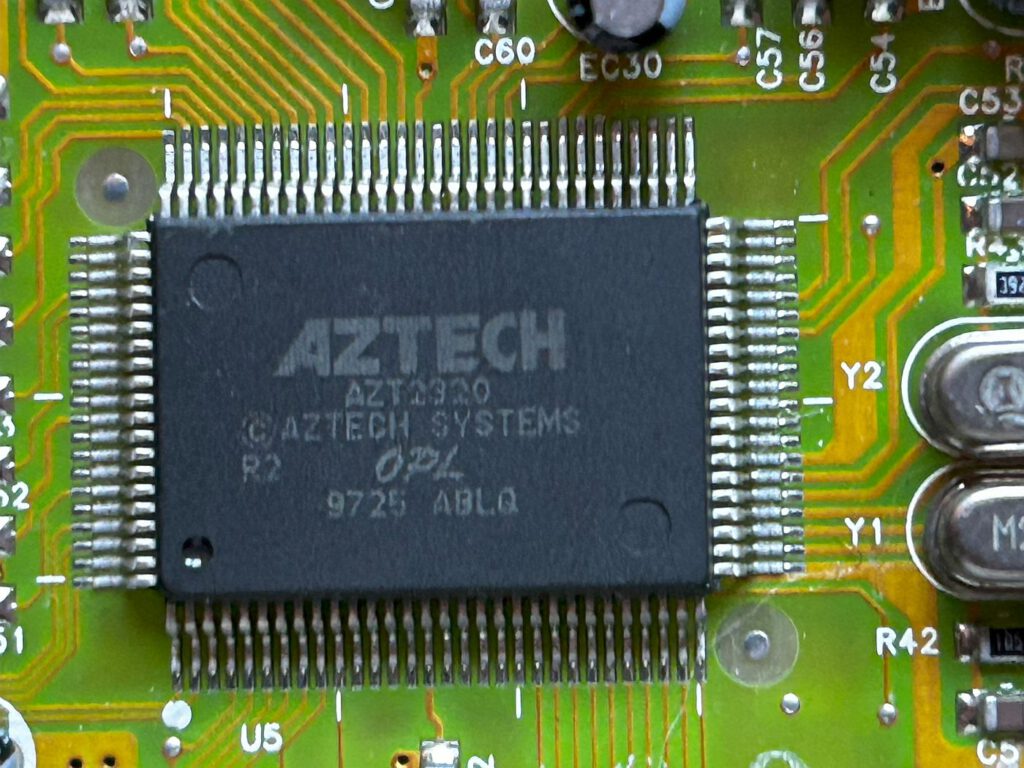
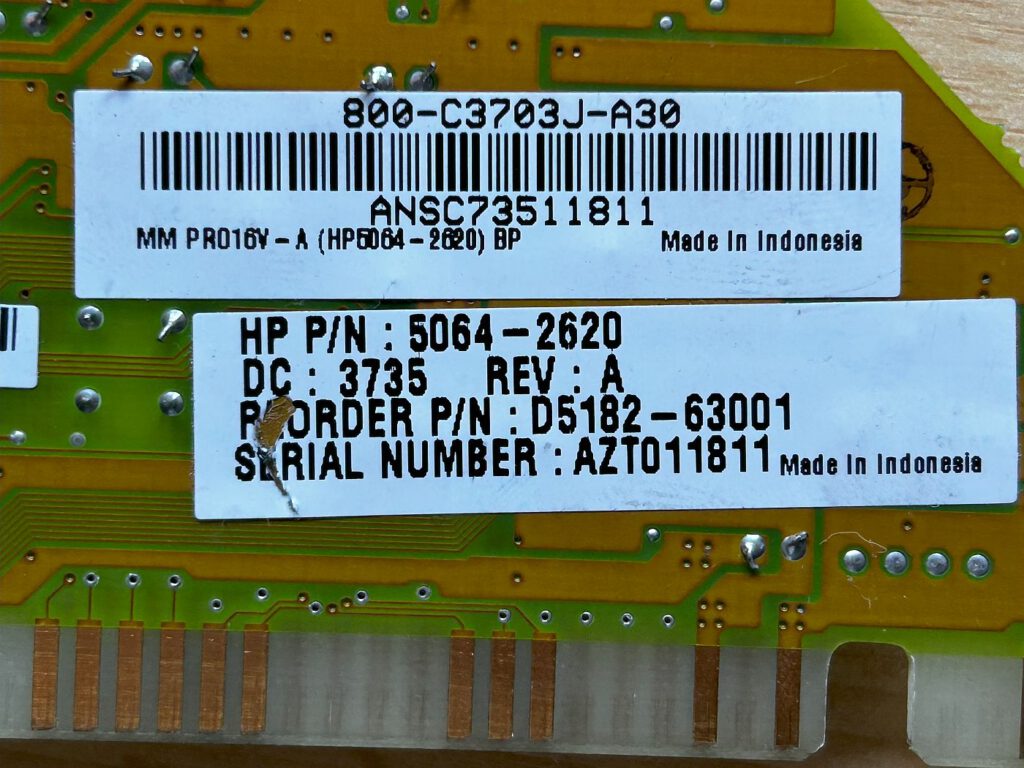
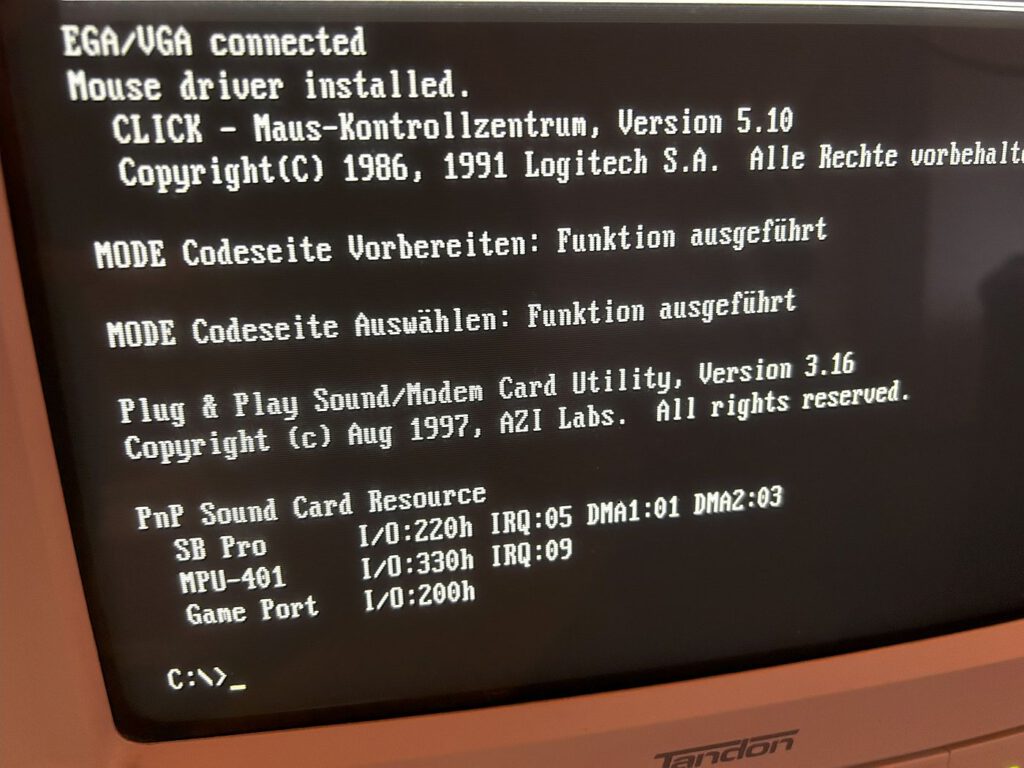
To get some sound out of this old PC, I bought an inexpensive sound card. I came across an OEM sound card manufactured by *Aztech*, specifically the HP MM Pro 16V-A model featuring the *AZT2320* chip. The interesting thing about this card is its triangular shape.
I found the appropriate driver and the necessary AUTOEXEC.BAT entries here:
HP MM Pro 16V-A – PHILSCOMPUTERLAB.COM
The driver appears to date from 1997, and the card is *Sound Blaster Pro* compatible.
Downloads
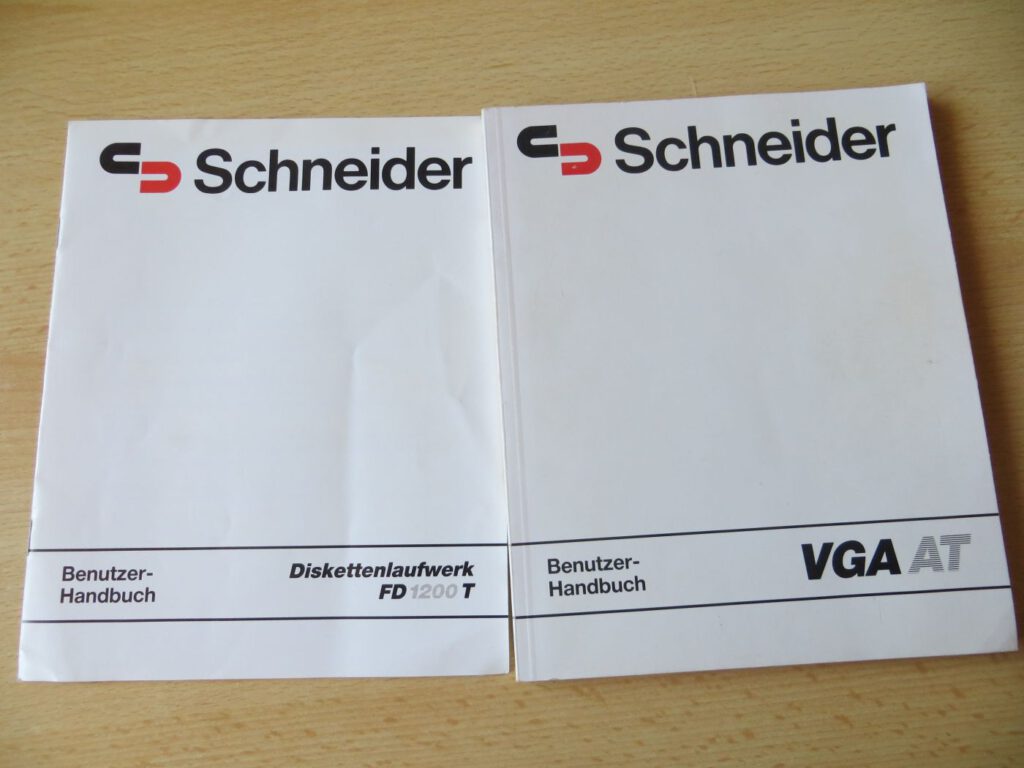
Schneider VGA AT Benutzer-Handbuch
Schneider-Diskettenlaufwerk-FD-1200-T-Benutzer-Handbuch.pdf 84×![Aurum Graphics Gremlin [PC]](https://www.jungsi.de/blog/wp-content/uploads/Aurum-Graphics-Gremlin-Oberseite.jpg)
![Tecra 8100 [Toshiba]](https://www.jungsi.de/blog/wp-content/uploads/Toshiba-Tecra-8100-aufgeklappt.jpg)
![Highscreen 386 SX 20 [Vobis]](https://www.jungsi.de/blog/wp-content/uploads/Highscreen-386-SX-20-aufgeklappt.jpg)
Sehr interessanter Bericht. Ich habe auch noch einen AT220 Mega der Probleme bereitet. Könnten Sie einen Link für den von Ihnen bestellten „Ersatz für den Dallas Chip aus Italien“ veröffentlichen, ggf. auch das Handbuch als PDF zur Verfügung stellen?
Ich wäre Ihnen dafür sehr verbunden.
Mit vielen Grüßen
Tom
Hallo,
Danke für das Lob. Das mit dem Dallas Chip Ersatz ist etwas unglücklich formuliert. 🙂 Da sollte es mehr Möglichkeiten geben – hier ein Beispiel: https://www.ebay.de/itm/156243972386?mkcid=16&mkevt=1&mkrid=707-127634-2357-0&ssspo=neax5mc3R-e&sssrc=4429486&ssuid=VL1iJv_3S9u&var=&widget_ver=artemis&media=EMAIL
Das Handbuch für den Rechner habe ich noch nicht eingescannt – nur für das Diskettenlaufwerk. Kann ich aber gerne nachholen. Dann melde ich mich nochmal.
Viele Grüße
Jungsi
Hallo,
ich habe nun am Ende des Berichts die Downloads für das Handbuch zum Rechner und dem externen Diskettenlaufwerk ergänzt.
Viele Grüße
Jungsi
Super – ein herzliches Dankeschön für die Bemühung und Bereitstellung der Dokumente! Echt top!
Mit vielen Grüßen
Tom