

![Tecra 8100 [Toshiba]](https://www.jungsi.de/blog/wp-content/uploads/Toshiba-Tecra-8100-aufgeklappt.jpg)
Tecra 8100 fully kitted out – business laptop becomes a Windows 98 gaming machine
Sometimes just the right item turns up in the collection: in this case, a Toshiba Tecra 8100 (PT810E-029F1-TK) including a 10/100 network port replicator, Expansion Station, several SelectBay drives, an external 3.5″ floppy drive, a USB keyboard, Monitor Stand PA3021U-1OTA and a Xircom network card.
This means that virtually the entire range of docking stations and accessories that Toshiba offered its business customers around the year 2000 is now available. With 512 MB RAM and Windows 98 SE, this provides the ideal foundation for a typical Win98 gaming PC from the turn of the millennium – only in notebook form.
Toshiba Tecra 8100 – high-end business class around 2000
The Tecra 8100 series was launched around the year 2000 as a high-end business notebook. Toshiba opted for Mobile Pentium III processors with SpeedStep, running at between 500 and 800 MHz depending on the model, combined with 13.3″ or 14.1″ TFT screens with a resolution of 1024×768. List prices of around £1,825 to £2,344 (excluding VAT) are documented for the European market, depending on the configuration – equivalent to several thousand Deutschmarks.
This device has the following key specifications:
- Modell: Tecra 8100, PT810E-029F1-TK
- CPU: Intel Pentium III at 750 MHz
- RAM: 512 MB SDRAM (which is at the upper limit of what is practical for Windows 98 SE)
- Graphics: S3 Savage IX – typical mobile graphics of the time, Direct3D-compatible and well-suited to 2D and early 3D games
- Display: 14,1″ TFT, 1024×768
- Drive in the device: Slimline DVD-ROM
- Operating System: Windows 98 Second Edition
From today’s perspective, this results in a very well-balanced setup: enough power for games from around 1996 to 2001, whilst remaining firmly rooted in the classic Windows 98 era.
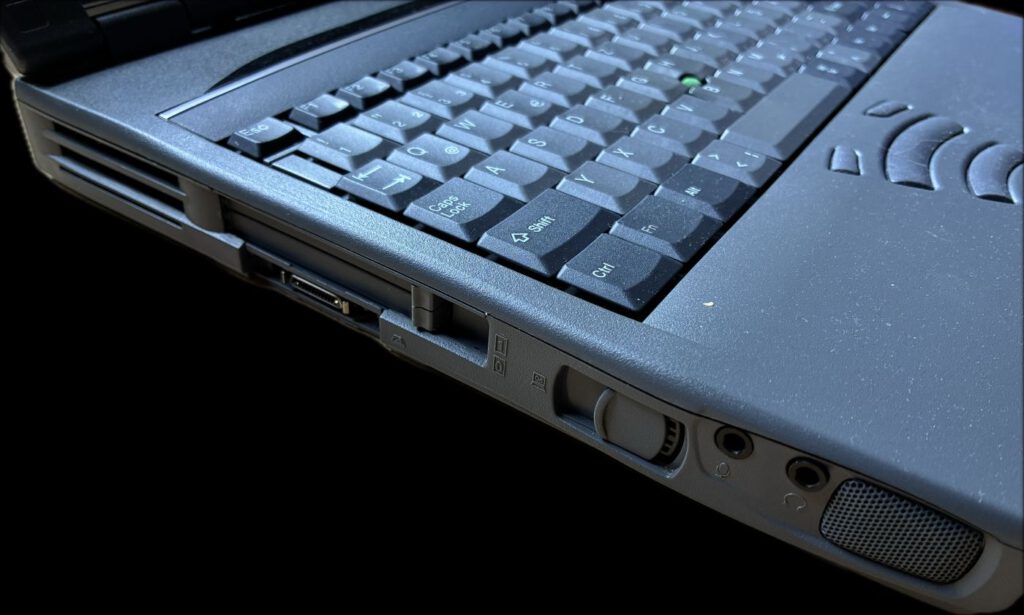
10/100 Network Port Replicator (PA3017E-1PRP)
The Toshiba 10/100 Network Port Replicator II (PA3017E-1PRP) serves as a docking station and a link to the expansion station. It adds extra ports to the notebook and provides the basis for desktop use.
Typically, the following are available:
- built-in 10/100 Mbps Ethernet interface
- VGA output for an external monitor
- additional USB, serial and parallel interfaces
- Audio ports and, of course, the standard docking connector for the Tecra 8100
The device also features a Xircom CreditCard Ethernet 10/100-Upgradeable (CE3-10/100) in the PCMCIA slot. This PC card was originally designed as a 10 Mbit solution and could be upgraded to 100 Mbit/s via an add-on module – an interesting detail from the transition period from 10 to 100 Mbit and a fine historical artefact.
The combination of the port replicator and the Xircom card clearly illustrates the importance of network connectivity in corporate environments at that time.
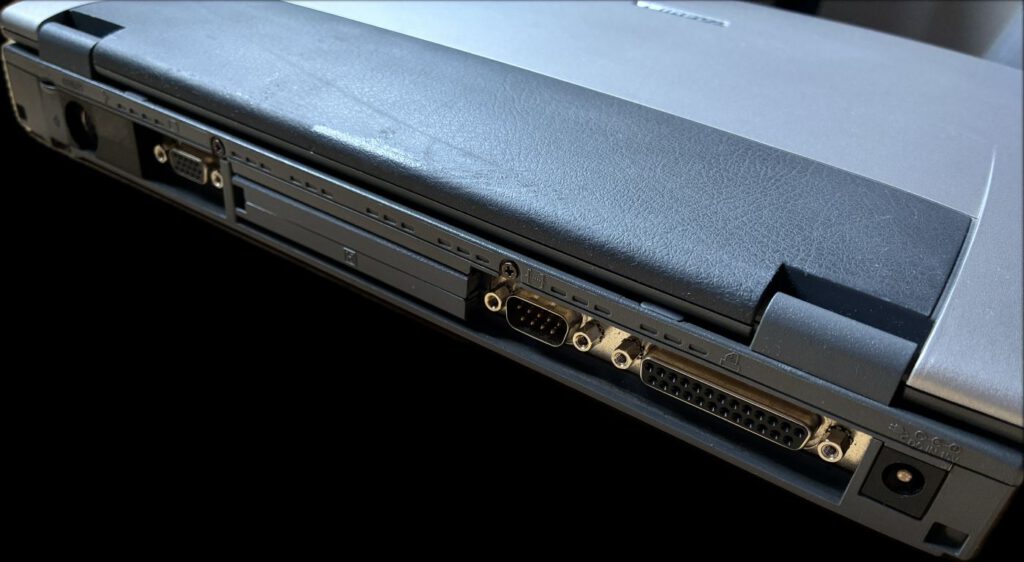
Expansion Station (PA3018E-1DST) – turns your laptop into a desktop computer
The Expansion Station PA3018E-1DST turns the Tecra 8100 into a desktop computer with almost all the features of a standard desktop. It connects to the port replicator via a special cable and offers its own expansion options in a desktop format.
Key features:
- 2 PCI slots (one half-length slot, one three-quarter-length slot)
- 1× 3.5″ drive bay – for example, for an IDE hard drive as a data drive
- 1× 5.25″ bay – suitable for a CD/DVD drive or a removable tray, for example
- its own EIDE controller and a separate power supply
This allows standard desktop hardware to be connected to the laptop. The following upgrades are among those suitable for a Windows 98 gaming system:
- a PCI USB 2.0 card for quickly transferring data from USB sticks or external hard drives and connecting modern input devices
- a PCI sound card, such as a Sound Blaster Live! 5.1, to enable EAX effects and improve sound quality
This combination transforms a mobile business device into a fully-fledged desktop computer with upgrade options of the sort typically found in the traditional PC world.
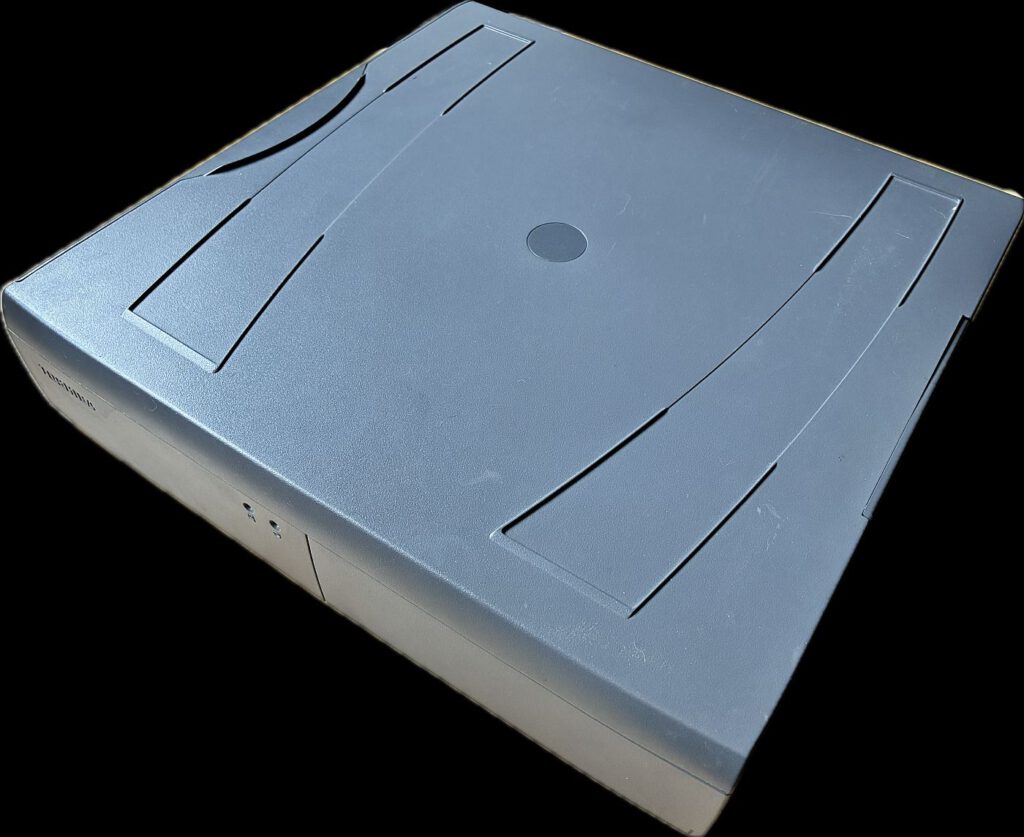
Monitor Stand (PA3021U-1OTA) – the perfect base
The package also includes the PA3021U-1OTA monitor stand. Listed under the model number PA3021U-1OTR/10TR, this stand is documented as an accessory for the Tecra 8100 and is listed in the official Toshiba price guide as the “Dark Grey Monitor Stand”, i.e. a monitor stand specifically designed for this platform.
Originally, the stand was intended to,
- position a CRT or early LCD monitor at an ergonomic height
- including space for the Port Replicator and/or Expansion Station
- bundle cables and accessories neatly
With the Tecra, port replicator, expansion station and monitor stand, you get a very compact, cohesive-looking workstation: the docking/expansion unit at the bottom, the external monitor above it, and the keyboard and mouse alongside. This is exactly what many ‘standard workstations’ in offices looked like around the year 2000 – except that here, there’s the added retro gaming factor.
The price is also worth noting: in the British price guide from April 2001, the monitor stand is listed under the reference PA3021U-1OTR with a typical retail price of £355 (excl. VAT) – meaning the stand alone cost almost as much as a complete entry-level PC.
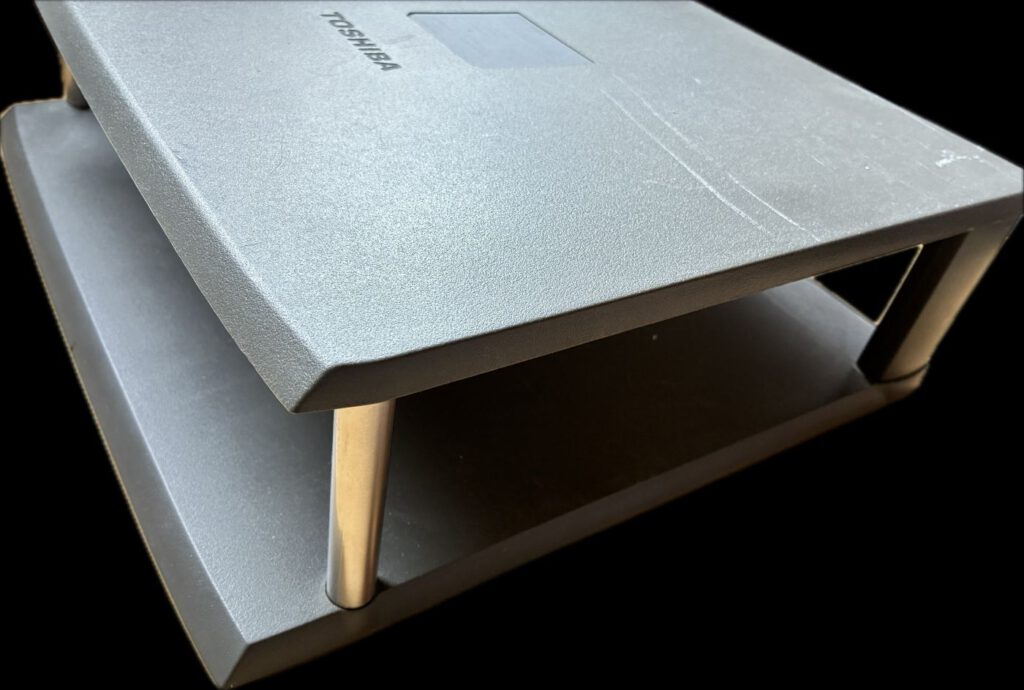
SelectBay: Alternating between ZIP, CD and DVD
A distinctive feature of the Tecra series is the SelectBay bay. Depending on requirements, various modules could be installed: optical drives, ZIP drives, additional hard drives or spare batteries.
This package contains several SelectBay modules:
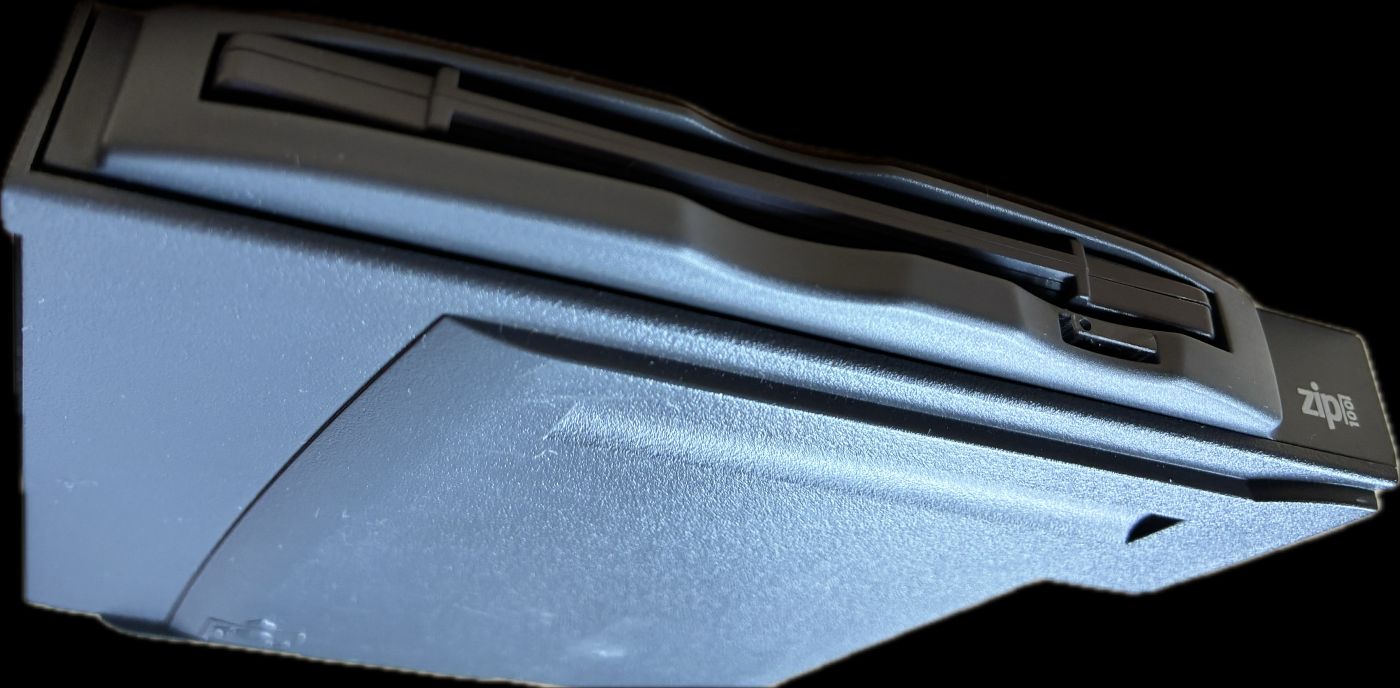
- Toshiba SelectBay ZIP 100 (Part 2793002) – an internal ZIP 100 drive in the special SelectBay form factor. In the late 1990s, ZIP drives were a common solution for data transfer and backups, particularly in professional environments.
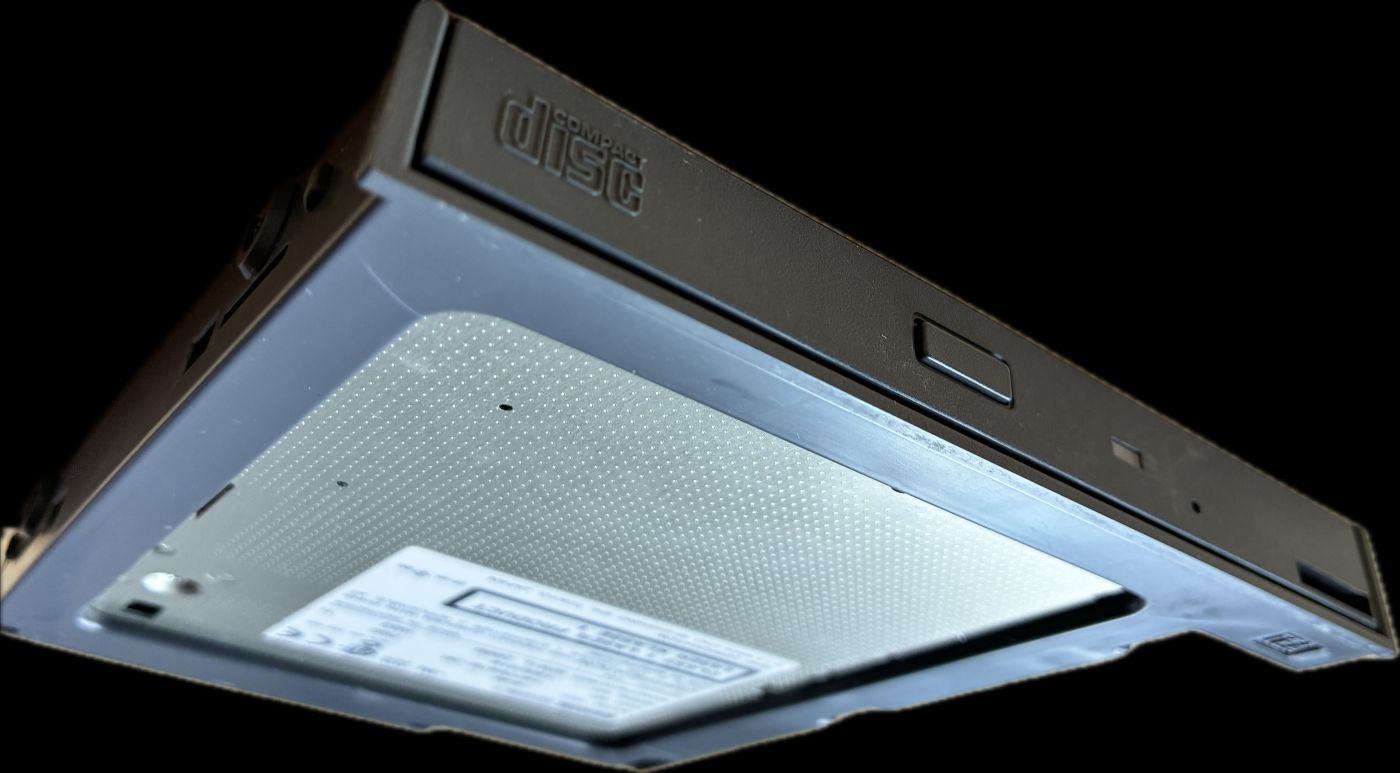
- Toshiba SelectBay CD – TEAC CD-224E (Part 1977047B-30) – a slimline IDE CD-ROM drive with a typical 24x speed, as was common in laptops of that era.
- Toshiba SelectBay DVD – SD-C2612 – a slimline DVD-ROM drive that extends the Tecra platform’s multimedia capabilities.
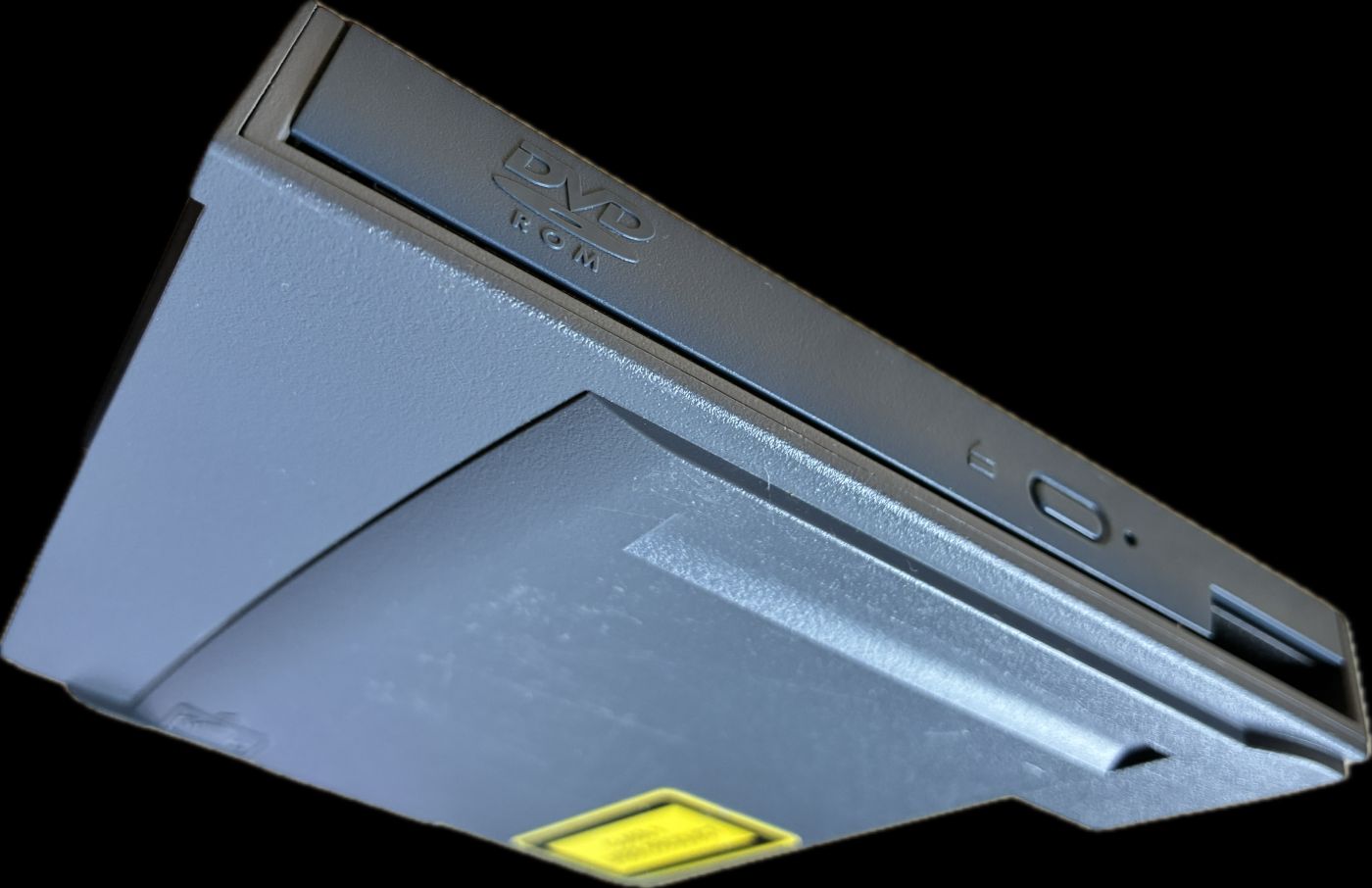
The Tecra itself currently comes with a DVD-ROM drive installed; the other modules can be inserted into the SelectBay depending on their intended use. With a suitable adapter, they could also be installed in the 5.25-inch bay of the Expansion Station.
External floppy disk drive & keyboard
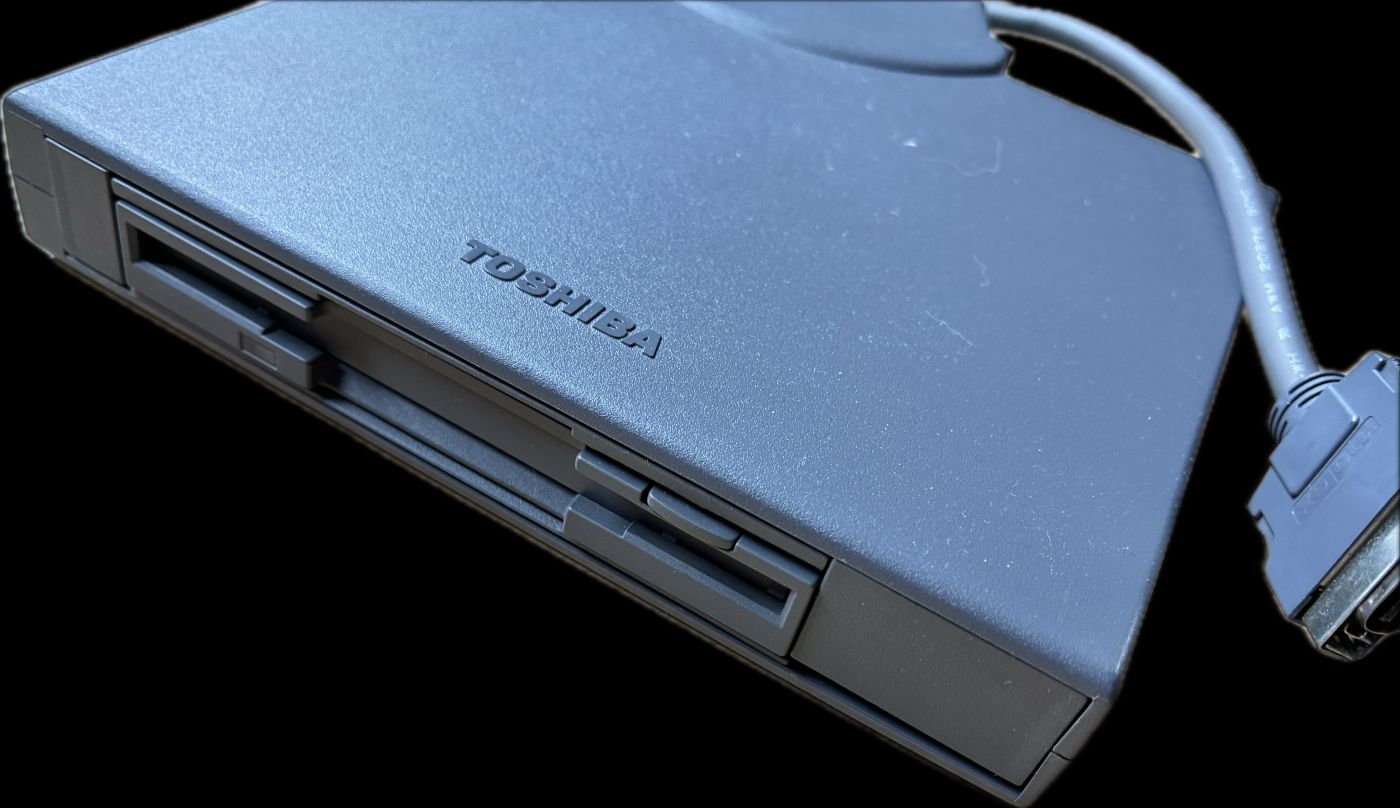
As the Tecra 8100 does not have a built-in 3.5-inch floppy disk drive, Toshiba opted for an external 3.5-inch FDD housed in what is known as an FDD attachment case. This drive connects via a special interface and still allows access to standard floppy disks – which is important for old installation media, save games or tools.
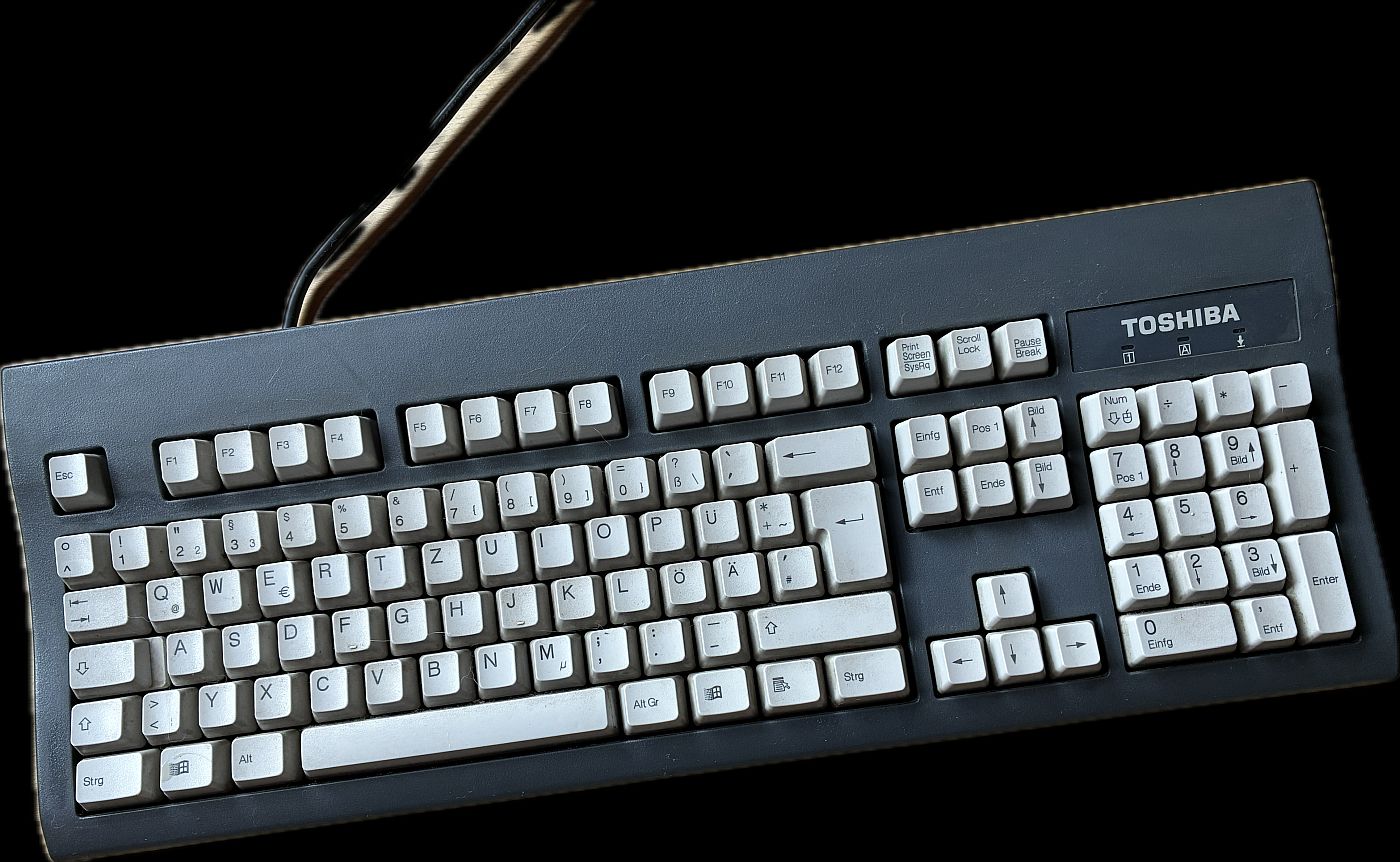
The package is complemented by a desktop-sized Toshiba KU-8933 keyboard. The keyboard features the standard 104-key layout typical of that era and rounds out the external monitor workstation setup. Combined with the monitor stand, the notebook in its docking station, and an external mouse, this creates a highly authentic representation of an office workstation from around the year 2000.
Prices and market success
The Tecra 8100 was clearly positioned for the professional corporate market. Depending on the configuration, the prices listed in the price guide ranged from approximately £1,800 to £2,300 (excluding VAT). For the German market, this translated—depending on the exchange rate—to typical prices in the range of several thousand Deutsche Marks.
The modular docking solution—comprising a port replicator, expansion station, and monitor stand—added several hundred pounds to the cost; the PA3021U-1OTR monitor stand alone is listed at £355 (plus VAT).
In return, Toshiba offered a platform where power supplies, docking stations, and accessories remained compatible across multiple generations of devices. From the perspective of large IT departments, this "Common Platform" strategy was a key selling point and contributed to the market success of the Tecra series. Contemporary reviews frequently describe the Tecra 8100 as a powerful, well-equipped business notebook that also serves as a desktop replacement—precisely the image reflected in this collection.(yumpu.com)
Suitable games for the Tecra 8100 running Windows 98 SE
With a Pentium III 750 MHz processor, 512 MB of RAM, and an S3 Savage IX, the device is ideally suited for a wide range of games from the late 90s to the early 2000s. The focus is on 2D titles and early 3D games.
Ego-Shooter & Action:
- Half-Life and the expansions Opposing Force and Blue Shift
- Unreal and Unreal Tournament
- Quake II and Quake III Arena (at moderate detail levels)
- Deus Ex
Real-Time Strategy & Tactics:
- StarCraft + Brood War
- Command & Conquer: Tiberian Sun
- Age of Empires II + The Conquerors
- Commandos: Behind Enemy Lines and Beyond the Call of Duty
Role-Playing Games & Action RPGs:
- Diablo II (released in 2000; the timing fits perfectly)
- Baldur’s Gate + Tales of the Sword Coast
- Baldur’s Gate II with slightly reduced graphical details
Racing games:
- Need for Speed III: Hot Pursuit
- Need for Speed: High Stakes
- Colin McRae Rally
- Midtown Madness
In addition, there are numerous 2D titles such as Worms Armageddon, Heroes of Might and Magic III and classic point-and-click adventures, which also run very well on the hardware.
The audio experience can be further enhanced by installing a suitable PCI sound card—such as a Sound Blaster Live! 5.1—in the expansion station. Many games from that era support EAX effects, which truly shine on a card like this.
Conclusion
This package—comprising the Tecra 8100, Network Port Replicator, Expansion Station, Monitor Stand PA3021U-1OTA, several SelectBay drives, an external floppy drive, a desktop keyboard, and an additional network card—vividly illustrates how Toshiba managed the balancing act between mobile use and desktop replacement around the year 2000.
In a professional setting, such a configuration was a costly yet highly flexible solution. Viewed from today’s perspective, it makes for an exciting retro gaming rig for Windows 98 that simultaneously preserves a complete workstation setup from that era—ranging from the Zip drive and DVD drive to the docking station with PCI expansion slots, topped off by the matching monitor stand.
![Schneider VGA AT System 40 [Schneider/PC]](https://www.jungsi.de/blog/wp-content/uploads/VGA-AT-System-40-Schneider.jpg)
![Schneider PC1512 SD [Schneider/PC]](https://www.jungsi.de/blog/wp-content/uploads/Schneider-PC-1512SD.jpg)
![Highscreen 386 SX 20 [Vobis]](https://www.jungsi.de/blog/wp-content/uploads/Highscreen-386-SX-20-aufgeklappt.jpg)
Leave a Reply