

![ULIfAC [Amstrad/Schneider CPC]](https://www.jungsi.de/blog/wp-content/uploads/ULifAC-Oberseite.jpg)
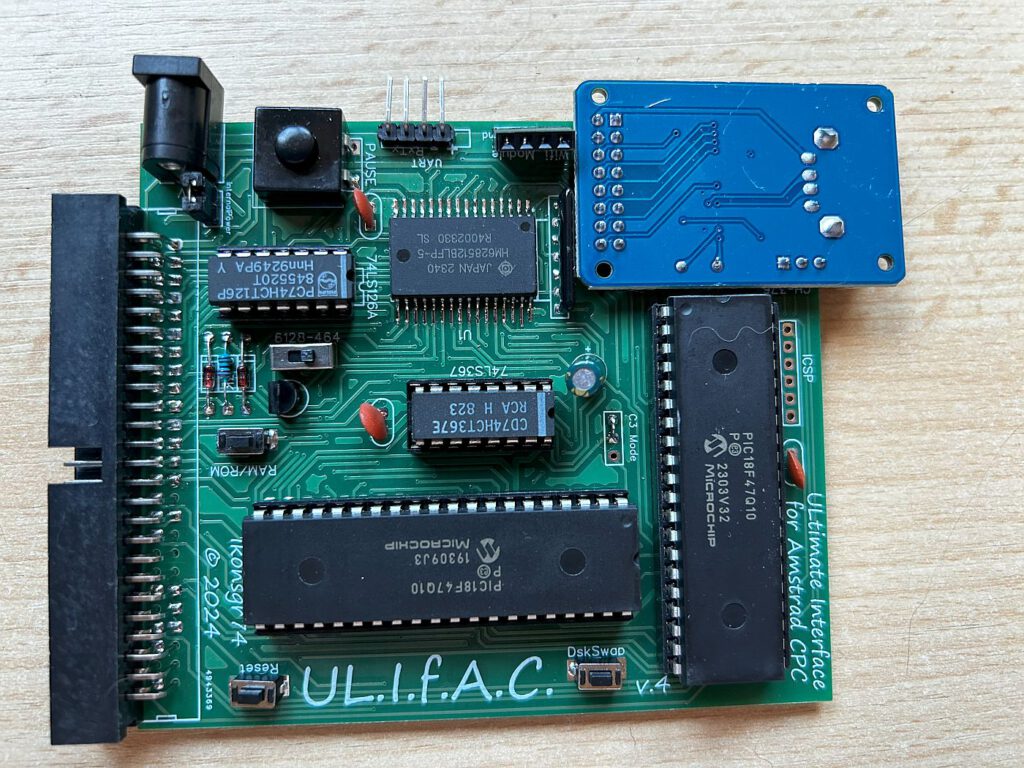
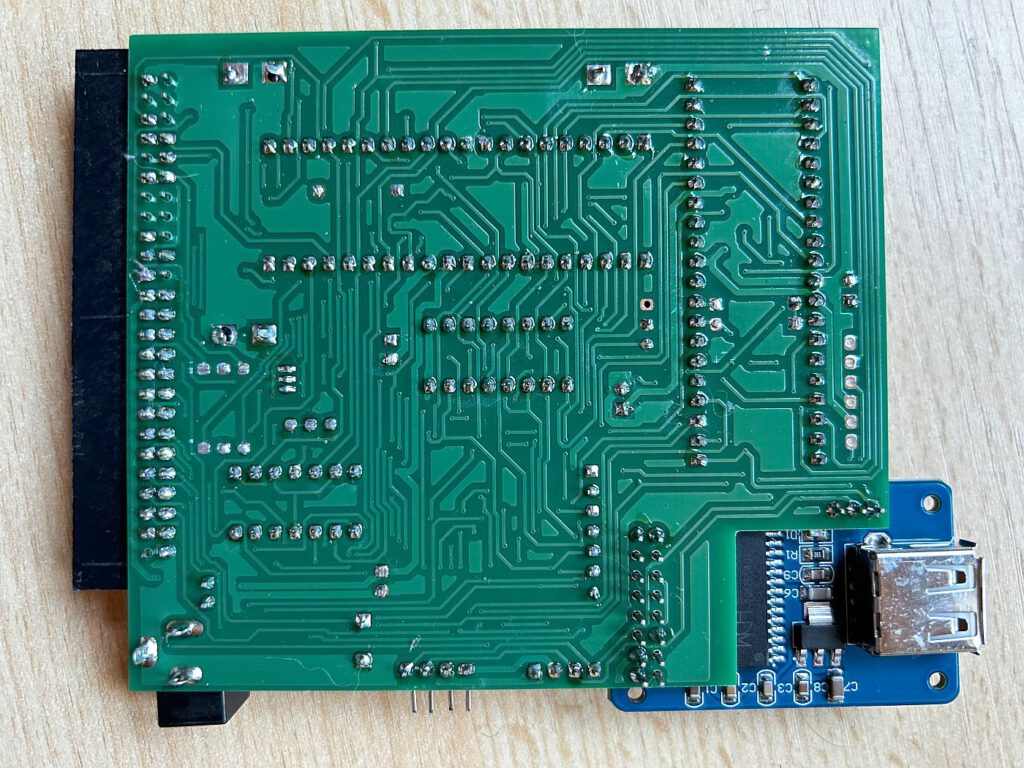
The name ULIfAC stands for Ultimate Interface for Amstrad CPC. I took a closer look to see whether this hardware lives up to its name and really is the ultimate expansion for the Amstrad CPC. As is so often the case, I came across this interface on the CPC Wiki Forum.
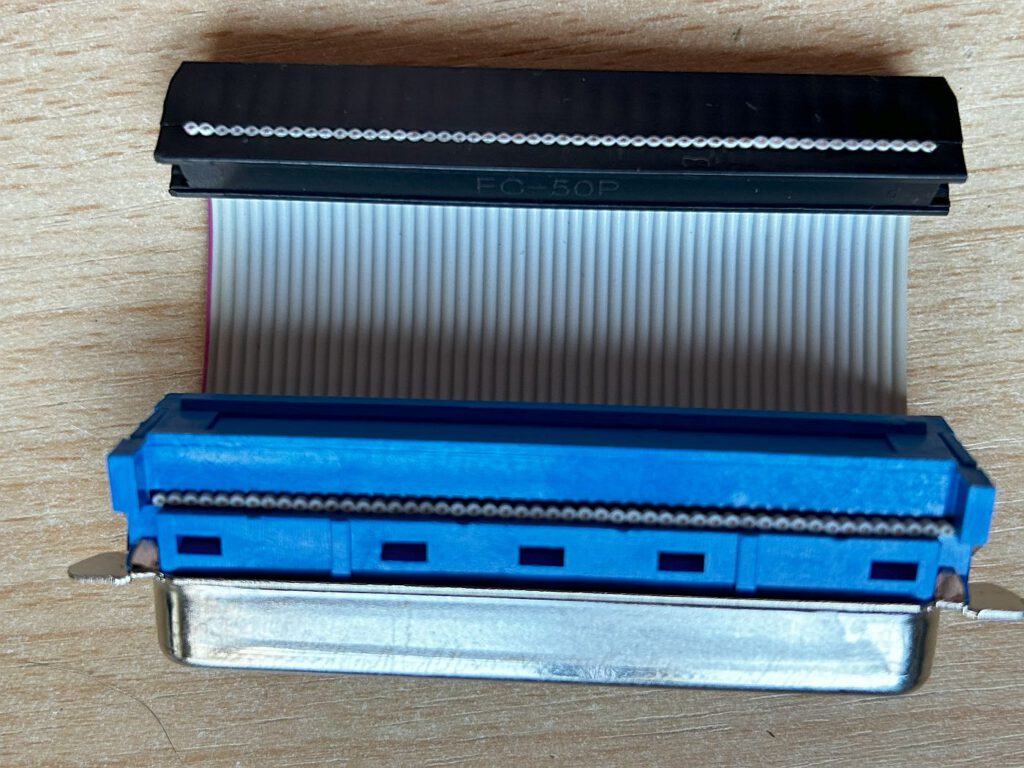
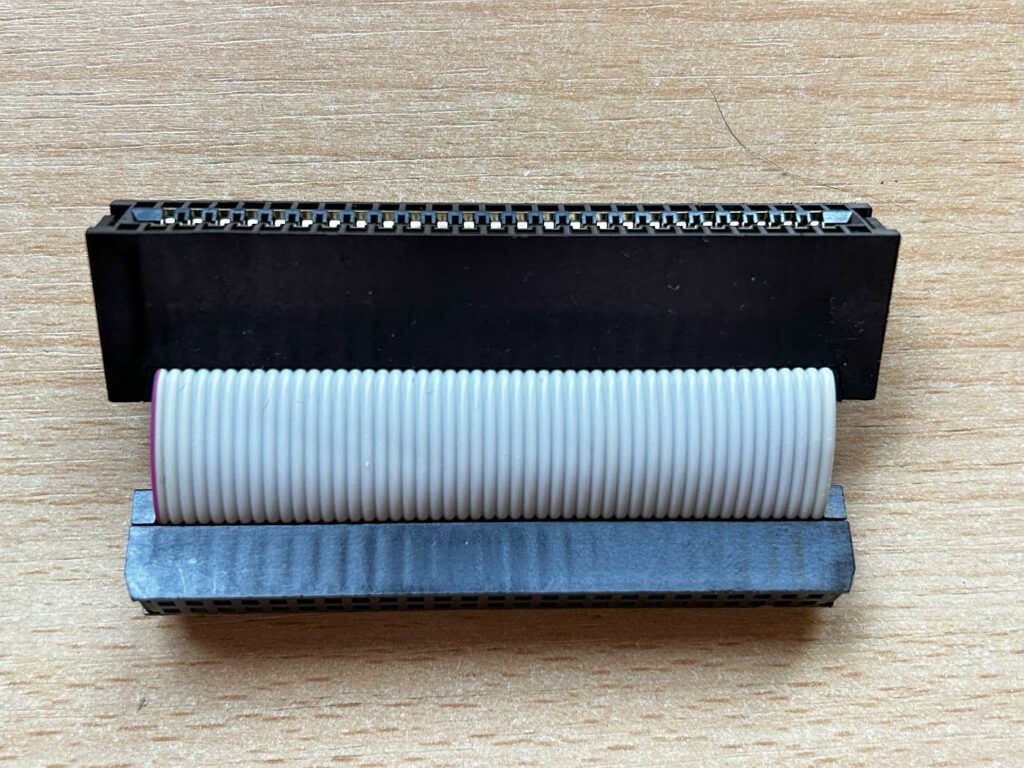
Interestingly, ULIfAC is not the first version of this hardware. There was already a predecessor, the USiFAC II, which is also based on the PIC 18F47Q10 microcontroller. ULIfAC is compatible with the CPC464 and CPC6128 models, provided you have the appropriate adapters. The interface is available for €42 including postage and can be ordered via the user ikonsgr on the forum (ideally via private message).
An overview of the features
ULIfAC boasts a wealth of features that significantly enhance the Amstrad CPC. Here are the highlights:
- Memory expansion: 256 KB + 16-bit ROM board on the CPC6128, 192 KB + 16-bit ROM board on the CPC464. This supports operating systems such as CP/M Plus, SymbOS and FutureOS.
- Automatic loading of ROMs: Everything is ready to go immediately after a cold start.
- The CPC464 becomes the CPC6128: A simple RSX command transforms the 464 into a 6128.
- Launch games and programmes from a USB stick or PC: Thanks to the WiFi module or UART cable, games and programmes can be loaded and saved directly from a USB stick or a PC hard drive.
- Floppy disk emulation: Full access to floppy disk images (AMSDOS and Parados formats) as well as fast loading at 30 KB/s – around six times faster than a floppy disk.
- Support for multi-image games: Up to four DSK images can be used simultaneously.
- Loading SNA snapshots: Ideal for resuming games directly at specific points.
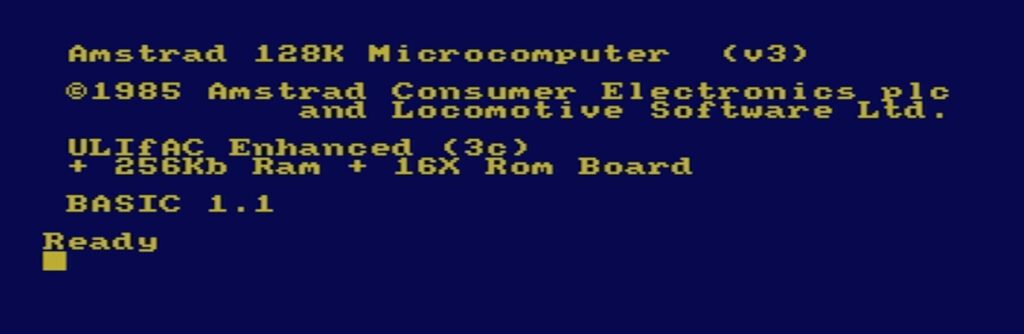
Operation
The ULIfAC is operated using a series of RSX commands, which are entered via the CPC’s keyboard. Here is a brief guide:
Mode selection
- |SM,1: CPC 664/6128 mode (default)
- |SM,2: CPC 464 mode
- |SM: Displays the current mode
Once set, the mode is saved in the EEPROM. Available from board version V5 onwards.
Memory and ROM functions
Each mode offers several saving options:
- CPC 664/6128: 512 KB RAM, 32x ROM board or a combination of 256 KB RAM and a 16x ROM board
- CPC 464: 192 KB RAM and 16-bit ROM board
The configuration can be changed using |SW, and the ROM configuration program is launched using ROM.
USB function
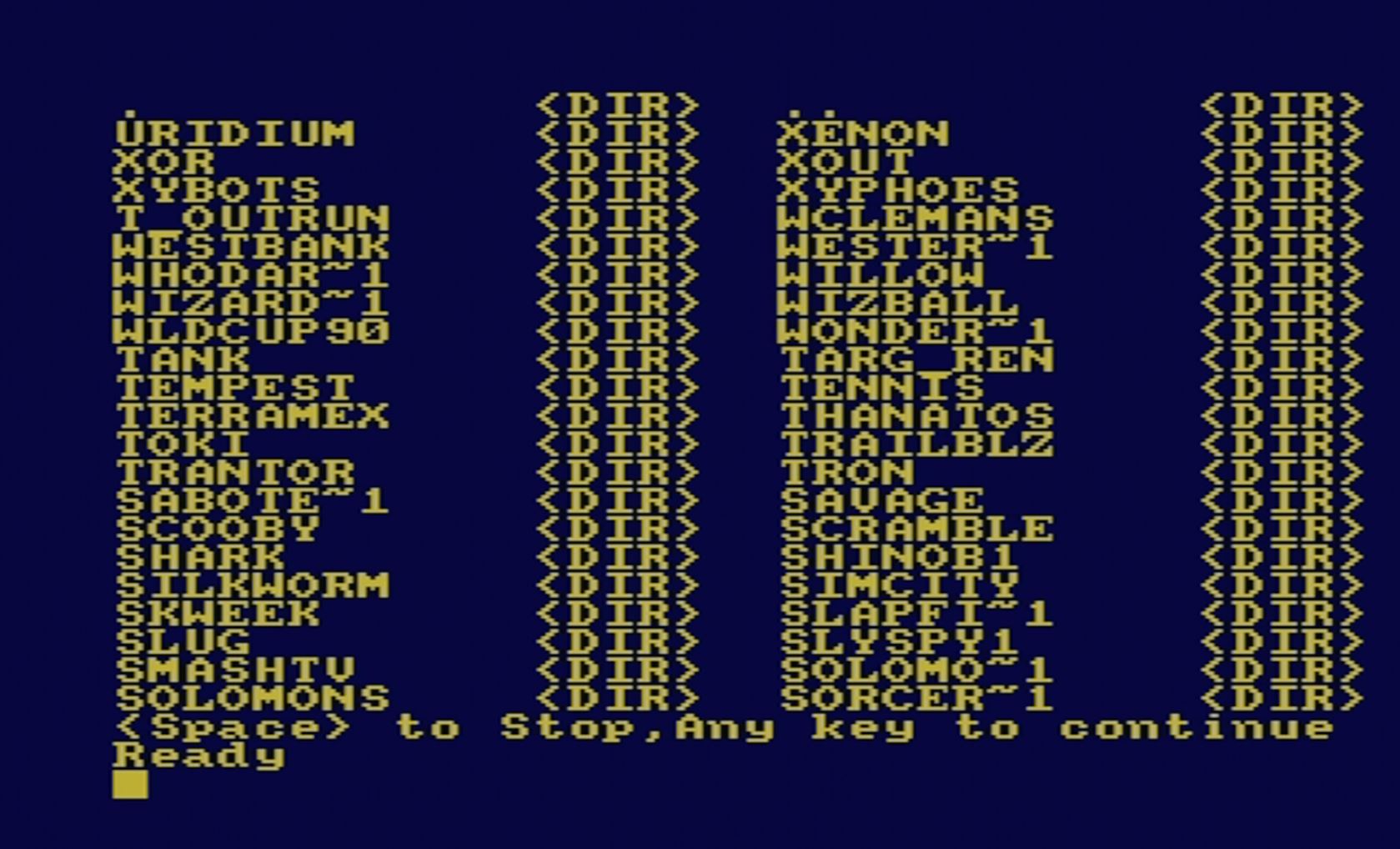
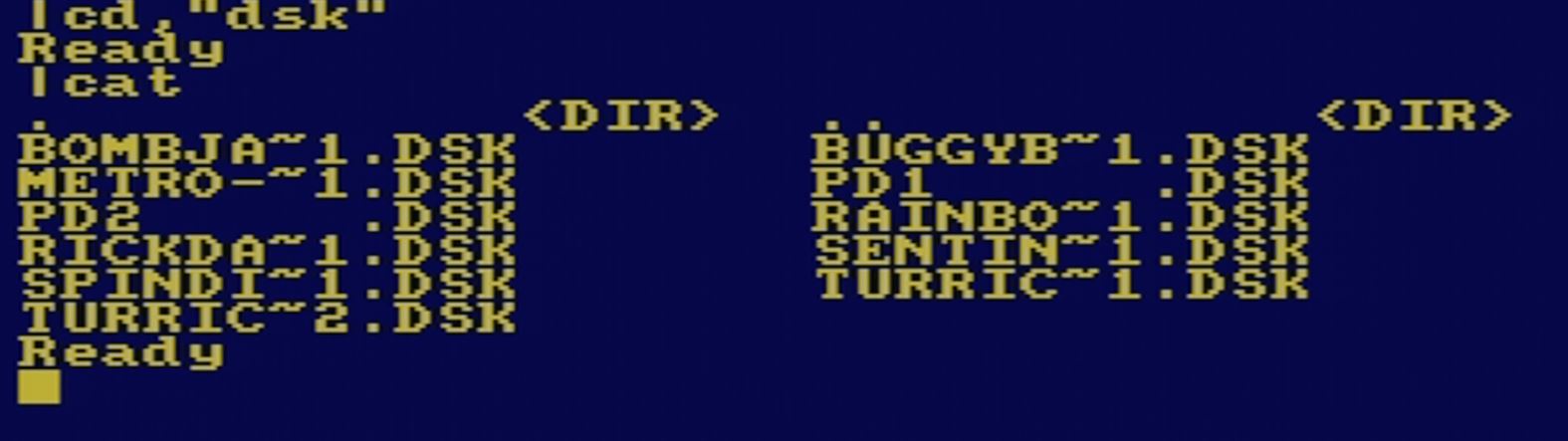
Die USB-Funktion wird automatisch aktiviert, wenn ein USB-Stick eingesteckt wird. Alternativ kann dies manuell mit |USB erfolgen. Der Dateimanager startet mit |FM, und das Inhaltsverzeichnis des USB-Sticks wird mit |CAT angezeigt. Längere Dateinamen werden automatisch gekürzt (z. B. „STARQU~1.DSK“).
Floppy disk emulation
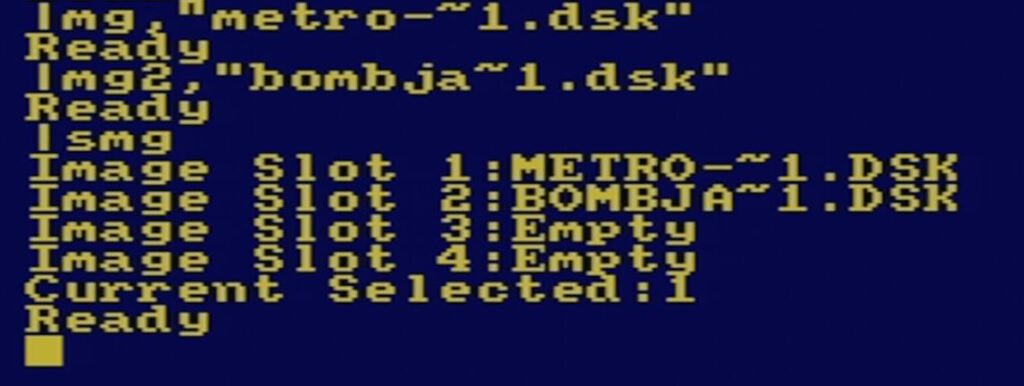
- |MG,“name“: Disketten-Image laden
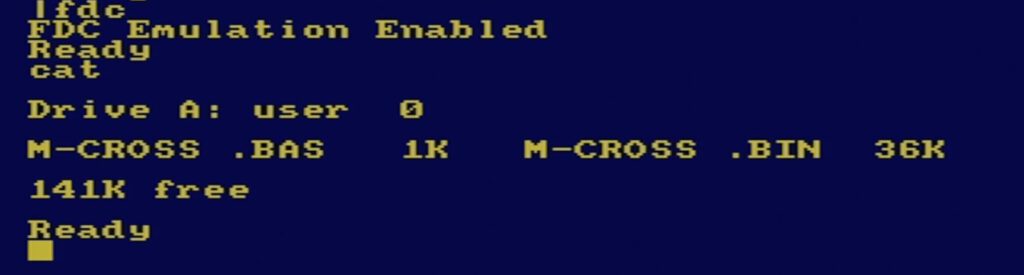
- |FDC: Start floppy disk controller emulation
- |SMG: Display a list of mounted images


Wi-Fi module
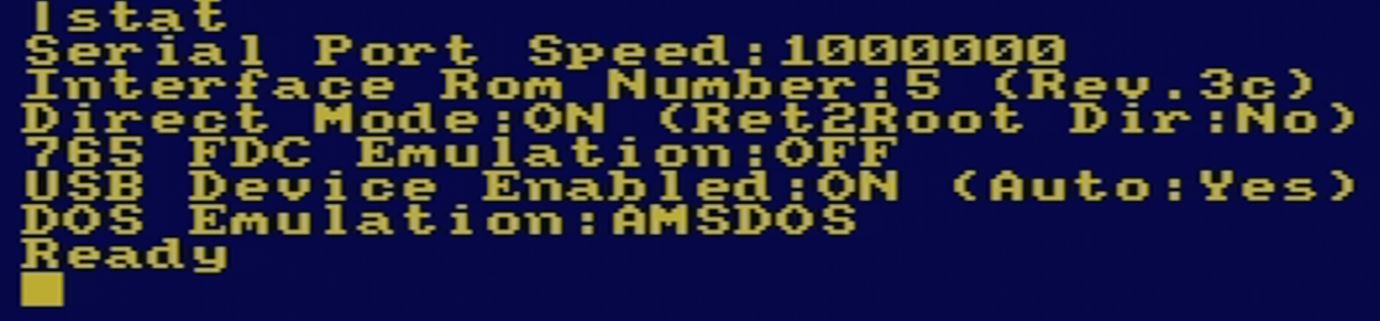
The ULIfAC can also be used with an ESP-8266 WiFi module. Once configured with |WF,1, files on the PC can be accessed. A permanent WiFi setup requires the auto-USB function to be disabled (OUT &FBD1,93).


Software
ULIfAC includes a range of useful software, including:
- Amstrad CPC Serial Communication Utility II: For copying files between a PC and a CPC, creating disk images and using terminal mode.
- Amstrad CPC Loader Creator: Creates BASIC loaders for games and programmes.
- Multi_DSK_Manager: Helps manage DSK images across the four available slots.
Use with the CPC464
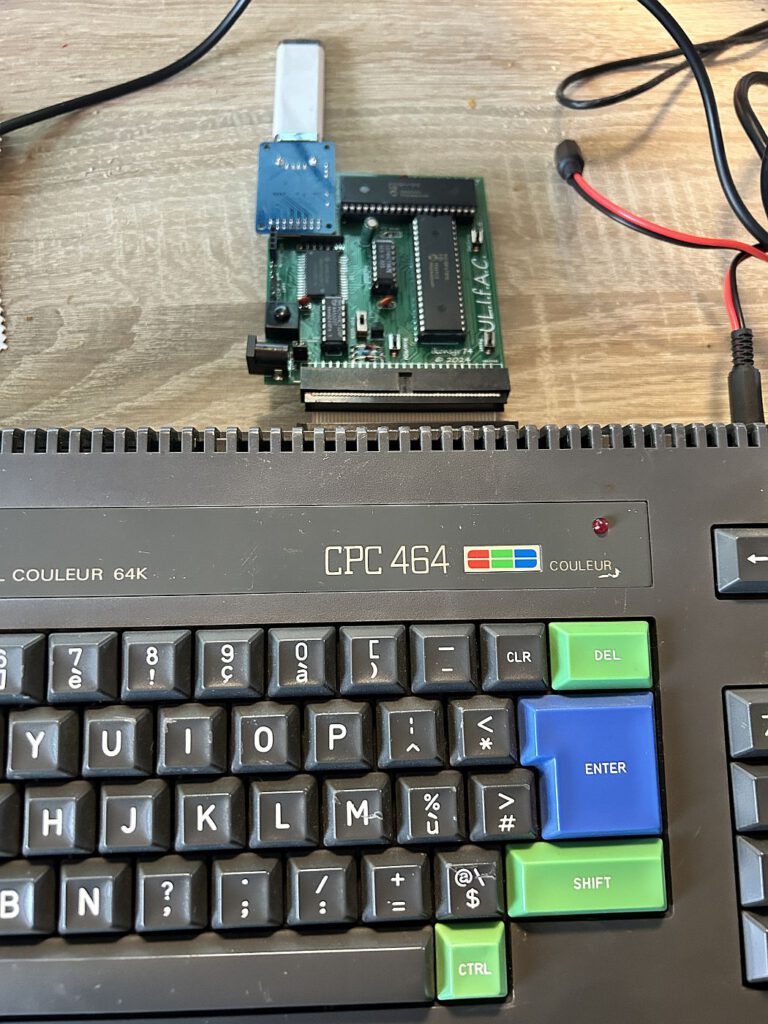
Using the ULIfAC on the CPC464 is particularly exciting. After booting in 6128 mode (command: |6128), you gain access to the additional memory and the extended ROM functions. The |CAT command allows you to view files on the USB stick, and DSK images can be easily mounted.
Examples:
- DSK-Image laden:
- |MG,“diskette.dsk“ – Mountet die Diskette.
- |FDC – Startet den Diskettencontroller.
- RUN“programm – Startet das Programm auf der Diskette.
- Direkter Zugriff auf Dateien:
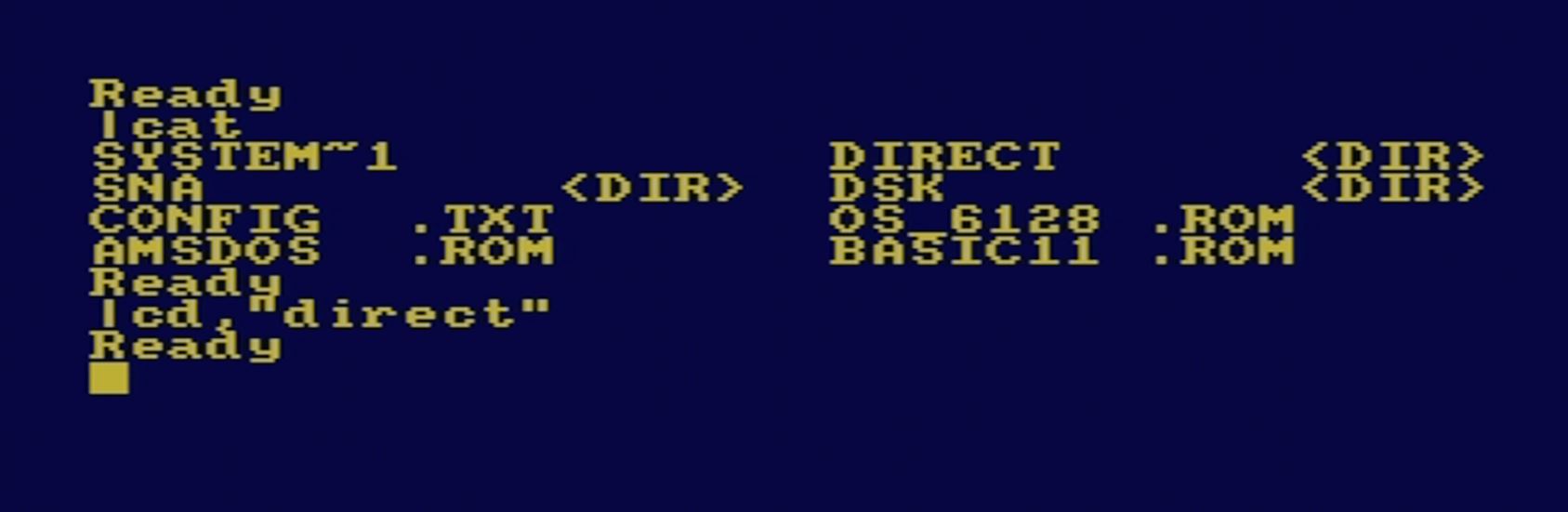
- |CD,“DIRECT“ – Wechsel in das Verzeichnis.
- |CD,“1942″ – Wechsel in den Spielordner.
- RUN“1942 – Startet das Spiel direkt.
Links
ULIfAC on the CPC-Wiki Forum
Description on CPC-Wiki
ULIfAC homepage
Conclusion
The ULIfAC impresses with its versatility and extensive range of features. In particular, the ability to transform the CPC464 into a CPC6128, as well as its USB and Wi-Fi support, make this interface one of the most exciting upgrades for the Amstrad CPC. Given its features, the price of €42 seems more than fair.
If you want to take your Amstrad CPC to the next level, the ULIfAC is definitely worth considering!
![X-MASS [Schneider CPC]](https://www.jungsi.de/blog/wp-content/uploads/xmass-vorderseite.jpg)
![JUST CPC 128K [Schneider CPC]](https://www.jungsi.de/blog/wp-content/uploads/just-cpc-128k.jpg)
![Rodmän [Commodore 64 u.a.]](https://www.jungsi.de/blog/wp-content/uploads/Rodmaen-Schachtel-Vorderseite.jpg)
Hallo Jungsi, ein schöner Beitrag. Gerade spiele ich auch etwas mit einer älteren Version des Moduls. Ich versuche gerade Symbos darauf zum laufen zu bringen, leider ohne Erfolg. Warst Du Erfolgreicher?
Hallo Axel,
vielen Dank. Ich habe heute schnell alles aufgebaut und musste die Erfahrung machen, dass SYMBOS 4.0 bei meinem CPC464 nicht funktioniert. Weder im Normalen noch im 6128-Modus. Nach dem Symbos-Startbildschirm wird es dunkel und es wird nicht weiter geladen.
Auf dem 6128 funktioniert es ohne Probleme. Ich habe im CPC-Wiki Forum gesehen, dass Du schon weiter gekommen bist. Was mich irritiert ist, dass der Programmierer von SymbOS davon ausgeht, dass es am CPC464 funktioniert. Der Entwickler des ULIFAC schreibt aber in seinem Handbuch, dass SymbOS auf dem 464 mit seinem Interface nicht läuft – jedenfalls nicht auf dem Board bis V4.
Hallo Jungsi,
ich habe mir die neueste Version des ULIfAC gegönnt und am Wochenende mal etwas rumgespielt und ausprobiert,
Ich bekomme es aber irgendwie nicht hin ROMs zu flashen. Gibt es eine Step-by-Step Anleitung wie das genau gemacht wird?
Danke & Grüße
Marco
Ich lese mittlerweile sehr viel von dem Modul, nur nicht wo oder wie ich es erwerben kann.
Ich würde sehr gerne ein IDE-Zip Drive anschließen.
Ein Gotek ist bereits verbaut.
Hallo, dieses Modul ist für den Anschluss von USB-Sticks gedacht. Ein IDE-Zip Drive wirst Du hier sicher nicht anschließen können.
Erhältlich war das ULIfAC hier: https://www.cpcwiki.eu/forum/index.php – im Forum anmelden und dem Benutzer ikonsgr eine PN schreiben.
Viele Grüße
Jungsi
Hallo Jungsi,
ich wollte mal fragen ob das Board auch ein Modem simulieren kann?
Bzw. kennst du eine Erweiterung die das macht? Ich hatte gehofft sowas wie das PCW WiFi Modem für den 464 zu finden?
Gruß
Sebastian
Hallo Sebastian,
entschuldige die späte Antwort. Ich musste nochmal in der Dokumentation des Interfaces nachlesen. Ich könnte mir vorstellen das es mit dem Wifi-Modul ein Modem simulieren kann.
Durch das Modul gibt es einen Zugriff auf über 100 AT-Modem-Befehle. Mit einem passenden Terminalprogramm könnte es dann möglich sein z.B. auf eine BBS zuzugreifen.
Das ist allerdings nur Theorie – in diese Richtung habe ich keine Tests gemacht. Ich habe mich auf den Austausch zwischen CPC und PC beschränkt.
Viele Grüße
Jungsi