

![Supervision Multi [Watara]](https://www.jungsi.de/blog/wp-content/uploads/Supervision-Multi-Platine-oben.jpg)
There is even a flash-card solution available for Watara handhelds. Of the 66 official games released for this Game Boy clone, I already own 34 in cartridge form. The question arises as to whether it is worth collecting the remaining titles. Only a few are of good quality, and some came in vacuum-sealed packaging that requires dismantling to access the game. The other games were packaged in simple cardboard boxes. Prices on eBay for factory-sealed cartridges start at around 20 euros.
This is where A2-Heaven comes into play. The small Bulgarian company has taken on the Supervision and developed a flash card. I have previously purchased hardware for the Apple IIe from them and was very satisfied with it. The standard set is available for €96, including shipping.
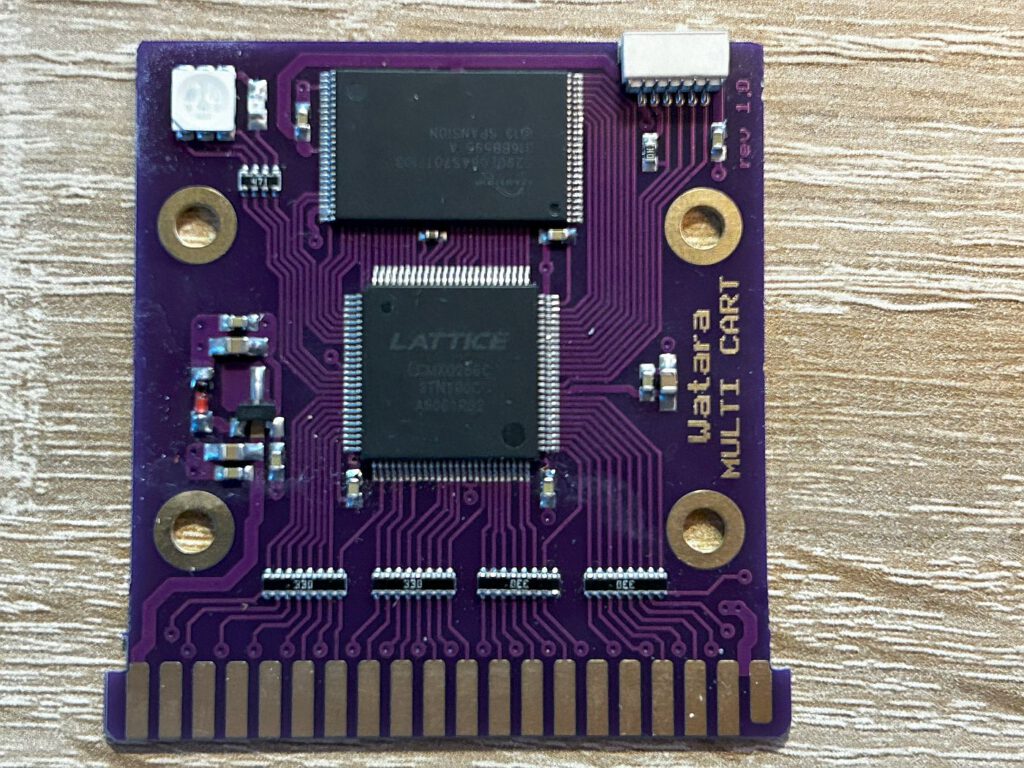
An 8 MB ROM is used, featuring an integrated game selection menu. This menu includes all commercially released games. Additionally, there are 8 free memory slots for user programs and self-developed games.
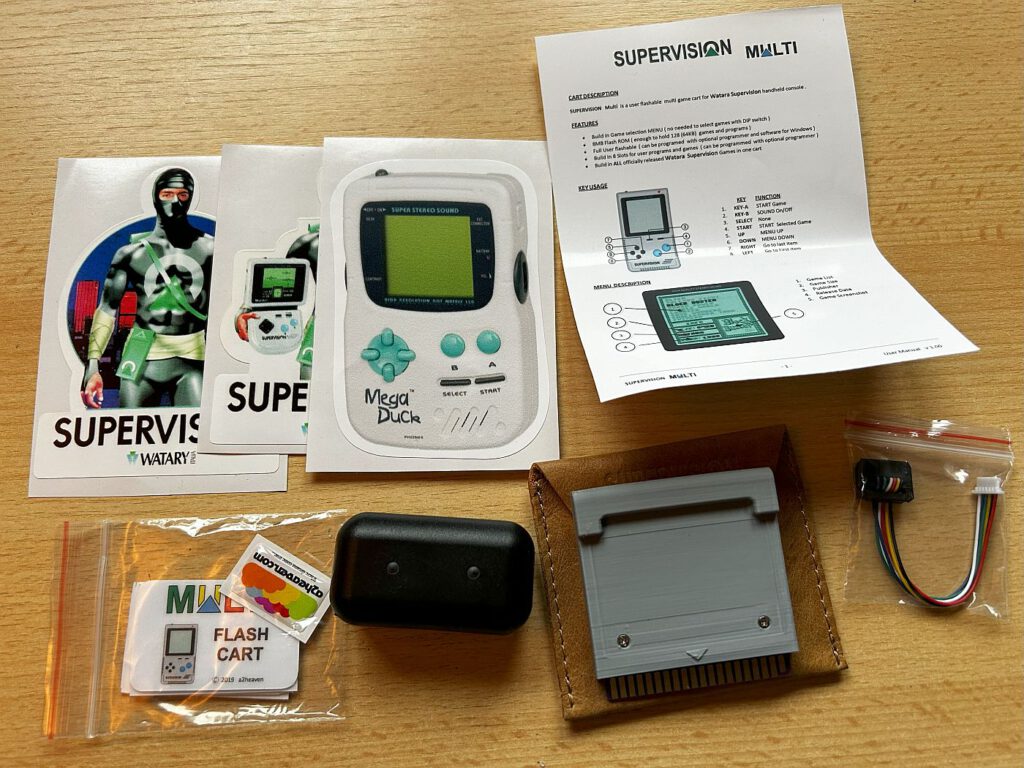
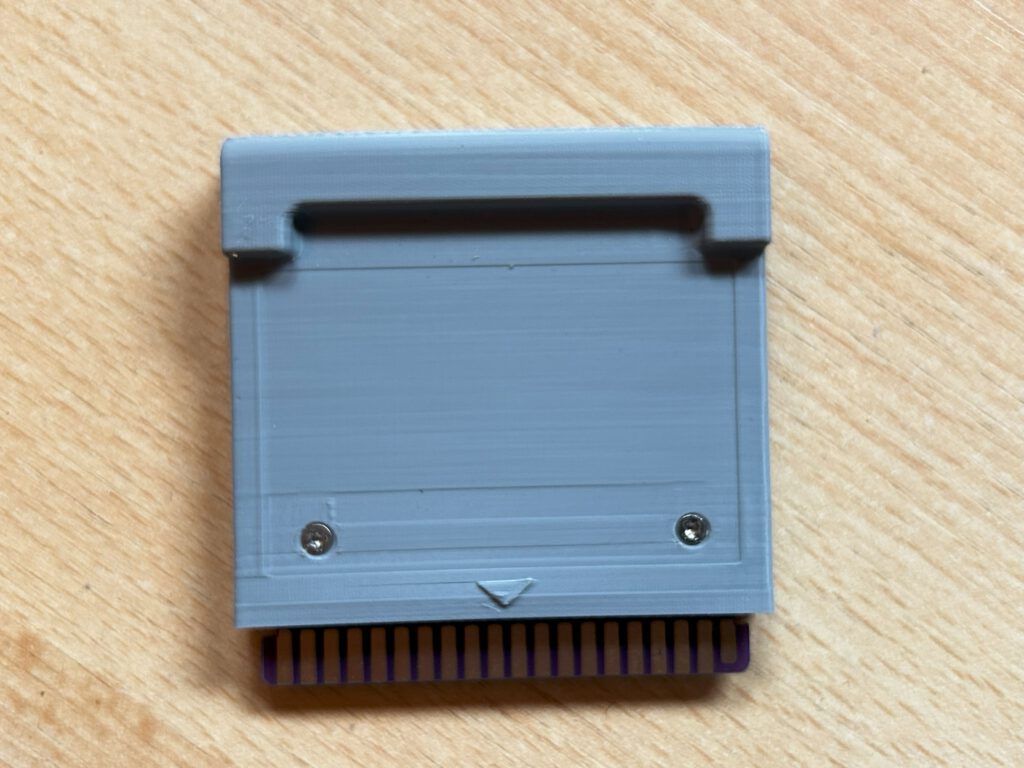
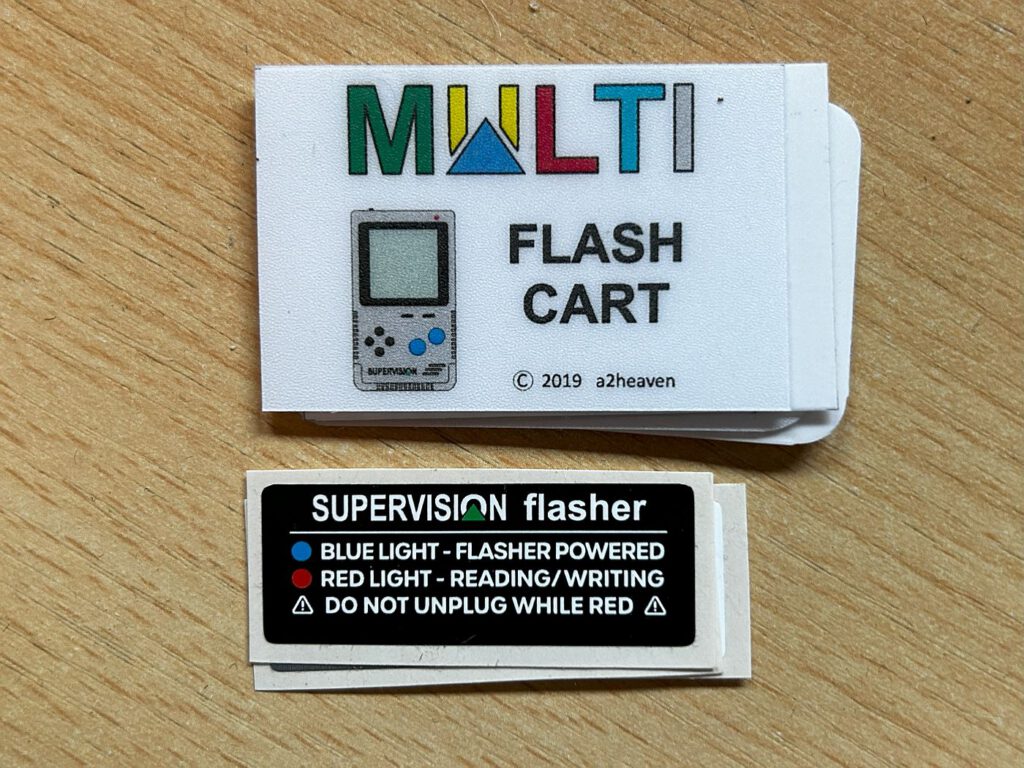
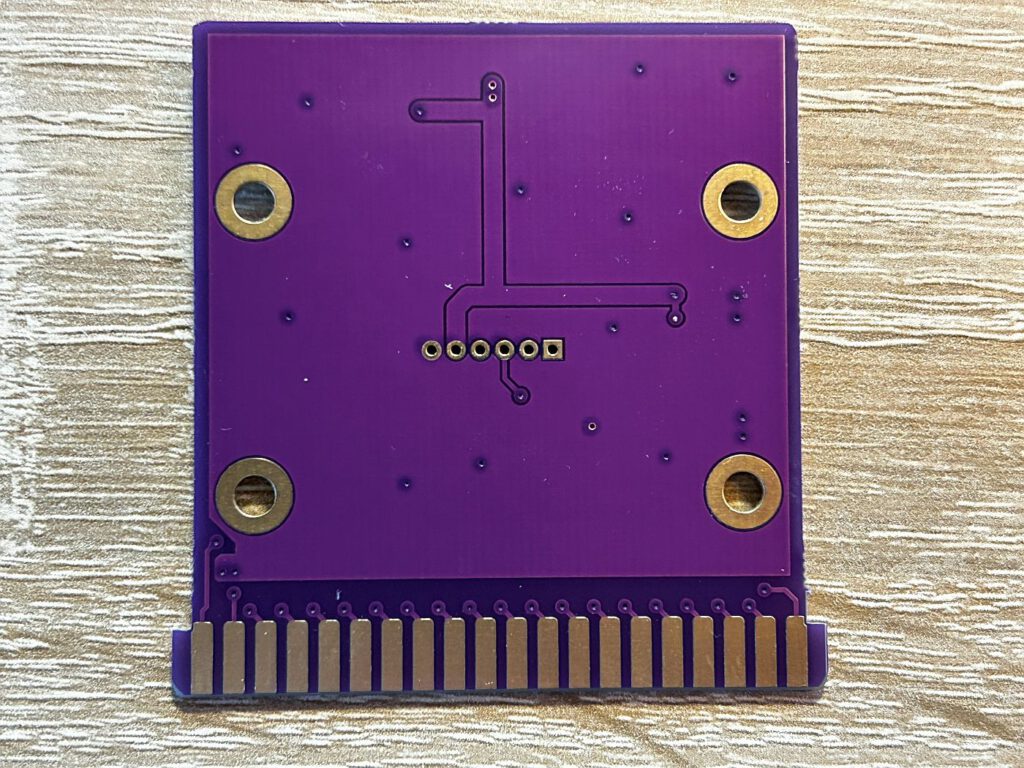
My package includes a cartridge in a small leather pouch, a brief instruction manual, the flash programmer, and some stickers. The purpose of the leather pouch isn't entirely clear to me, though it is a nice extra. Less practical, in my view, is the fact that the port for connecting the programmer is only accessible if the cartridge casing is opened. Furthermore, the stickers don't fit properly, as they would cover the screws. While software for the flasher is available on the website, there are no instructions for it—though I managed to get it working without them.
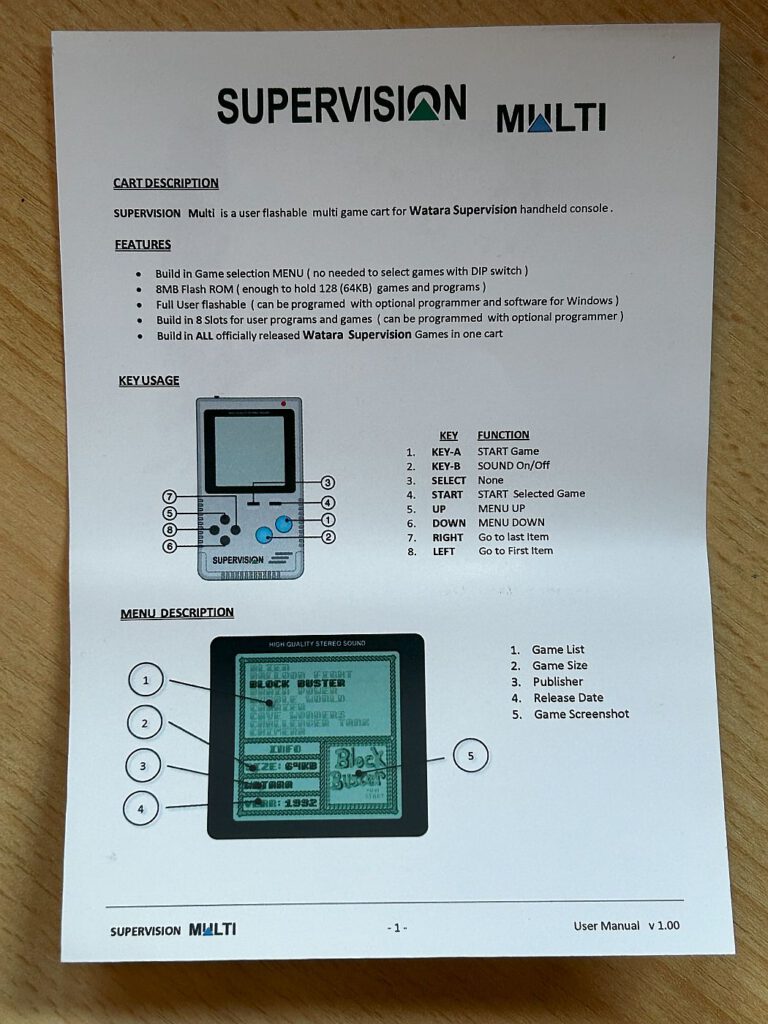
After inserting the cartridge and starting the Supervision, a welcome melody plays, followed by the appearance of the menu. Games are listed alphabetically in the upper section of the screen and can be browsed using the directional pad; there is no option to scroll page by page. Pressing right on the D-pad takes you to the user content.
The lower section of the screen displays information regarding file size, publisher, and release year, accompanied by a small image of the game's title screen in the bottom-right corner.
Zusätzlich gibt es einige Extras: Am Ende der Liste befinden sich zwei 2-in-1-Karten, die zwar die gleichen Spiele wie die vorherige Liste enthalten, aber über das Originalmenü zugänglich sind. Die Originalgrafik, die beim Einsatz des Supervision mit dem TV-Link erscheint, ist ebenfalls verfügbar. Abschließend wird der ‚Wataratest‘ angeboten, der entwickelt wurde, um die Funktionsfähigkeit des Handhelds zu überprüfen. Dafür sind verschiedene Diagnosetests verfügbar, die das D-Pad, die Tasten, den Bildschirm und das Scrollen testen.
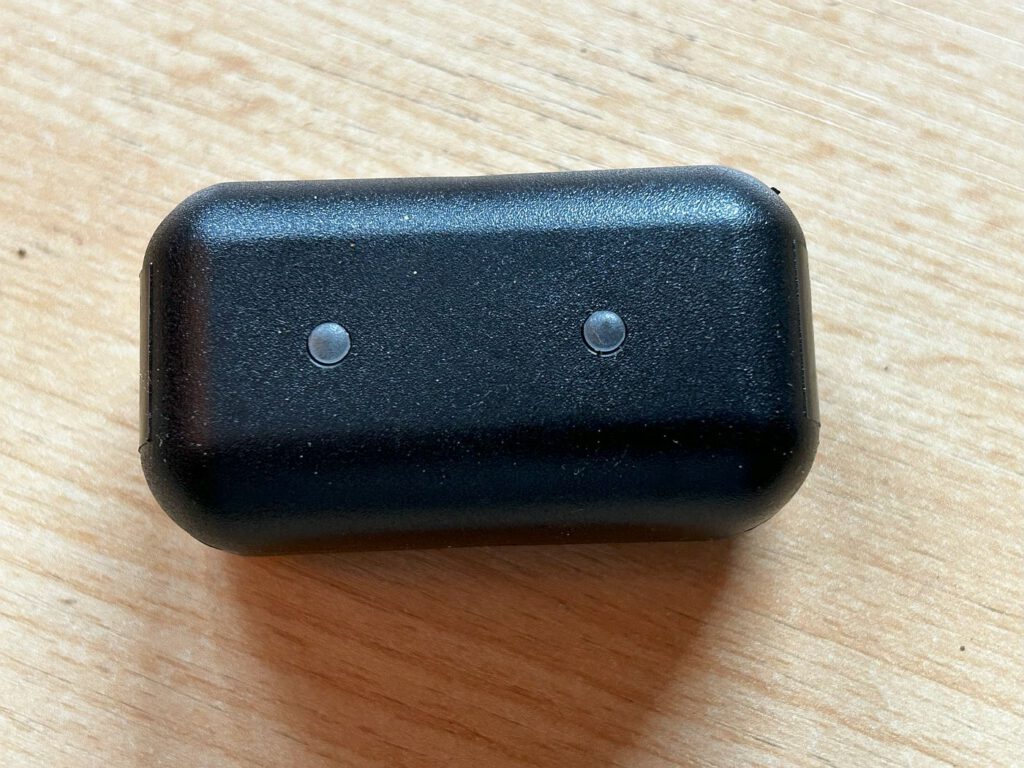
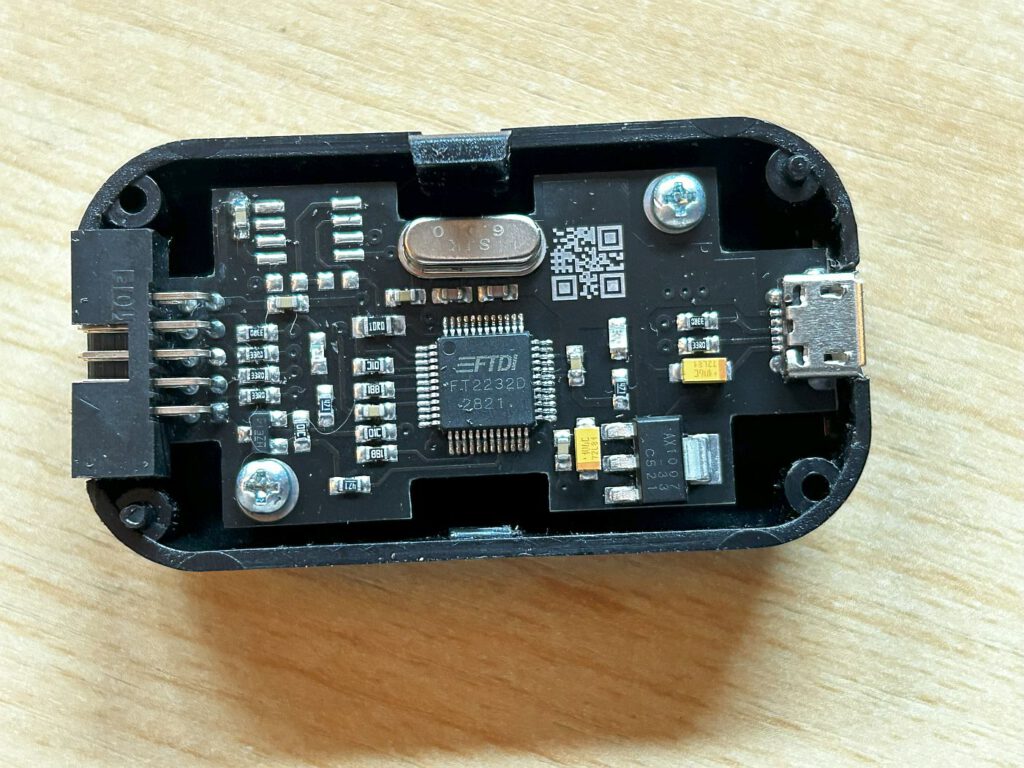
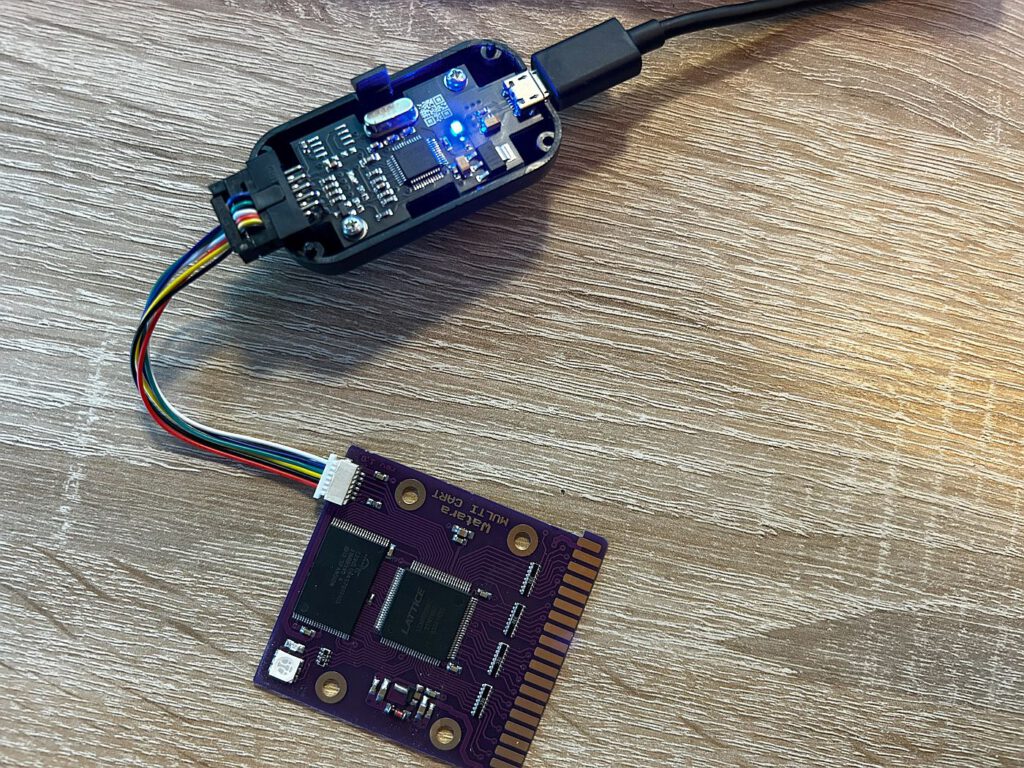
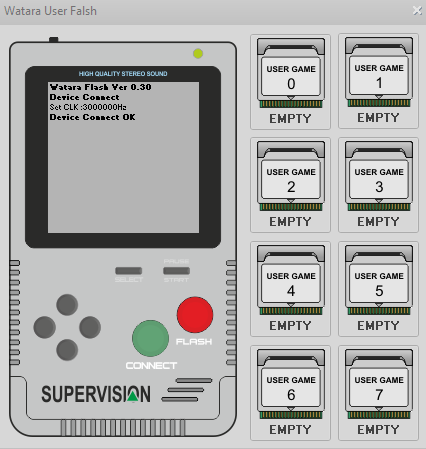
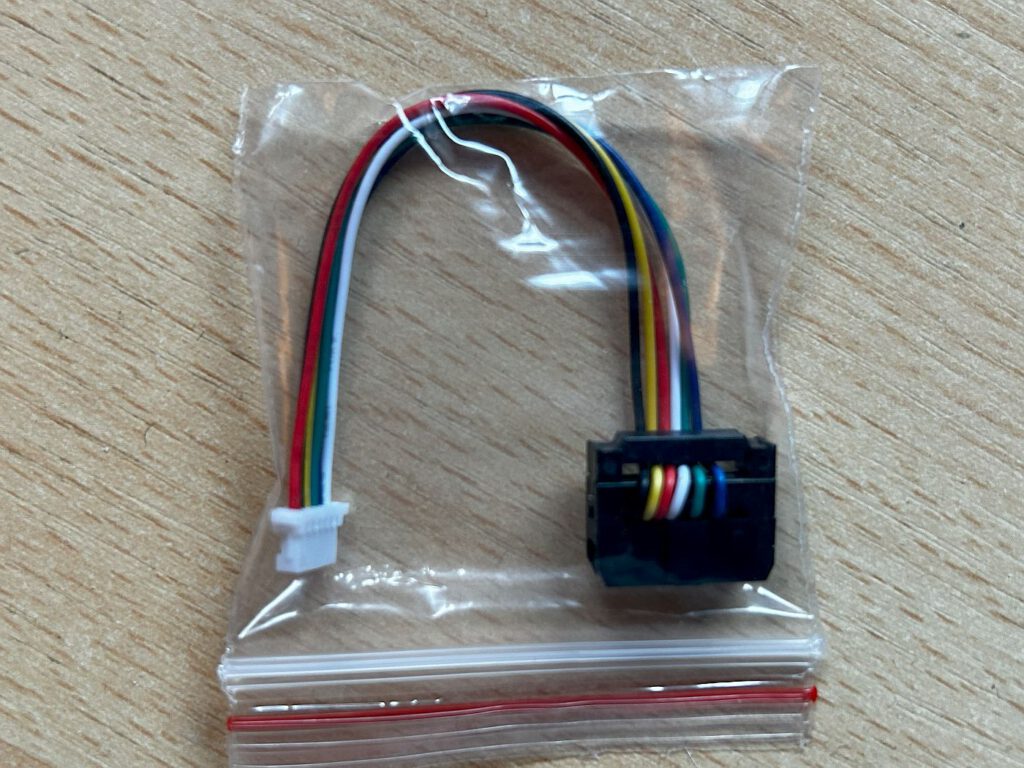
Obwohl keine Anleitung vorliegt, ist die Bedienung des Flashers ziemlich einfach. Man steckt das eine Ende des beiliegenden Kabels in die Buchse, während der andere kleinere Stecker oben rechts an die Platine der Cartridge angeschlossen wird. Auf der anderen Seite des Flashers gibt es einen Anschluss für ein Micro-USB-Kabel, das mit dem Computer verbunden wird. Unter Windows 11 war keine Installation eines zusätzlichen Treibers notwendig.
Danach lässt sich das Programm Watara User Flash öffnen. Es ermöglicht, Spiele im UF2-Format für User Game 0 – 7 auszuwählen und sie dann mit der „Flash“-Option in den Speicher zu laden.
Another option is the Superpico Watara Vision, a cartridge that can hold only one game at a time. You connect the module to your PC via a USB cable, where it is recognized as a drive. Then, you copy the game in UF2 format onto that drive.
Links
Watara Supervision (a2heaven.com)
GitHub – zwenergy/Superpico: A Raspberry Pi Pico-based Supervision Flash Cart
Conclusion
It is impressive to see the effort and dedication A2heaven has poured into this cartridge. It allows anyone to try out games for this system without having to purchase the individual cartridges.
![Assembloids [Watara Supervision]](https://www.jungsi.de/blog/wp-content/uploads/Assembloids-Vorderseite.jpg)
![Supervision GB-2000 [Watara]](https://www.jungsi.de/blog/wp-content/uploads/Watara-Supervsion-Vorderseite.jpg)
![Supervision [Watara]](https://www.jungsi.de/blog/wp-content/uploads/Watara-Supervision.jpg)
Leave a Reply