

![ElCheapoSD [Atari Lynx]](https://www.jungsi.de/blog/wp-content/uploads/El-Cheapo-Vorderseite.jpg)
The team at BennVenn in Australia set themselves the goal of providing an affordable SD card solution for the Atari Lynx. They have successfully achieved this with the ElCheapoSD. I personally waited for the version that works with both the Lynx 1 and the Lynx 2—a compatibility issue stemming not from the technology itself, but rather from the cartridge casing. With this device, there is now a competitor to the market leader: the Lynx Game Drive by RetroHQ.
The functionality is quickly explained: Lynx games can be copied onto an SD card, which is then inserted into the ElCheapo. ROMs up to 512 KB are supported, allowing for the use of all original games and homebrews.
In addition, there is the option—for instance—to save high scores to an SD card; this does not apply to original Lynx games, however, as this capability did not exist back then. Nevertheless, this feature is now utilized by newer homebrew titles.
Beim Einschalten wird das zuletzt verwendete ROM geprüft und wenn es EEPROM verwendet, wird das EEPROM auf die SD-Karte verschoben. Wird ein neues ROM geladen, lädt es die SD-Speicherung in das EEPROM (wenn vorhanden). Ist keine SD-Speicherung vorhanden, wird die Datei für den nächsten Neustart gespeichert.
The loading times for the games are extremely short, amounting to a maximum of 1.5 seconds.
Usage
1. Format the SD card as FAT32 and assign it a name.
2. Copy the `boot.bin` file from the BennVenn download page—this is the menu system—to the SD card.
3. Add games in LNX format. The order in which the files are copied to the SD card determines the order in which they appear in the menu. This allows you to place your favorite games at the top of the list.
Leider hat sich herausgestellt, dass ich viele Spiele im LNX-Datei Format, die ich „gesammelt“ hatte, nicht verwenden konnte. Anscheinend werden viele Downloads zwar als LNX-Datei angeboten, sind aber eigentlich LYX-Dateien. Diese müssen erst umgewandelt werden, was mit dem Programm make_lnx.exe aus dem Download des Lynx-Emulators „Handy“ erledigt werden kann.
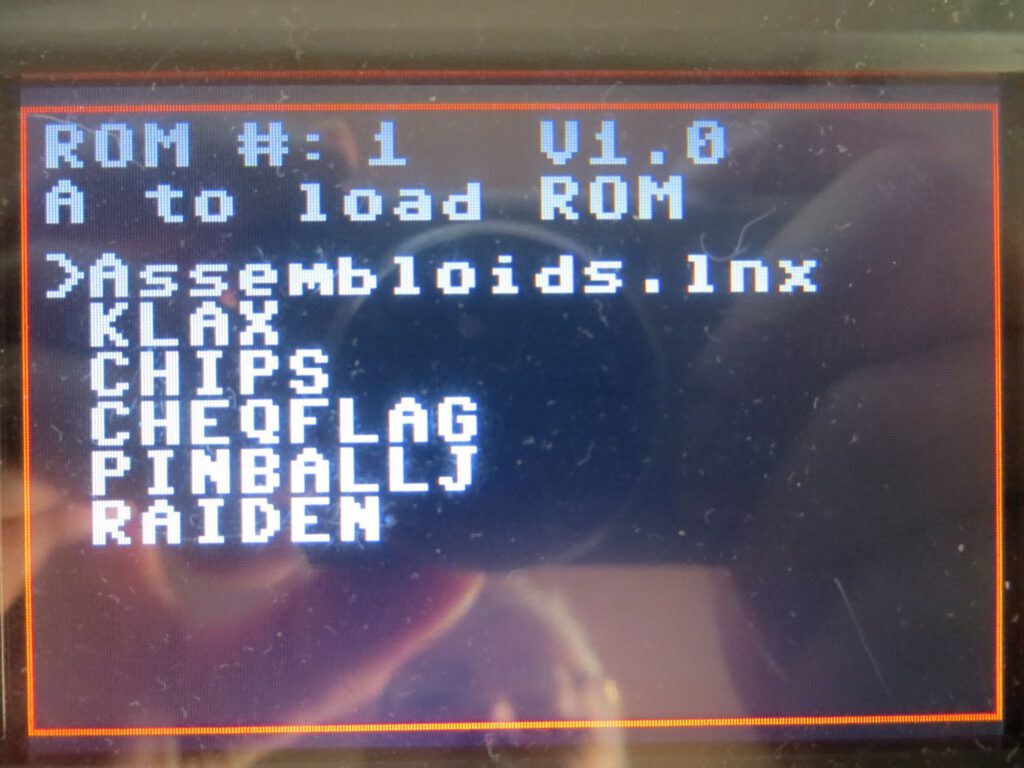
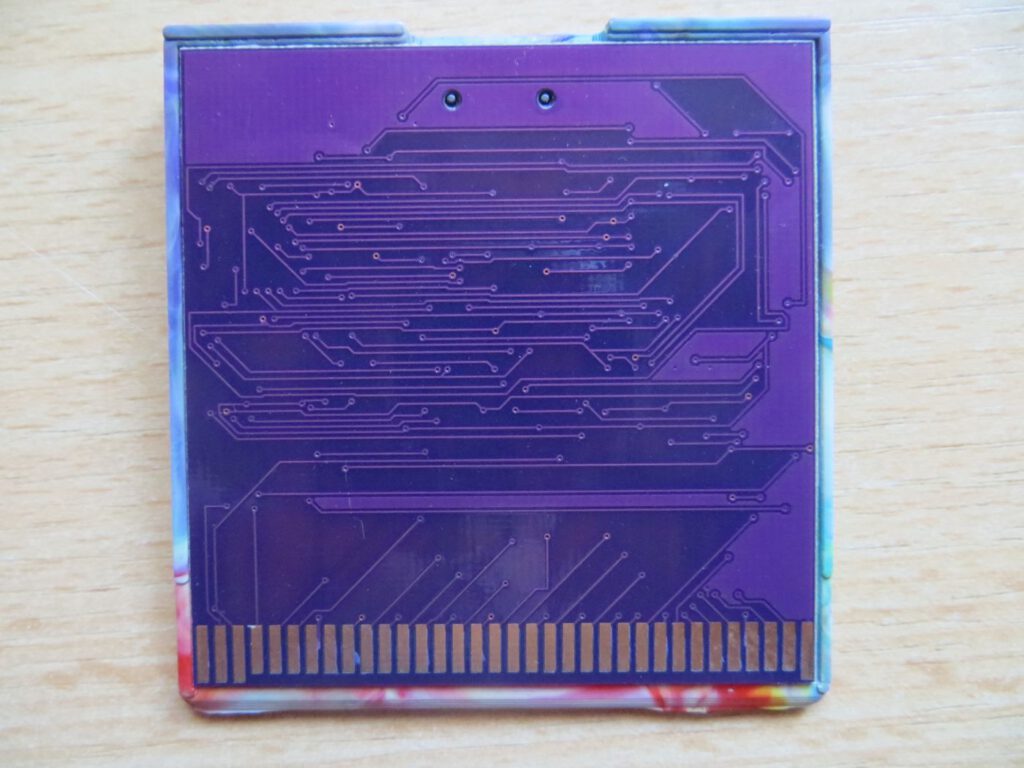
Das im ElCheapoSD verwendete Menüsystem ist sehr einfach gehalten. Es zeigt eine Liste von ROMs, durch die geblättert werden kann und mit der Taste „A“ kann ein Spiel gestartet werden. Verzeichnisse werden nicht unterstützt.
Als Alternative gibt es ein Menü von AtariGamer auf dessen Downloadseite. Er weist darauf hin, dass mit der aktuellen Firmware das Maximum der Spiele mit 256 erreicht wird und keine Verzeichnisse unterstützt werden.
Update 11/2022
Inzwischen gibt es ein neues Menü von Atari Gamer (V20221102-A), das nun auch Verzeichnisse unterstützt. Es wird eine kleinere Schriftart verwendet, die bis zu 16 Einträge gleichzeitig anzeigen kann. Dazu gibt es anpassbare Farbschemas und die ROM-Liste ist alphabetisch sortiert.
Diese Version des Menüs funktioniert nur mit der Firmware v0008 (nicht die Original-Firmware) und muss entsprechend vorher aktualisiert werden.
Firmwareupdate
Sollte es neue Firmware-Dateien geben, werden diese einfach in das Root-Verzeichnis der SD-Karte kopiert. Nach dem Einschalten des Lynx wird für ca. 15 Sekunden „Insert Game“ auf dem Bildschirm angezeigt.
Tests
I tested the SD card with my Lynx II (featuring a McWill display) and with a stock Lynx 1. The cartridge works without any issues on both devices.
Conclusion
The El Cheapo is a solid SD card for the Atari Lynx. Since it hasn't been on the market for very long, there is still room for improvement in its development. Combined with the menu from AtariGamer, it serves as an alternative to the Lynx GameDrive by Retro HQ. Given that the price of the El Cheapo—$50—is truly affordable, I can highly recommend it.
![Ynxa [Atari Lynx]](https://www.jungsi.de/blog/wp-content/uploads/Ynxa-Startbildschirm.png)
![Centipede [Atari Lynx]](https://www.jungsi.de/blog/wp-content/uploads/Centipede-Anleitung.jpg)
![Atari Lynx 2 [Atari]](https://www.jungsi.de/blog/wp-content/uploads/2013/04/Lynx1.jpg)
Leave a Reply