

![CoCoSDC [Dragon]](https://www.jungsi.de/blog/wp-content/uploads/CoCoSDC-schraeg-oben.jpg)
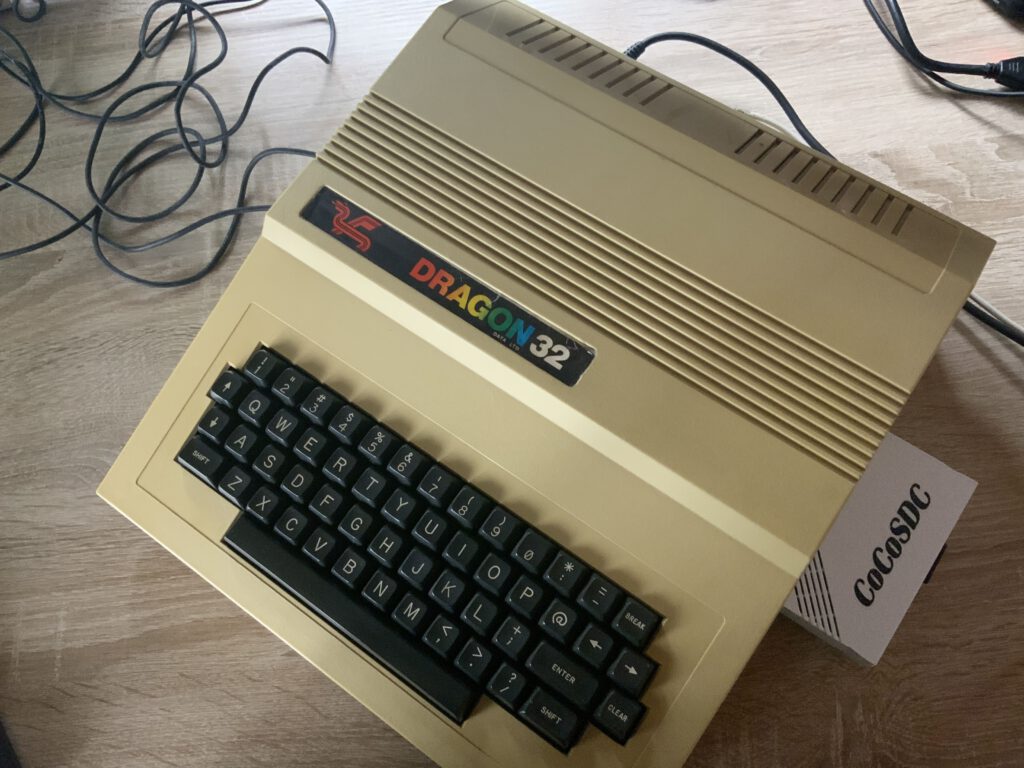
The CoCoSDC takes its name from the TRS-80 Color Computer. Since it is largely compatible with the Welsh Dragon, it can also be used with that system. DIP switches on the circuit board allow for the necessary configuration; when I placed my order, I was able to have it pre-configured for my Dragon 32 before delivery. I purchased the device in England via the 8Bit-Tronics eBay shop for approximately 80 euros.
The interface emulates a *Dragon* DOS floppy controller and provides the corresponding BASIC support. It requires an SD or SDHC card of up to 32 GB, formatted with FAT16 or FAT32. Two drives are supported.
Usage is incredibly simple: the SD card containing floppy images is inserted into the *CoCoSDC*, which is then connected to the Dragon. After switching on the computer, the interface's LED should light up red.
Note
Floppy disk images for the Dragon end with .VDK. Files ending in .DSK are intended for the CoCo and do not always work.
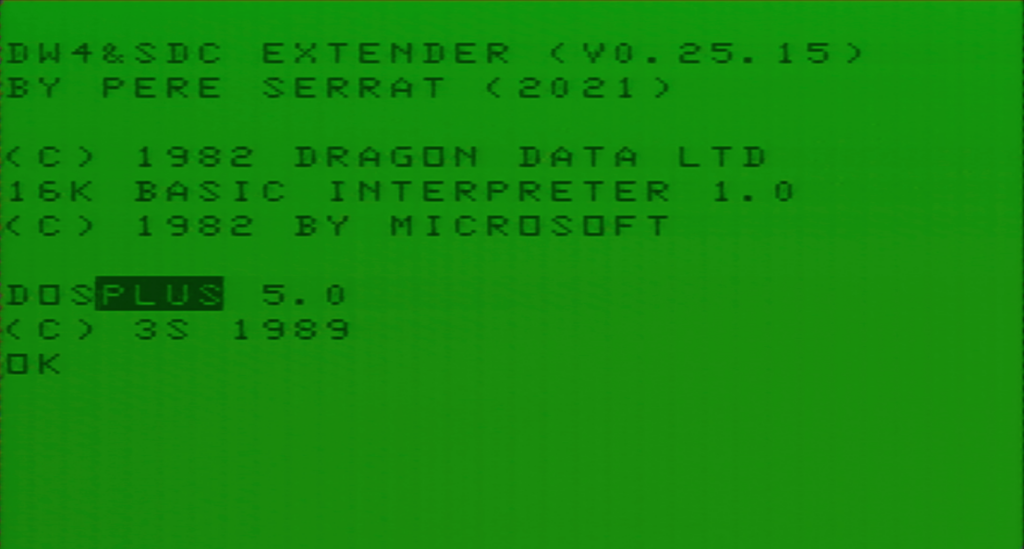
Important commands and programs
SDRIVE - displays the current drive mappings
- The first column shows the drive number.
- The second indicates whether disk image mode is on or off. If it is off, a physical floppy disk drive is used, provided a controller is present.
- The third column displays the name of the image mapped to the drive.
- The fourth one displays the index of the virtual disk.
SDRIVE n, "path name"
SDRIVE 0, "APPS/TW64/TW64.DSK"
This assigns the image TW64.DSK to drive 0 at the corresponding path.
SDRIVE n,UNLOAD
SDRIVE 0,UNLOAD
deletes the association of an image with the corresponding drive
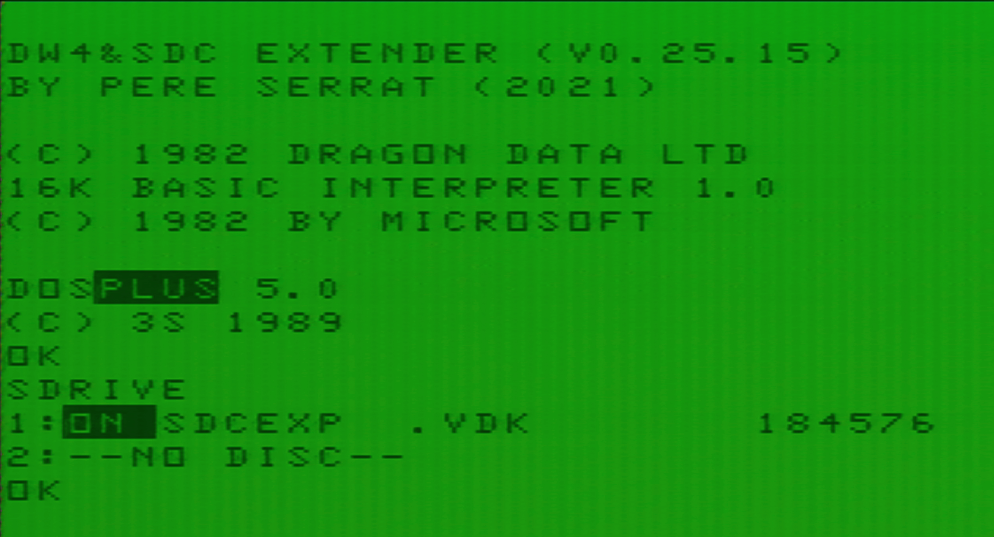
DRIVE n
DRIVE 2
makes drive 2 the active drive
DIRdisplays the contents of the current drive
LOAD & RUN or LOADM & EXEC can be used here as usual
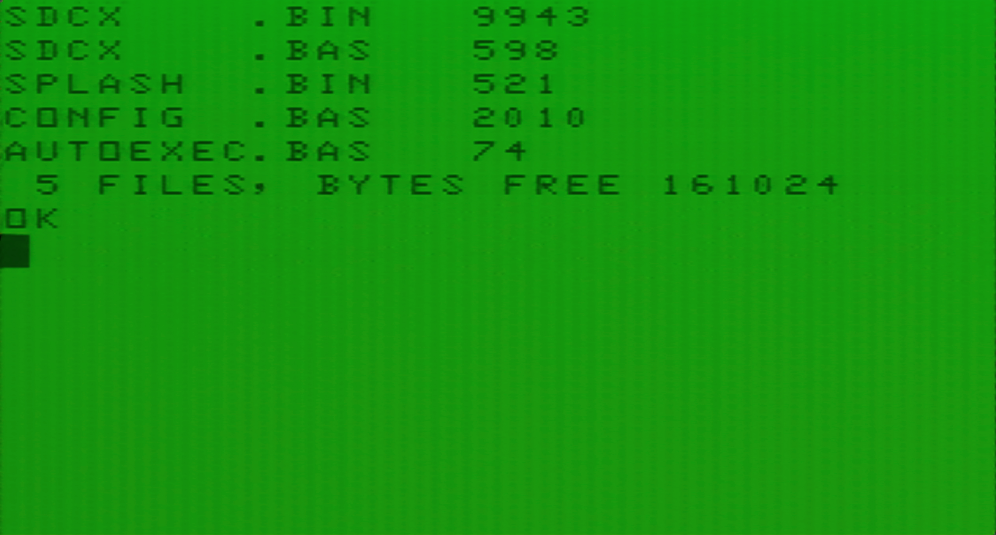
DIR n
DIR 2
displays the contents of drive 2
SDIRdisplays the contents of the current SD card
SDIR "Spiele/"displays, for example, the contents of the "Games" folder on the SD card.
Wildcards can also be used with DIR.
SDIR "Spiele/*.VDK"displays all files with the .DSK extension in the "Spiele" (Games) directory.
Using programs or games that span multiple floppy disks is also not a problem.
In this case, the directory containing the disks (the images must be numbered) is mapped. Thanks to the numbering, the image with the lowest number is automatically assigned. Pressing the button on the front of the CoCoSDC activates the next disk whenever necessary.
DRIVE 0, “GAMES/SUNDOG/COCO3/SINSTAR”Startup File
The ability to configure a startup file is very convenient. It allows up to four images to be automatically mapped and the current directory to be set upon startup.
To do this, create an ASCII file named STARTUP.CFG in the root directory.
Note: In DOS, the drives are addressed as 1 and 2—but in the startup file, they are addressed as 0 and 1!
0=Nos9Lev2.vdk
1=Utils.vdk
3=GAMES/EPYX/PITSTOP.vdk
D=/Dragon/Spiele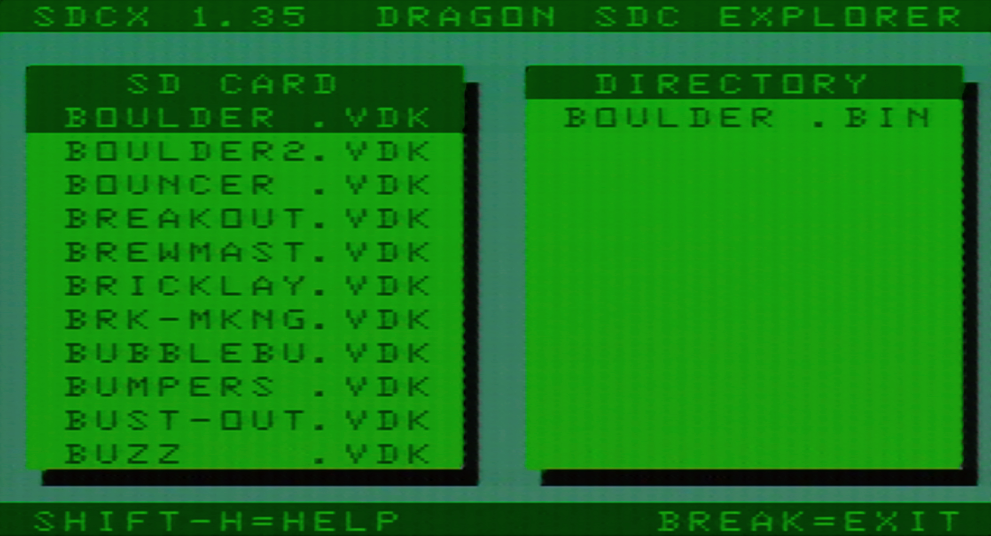
SDC Explorer
This is a file explorer for the Dragon. Once downloaded, the file must be copied to the root directory. It is then entered into the previously described startup file.
0=SDCEXP.vdkAfter that, the SDC Explorer can be run from BASIC with the command
RUN"SDCX"Operation SDC Explorer
SHIFT-CLEAR: root directory
SHIFT-left/right: start/end
SHIFT-up/down – previous page/next page
SHIFT E: switch view
The CoCoSDC manual explains that the SDC Explorer can also be launched automatically—something I haven't managed to do on the Dragon so far. If any readers happen to know a trick for this, I would be delighted to hear it.
Conclusion
The CoCoSDC is an excellent device that significantly simplifies the use of software on the Dragon 32. Unfortunately, the manual lacks information regarding the operational differences between the CoCo and the Dragon. Furthermore, the SDCExplorer's auto-start function does not work on the Dragon. An alternative is the DragonMMC, which also supports .CAS files (cassette images) and cartridge files, and includes a built-in clock; however, it costs twice as much.
Links
Manual and firmware
SD card with software (still needs to be adapted for the Dragon)
![Dragon 32 [Dragon]](https://www.jungsi.de/blog/wp-content/uploads/Dragon-Oberseite.jpg)
Leave a Reply