

![Q Save [Sinclair ZX81]](https://www.jungsi.de/blog/wp-content/uploads/Q-Save.webp)
QSAVE – Turbo Tape for the Sinclair ZX81 (PSS)
With the Sinclair ZX81, the cassette is simply part of the package. In practice, however, this also meant a lot of patience, a bit of luck with the signal level, and often several attempts before a program loaded properly. Especially with the 16K expansion, a save operation could feel like it went on forever. It was precisely during this period that QSAVE from PSS (Personal Software Services) appeared: a combination of software and additional hardware designed to significantly speed up saving and loading whilst making the process more reliable. I found a small advert for it in Happy Computer 11/1983, and at the time it cost 79 DM.
My copy in the collection
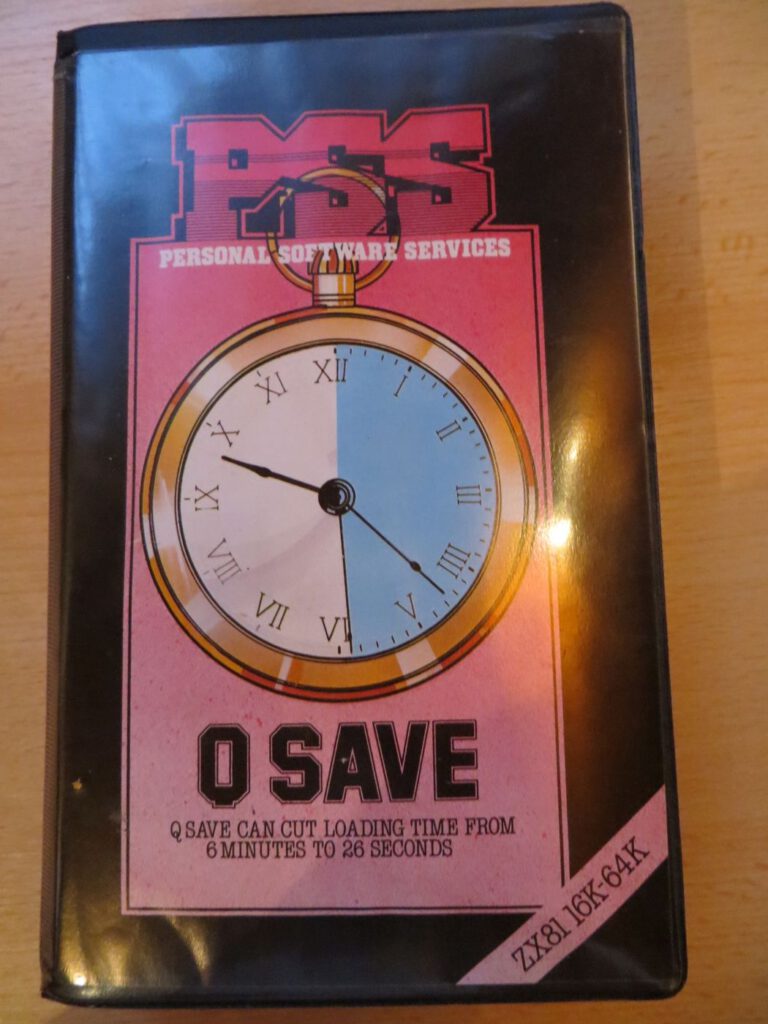
My collection includes a QSAVE in its original packaging, complete with instructions and the actual hardware – the ‘Q SAVE Amplifier/Filter Unit’. Unfortunately, the software and cables are missing from my unit. This is not unusual for accessories from that era, as the small extras (cassettes, cables, adapters) tend to get separated over the years or eventually disappear ‘into the cable box’.
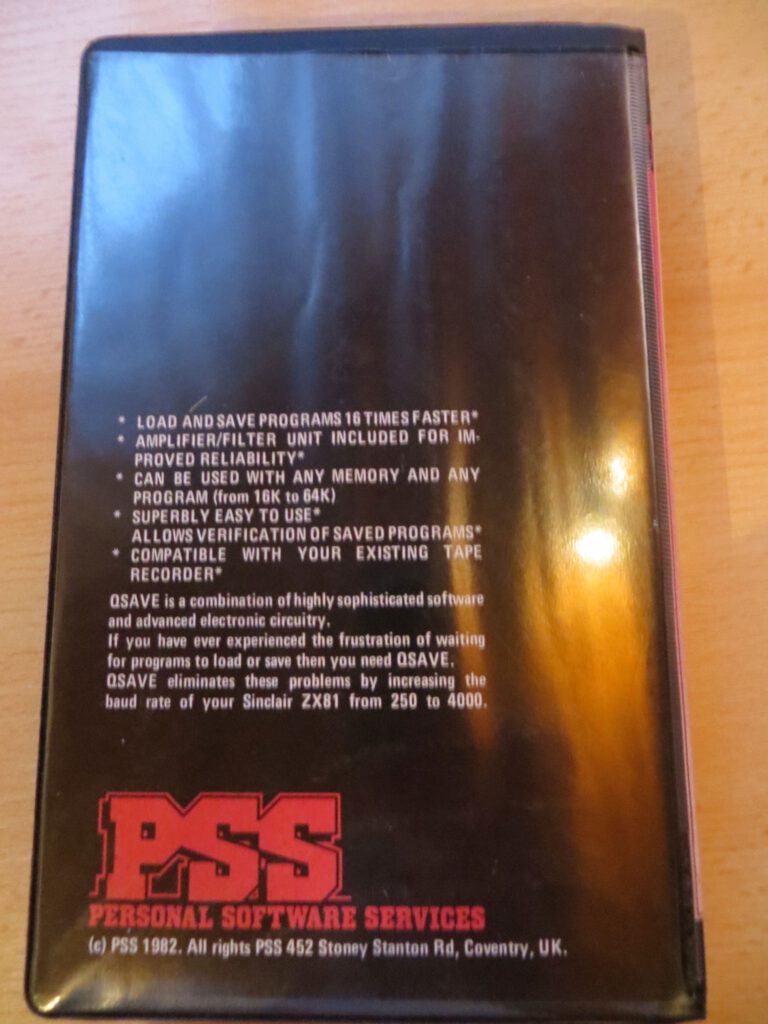
The dating is intriguing: the packaging bears the © 1982 mark, whilst the instructions I have are dated © 1983. This fits well with a product that was launched in 1982 and later resold with revised printed materials.
What QSAVE actually does
QSAVE is essentially a high-speed solution for the ZX81 cassette interface. Instead of using the relatively slow standard transfer rate, QSAVE employs a significantly higher data rate. This drastically reduces loading and saving times. At the same time, the aim is to reduce the susceptibility to errors – because whilst faster transmission makes the signal more sensitive, with the right processing it can ultimately run more stably than the ‘original fiddling’ with volume and the read head.
It is important to note a typical side effect of such turbo systems: files saved in QSAVE format can generally only be reliably reloaded later if QSAVE (or a compatible tool) is available again.
Just how slow was ‘slow’ actually?
To understand why QSAVE had a market at all, it’s worth taking a quick look at the bare figures. The ZX81 transfers data via cassette at a speed of 300 bits per second – that may sound abstract, but it soon becomes very concrete:
| Programme size | Standard (300 bps) | QSAVE (3.000 Bit/s) |
|---|---|---|
| 1 KB | ~27 seconds | ~3 Seconds |
| 16 KB | ~7 Minutes 17 Seconds | ~44 Seconds |
Sinclair ZX81 · QSAVE (PSS)
A comparison of loading times
Wer also ein vollständiges 16K-Programm laden wollte, wartete im besten Fall gut sieben Minuten – vorausgesetzt, Pegel, Tonkopf und Glück stimmten überein. War das nicht der Fall, begann die Prozedur von vorne. QSAVE verspricht mit bis zu 3.000 Bit pro Sekunde eine zehnfach höhere Übertragungsrate, was die Ladezeit eines 16K-Programms auf unter eine Minute drückt. Das war für den Alltag am ZX81 ein erheblicher Unterschied.
The Amplifier/Filter Unit – hardware for stabilising the signal
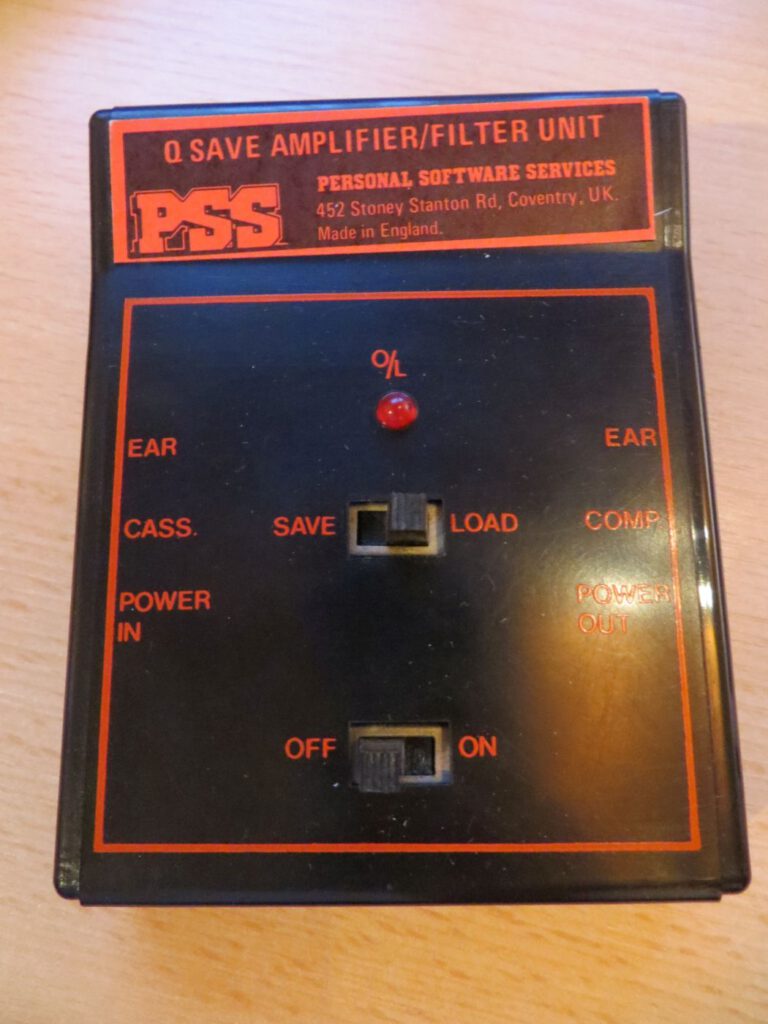
At the heart of it all is the small box labelled ‘Q SAVE AMPLIFIER/FILTER UNIT’. The front panel alone gives a good idea of the concept behind it:
- A SAVE/LOAD switch: the signal is processed differently depending on the direction.
- Connections for CASS. (cassette recorder) and COMP (computer): QSAVE is positioned between them and affects the entire signal path.
- EAR labels and a status LED (‘O/L’): This looks very much like level/signal monitoring, i.e. ‘tools to help avoid the lottery of cassette playback’.
- POWER IN / POWER OUT: QSAVE is connected to or looped through the power supply to power the unit.
It is precisely this combination of software and ‘signal electronics’ that is typical of early 1980s accessory solutions: the aim was not only to work faster, but above all to ensure reproducibility.
Back in service today (without a “proper” functional test)
Even though the software and cables are missing from my set, QSAVE can generally be made to work again. For a future test, you’ll mainly need: a software dump and a few standard cables.
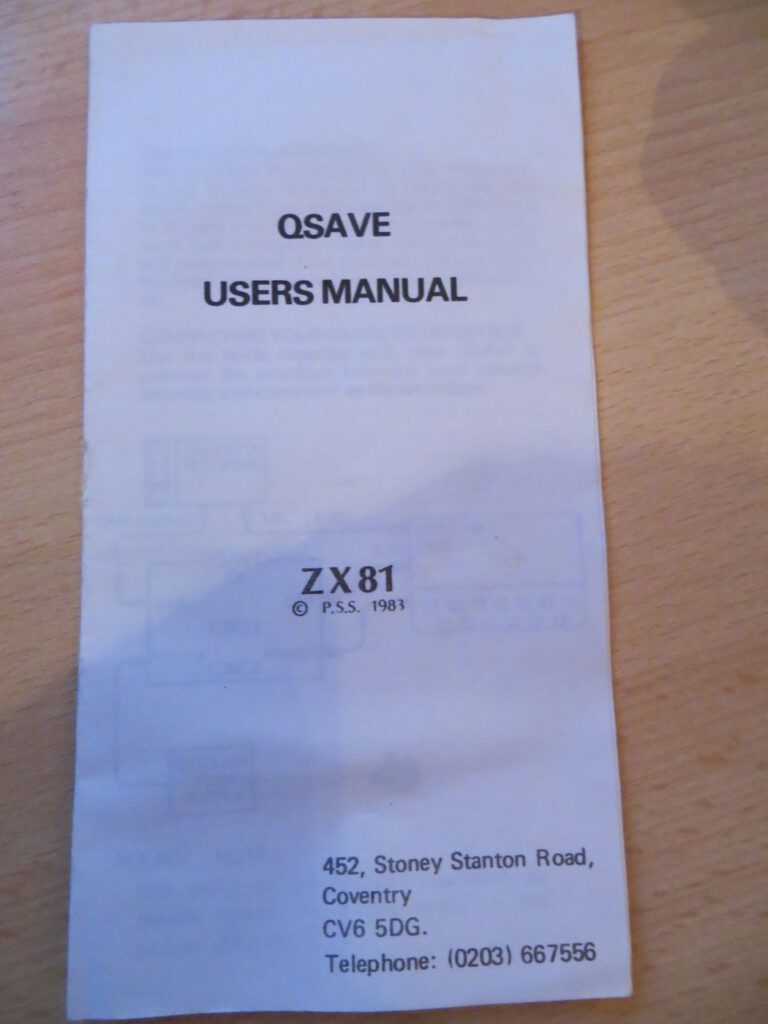
Use software from the dump
QSAVE is archived as a tape dump. The dump is typically in TZX format and can either be used in the emulator or converted to an audio format (WAV) so that it can be played back like a cassette.
A PC or smartphone as a ‘cassette recorder’
One practical method is to play the WAV file on a PC or smartphone and use it to ‘feed’ the ZX81 – just like we used to do with a cassette tape. The most important thing to remember here is:
- Disable all sound enhancers, equalisers, ‘audio enhancers’, etc.
- Start at a medium volume and adjust it slightly if necessary.
- Use a clean, stable audio signal without interference wherever possible.
Retrofit cables
Standard jack cables are usually all that’s needed for the signal path:
- Cassette recorder (EAR/Phones) → QSAVE (CASS.)
- QSAVE (COMP) → ZX81 (EAR or equivalent input)
Depending on the recorder, adapters may be required (e.g. a different jack size or special connectors). Short, neat cables are far better here than flimsy “off-the-shelf adapters” – high-speed formats are particularly sensitive to poor connections.
Power supply (POWER IN / POWER OUT)
As the QSAVE has POWER IN and POWER OUT ports, the unit will most likely be connected into the power supply circuit (power supply → QSAVE → ZX81). If you are retrofitting this, the most important point is:
- The plug size and polarity must match.
With old power adapters and plugs, it’s worth taking a closer look before plugging anything in.
Why this is still interesting today
For me, QSAVE is a fine example of just how vibrant the world of ZX81 accessories was in the early 80s. Rather than simply having to ‘put up with’ the fact that cassette storage was slow and temperamental, people tried to make the ZX81 more suitable for everyday use through software tricks and additional electronics. And even though my copy isn’t complete, the packaging, instructions and the amplifier/filter box clearly demonstrate how people approached the issue of ‘saving and loading’ back then.
![ZXpand [Sinclair ZX81]](https://www.jungsi.de/blog/wp-content/uploads/2012/12/ZXpand-vorne.jpg)
![ZX81SCP [Sinclair ZX81]](https://www.jungsi.de/blog/wp-content/uploads/2012/11/SCP-Platine.jpg)
![Timex Sinclair 1016 [Sinclair ZX81]](https://www.jungsi.de/blog/wp-content/uploads/Timex-Sinclair-1016-Vorderseite.jpg)
Leave a Reply