

In this article, I’m delving back into my “Pile of Shame” – the hardware that’s been sitting on my desk for quite some time but hasn’t been featured yet. This time, it’s the turn of the PiTrex, an interesting hardware project that’s been on the market for a while and has been waiting for me to test it for quite some time.
Why did it take so long? The global chip shortage during the COVID-19 pandemic meant I couldn’t get hold of a suitable Raspberry Pi Zero. It wasn’t until April 2023 that I was finally able to buy one, and a few months later I finally found the time to take a closer look at the PiTrex.
What is PiTrex?
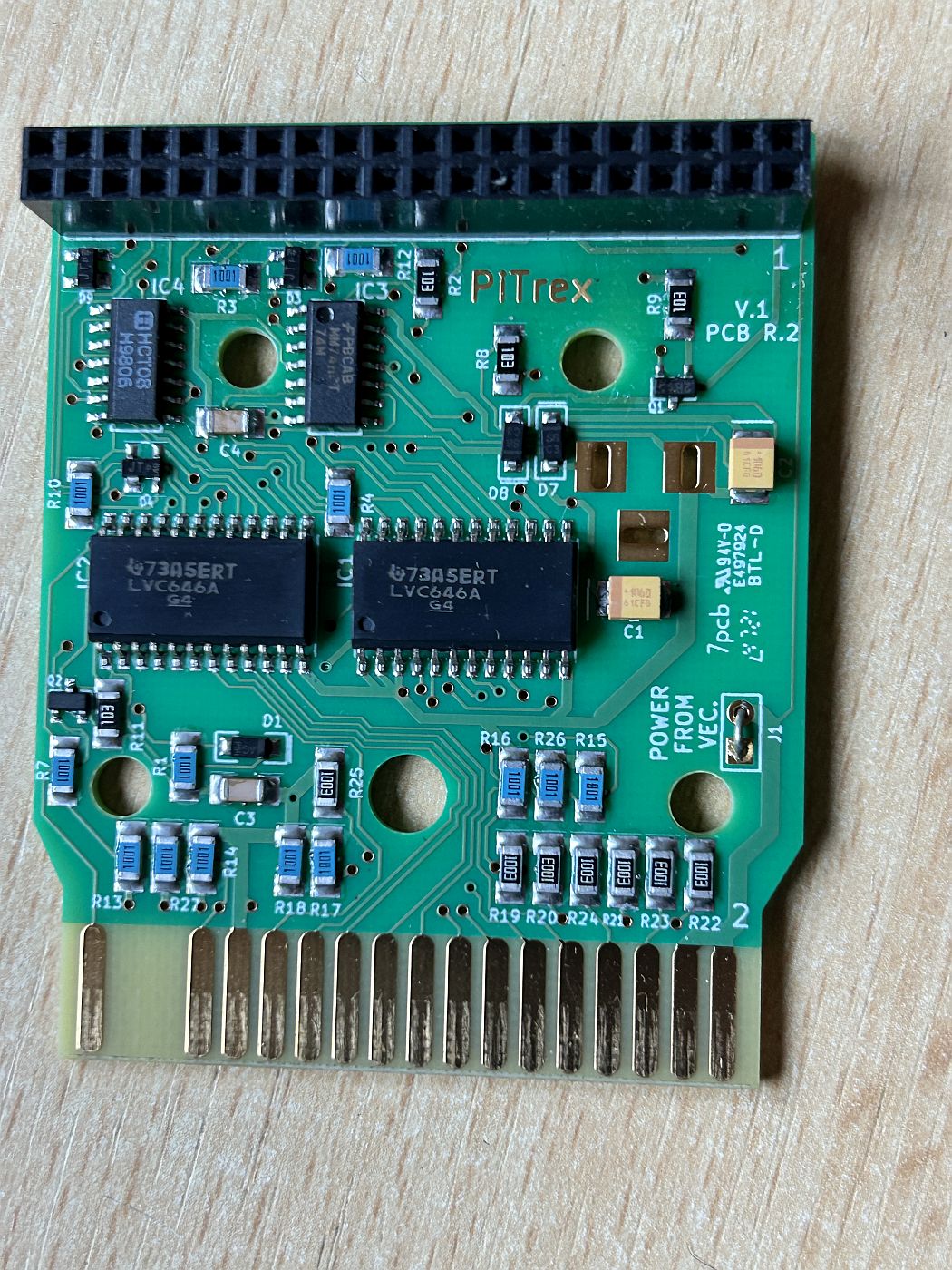
The PiTrex is an exciting hardware project launched by Graham Toal, Kevin Koster, James Churchill and Malban. It acts as a bridge between the legendary Vectrex console and the Raspberry Pi by replacing the Vectrex’s CPU.
At the heart of the PiTrex is a Raspberry Pi Zero with an ARM CPU offering a 1 GHz clock speed and 512 MB of RAM. Thanks to this performance, the Pi is capable of emulating vector arcade games. But that’s not all:
- Vectrex ROMs can be loaded and played directly from a microSD card, much like a Multicart.
- PiTrex provides a modern and powerful environment for developing new games for the Vectrex.
As well as the PiTrex cartridge itself, you’ll need a Raspberry Pi Zero – ideally the WH version, which comes with the header pins already soldered on. Alternatively, the Raspberry Pi Zero 2 W will also work, as it offers slightly more power.
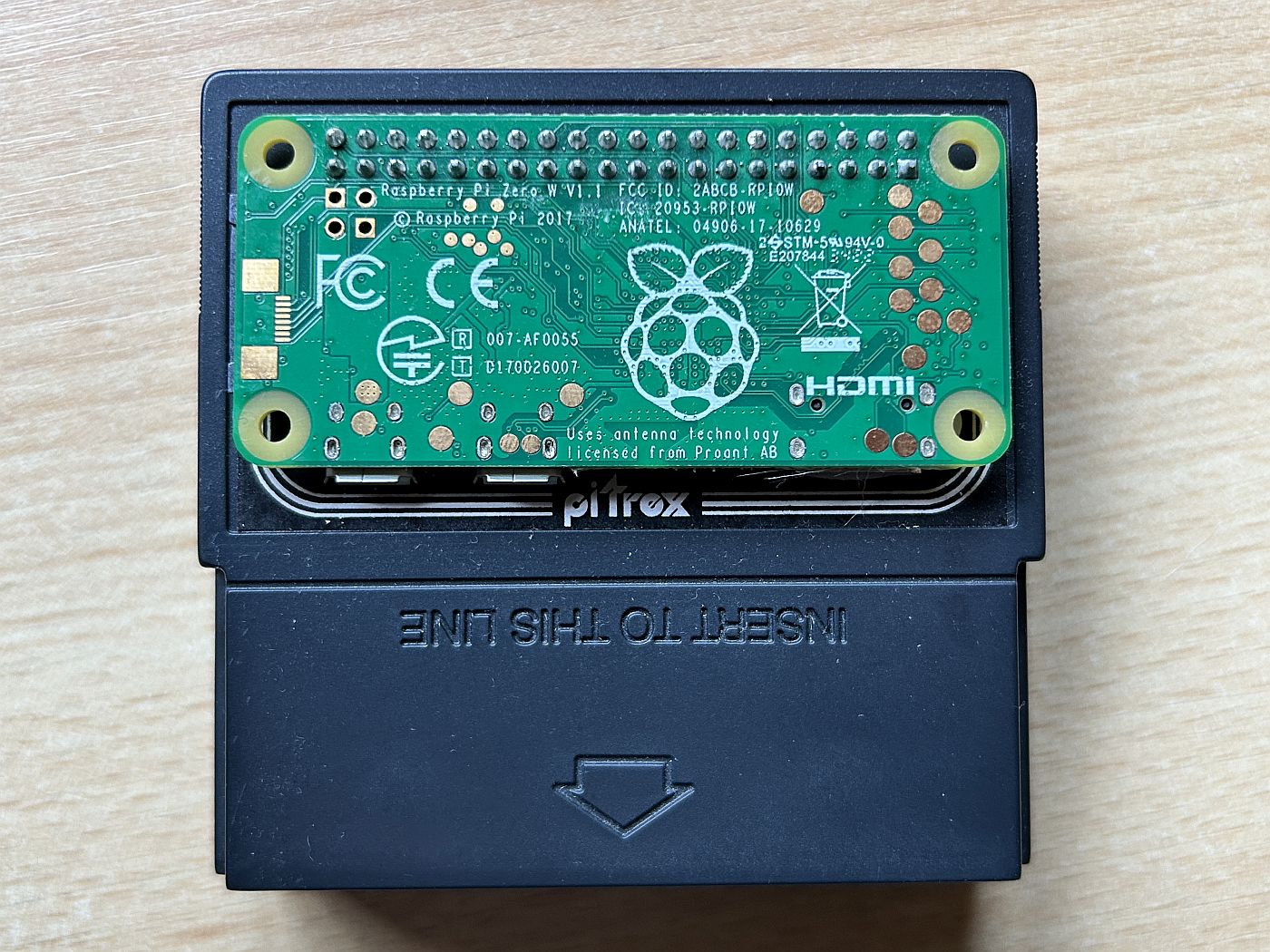
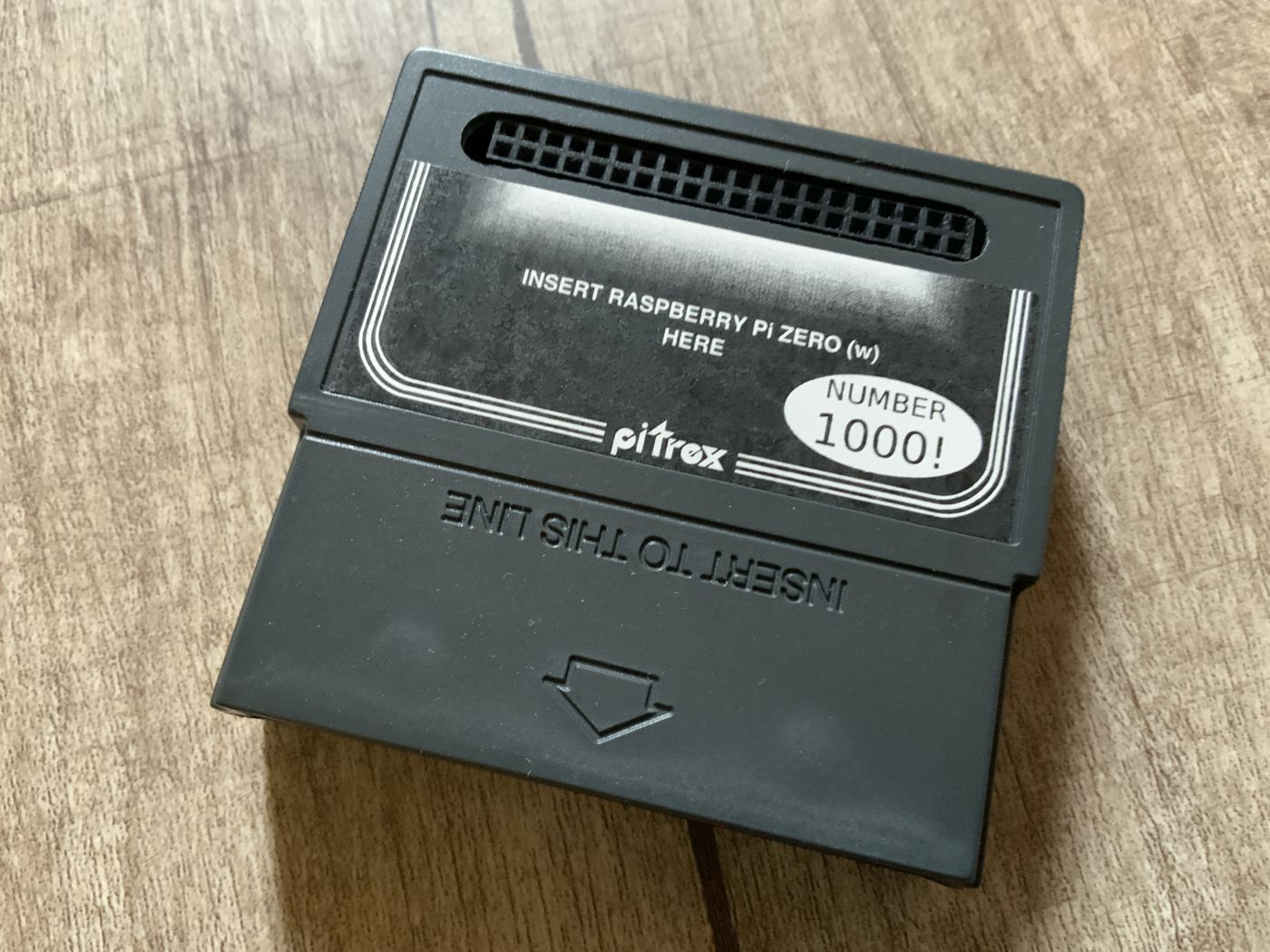
Installation and first impressions
To get the PiTrex up and running, you’ll need a microSD card (between 256 MB and 256 GB) onto which the software will be written. I transferred the image file to the card using Balena Etcher . After that, files can be added very easily via Windows.
Once the SD card is ready, insert it into the Raspberry Pi, which is then connected to the PiTrex and inserted into the cartridge slot of the switched-off Vectrex. After the first boot, it may take a moment for the PiTrex logo to appear on the screen.
The menu navigation took a bit of getting used to at first, but once you’ve had a go at it, it’s easy enough to use.
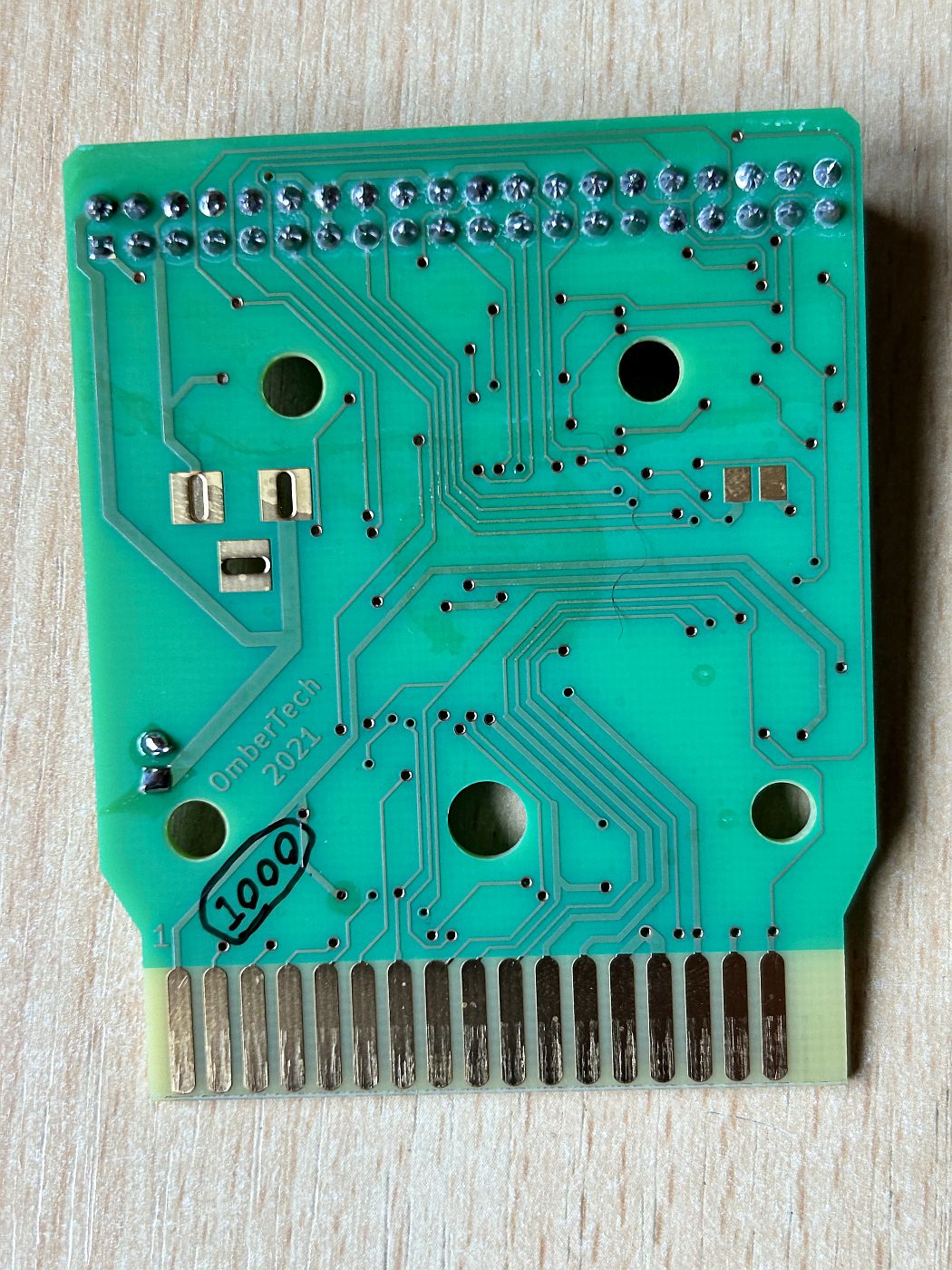
By the way: I was lucky enough to get the cartridge with the serial number 1000, as can be seen on the top and on the circuit board.
PiTrex vs. Vectrex32
The PiTrex is an interface that utilises the display, the BIOS and the controllers of the Vectrex. A comparison with the Vectrex32 – which is not in my collection – is obvious here.
Whilst the Vectrex32 acts as a coprocessor and provides a secure development environment (for example, via GS BASIC, which is written on the computer and then uploaded to the hardware), the PiTrex goes much further: it grants full access to the hardware – sometimes even more than is strictly necessary.
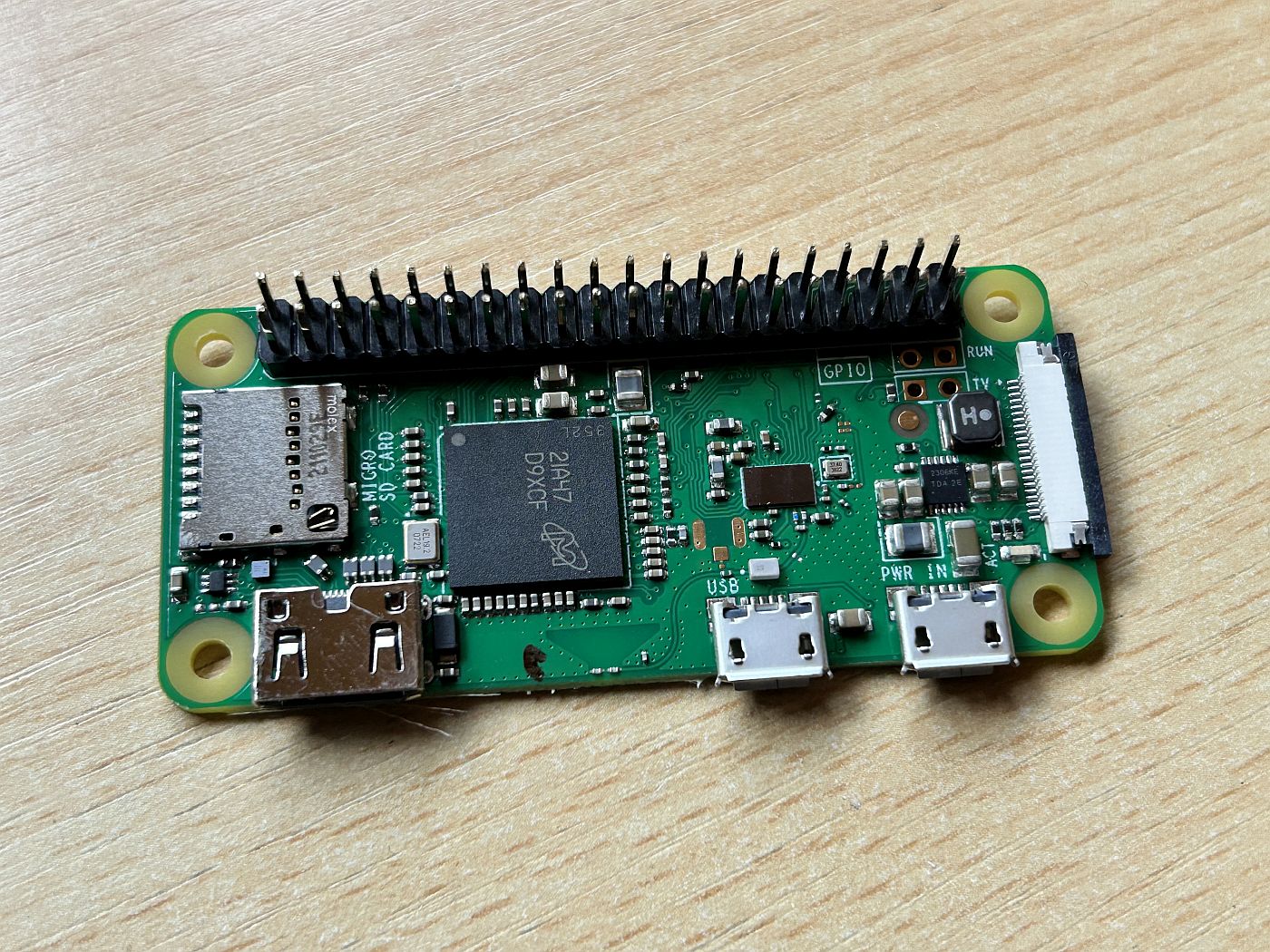
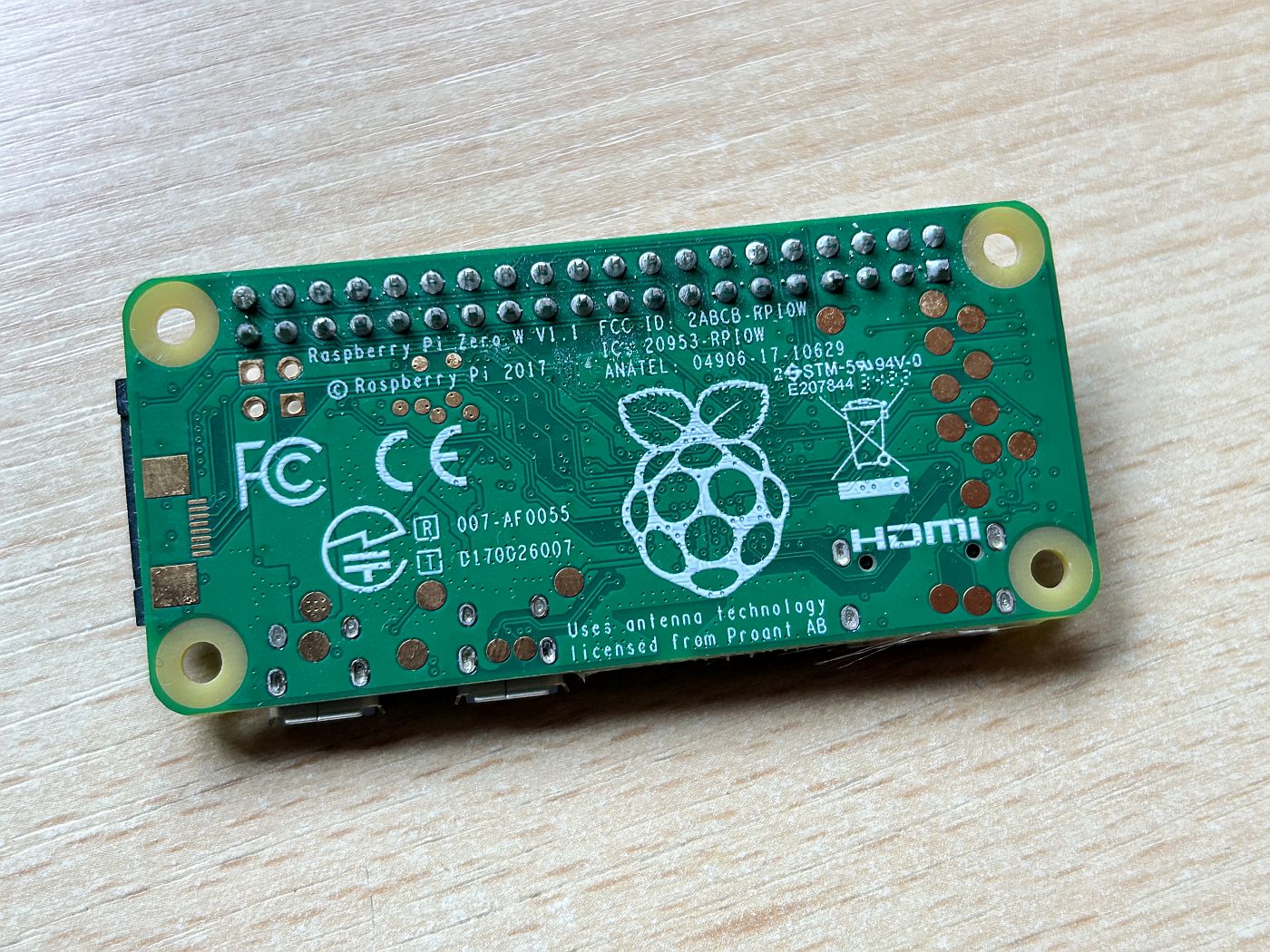
Software and support
The PiTrex software is based on a bare-metal approach and was actively developed for a while. Unfortunately, development has since stalled – the last firmware update dates back to 2021. There are various reasons for this: some developers no longer have the time, whilst others have withdrawn from the project. Although the software is open source, there is currently no one to take over its further development.
Nevertheless, the PiTrex is still worth recommending, even without regular updates. Apart from a few minor sound issues with some arcade games, the hardware runs smoothly and offers an exciting way to expand the Vectrex experience.
Conclusion – More than just a Vectrex upgrade
The PiTrex is a fascinating add-on for anyone who wants to get the most out of their Vectrex console. It offers:
- A powerful platform for emulating vector arcade games.
- A modern environment for developing your own games.
- A simple way to load Vectrex ROMs directly from an SD card.
Of course, the PiTrex isn’t perfect: the stagnant software development and the somewhat complicated menu navigation can be off-putting. Nevertheless, it remains a great alternative, especially as it’s easier to get hold of than, say, the rare VecFever.
So if you want to combine your Vectrex with modern technology, you should definitely give the PiTrex a go!
Links
RpiTeaM
PiTrex baremetal: Download – Vectrex Blog
OmberTech – Buy PiTrex: Vectrex to Raspberry Pi Zero Interface Cartridge
![RadPad Controller [Vectrex]](https://www.jungsi.de/blog/wp-content/uploads/RadPad-Knoepfe.jpg)
![USA Zombie Apocalypse [Vectrex]](https://www.jungsi.de/blog/wp-content/uploads/USA-Zombie-Apocalypse-Vorderseite.jpg)
![Hera Primera [Vectrex]](https://www.jungsi.de/blog/wp-content/uploads/Hera-Primera-Cartridge.jpg)
Die bareMetal Version ist von Malban und er hatte Hoffnung, das die wirklich coole Hardware PiTrex mehr aktive Entwickler nachzieht – aber die VectrexSzene ist etwas komisch.
Während viele Leute (50-500 pro Spiel) viel zu teure Homebrew Module gern kaufen, gibt es max. 20 Entwickler weltweit in den letzten 10 Jahren. Das PiTrex und die Software ist natürlich wunderbar. Einmal alle Spiele, dann die Vector-Arcade Umsetzungen und natürlich die Option, eigene Versuche zu starten. Und Ja, das Vectrex32 war und ist auch viel teurer …. auch so eine Nischenlösung.