

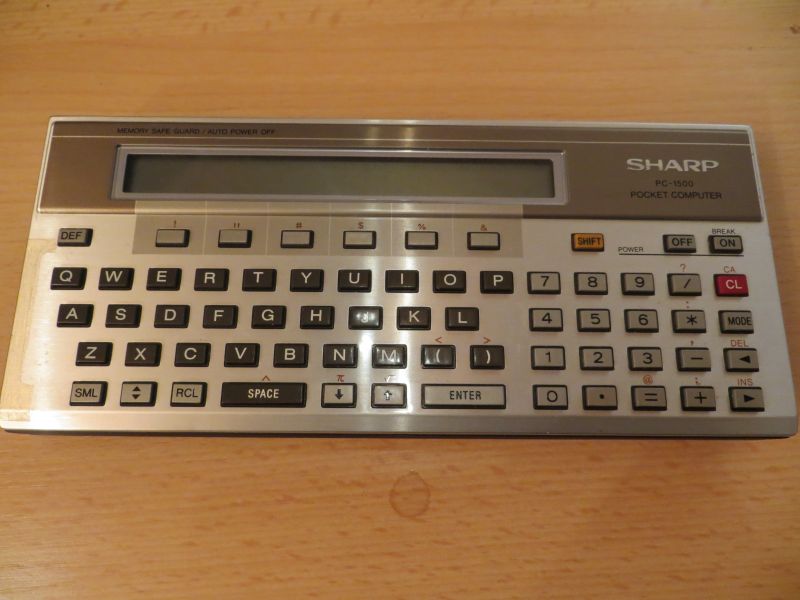
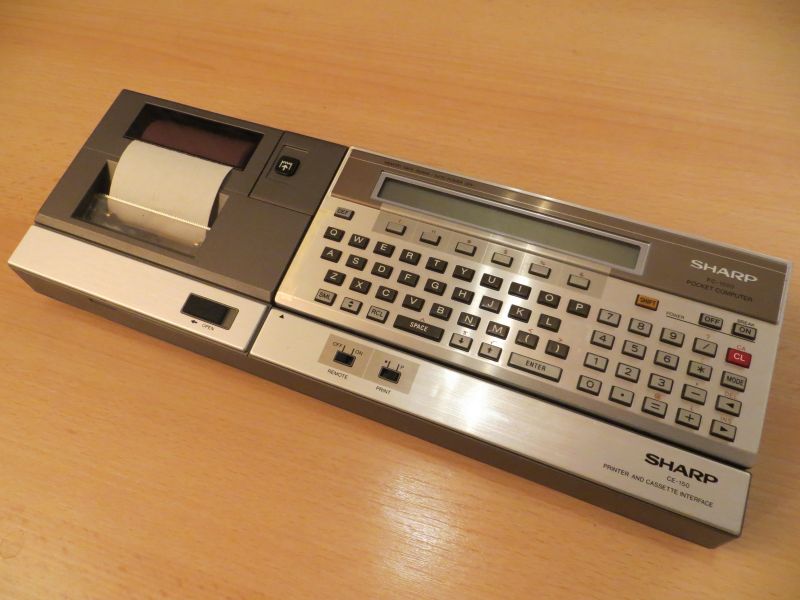
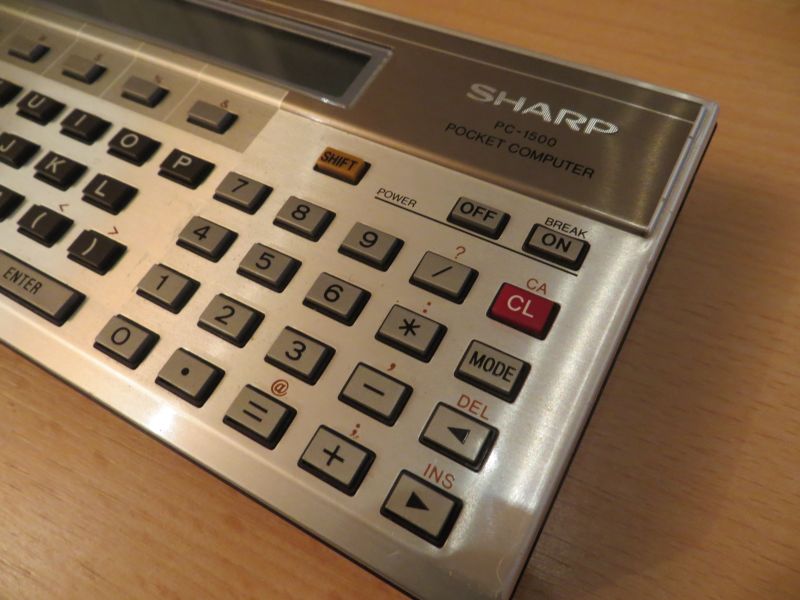
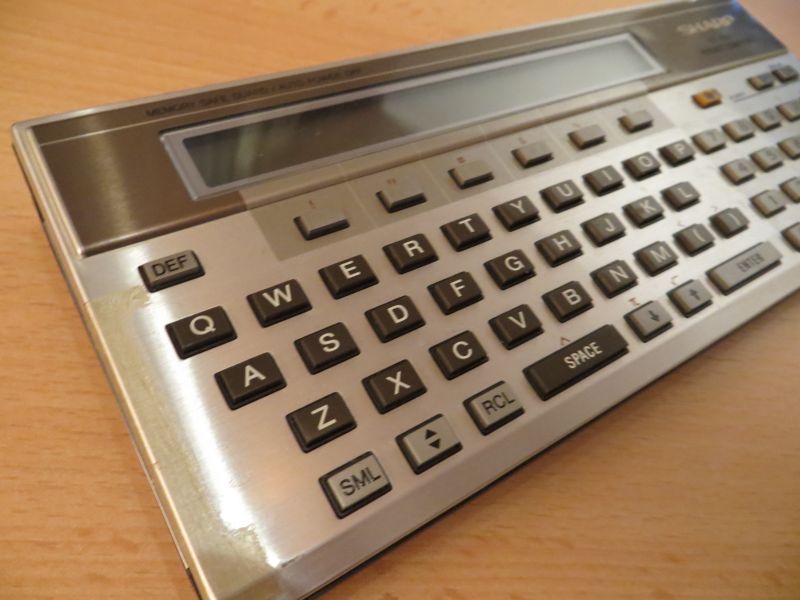
A while ago, I was able to add the Sharp PC 1500 pocket computer to my collection. I received the device as a gift from a colleague at work in autumn 2015! Many thanks again to Michael R.!! This little computer was launched in Japan at the end of 1981, in Western Europe in spring 1982, and is powered by an 8-bit CPU – the LH5801 (similar to the Zilog Z80). It has 3.5 KB of built-in memory, of which 1,850 bytes are available for BASIC programmes. This could be expanded to up to 16 KB using modules. It was also possible to run it on four AA batteries, independently of the mains power supply. The BASIC programming language was supplemented by numerous scientific functions; later, there was even a C compiler available for the PC-1500. The computer has a single-line ‘graphical’ display (7 × 156 dots) and a built-in clock IC for displaying the date and time.
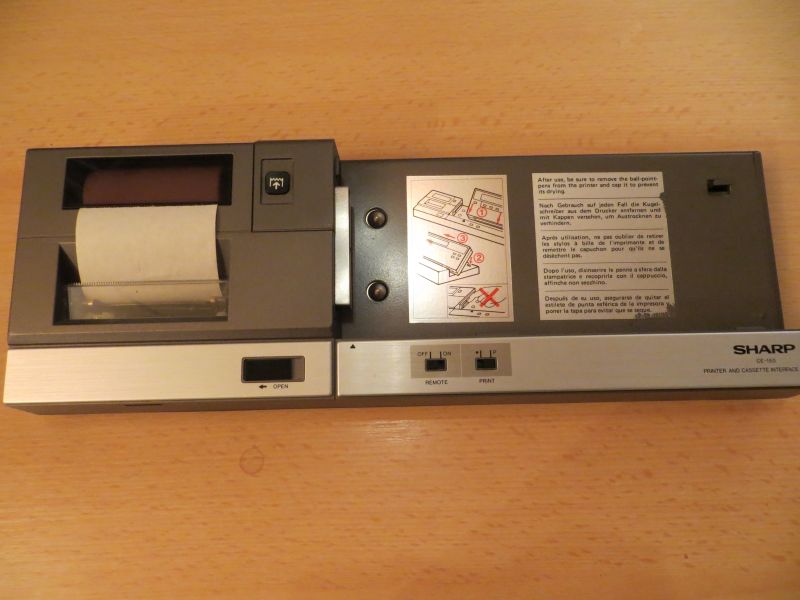
Programmes could be saved to cassette and reloaded – this required the CE-150, which incorporated the cassette interface.
In the USA, the device was sold under the name ‘Tandy Pocket Computer’ (TRS-80 PC-2) by Radio Shack. The PC-1500 succeeded the PC-1211 series and was replaced by the PC-1600 in 1986.
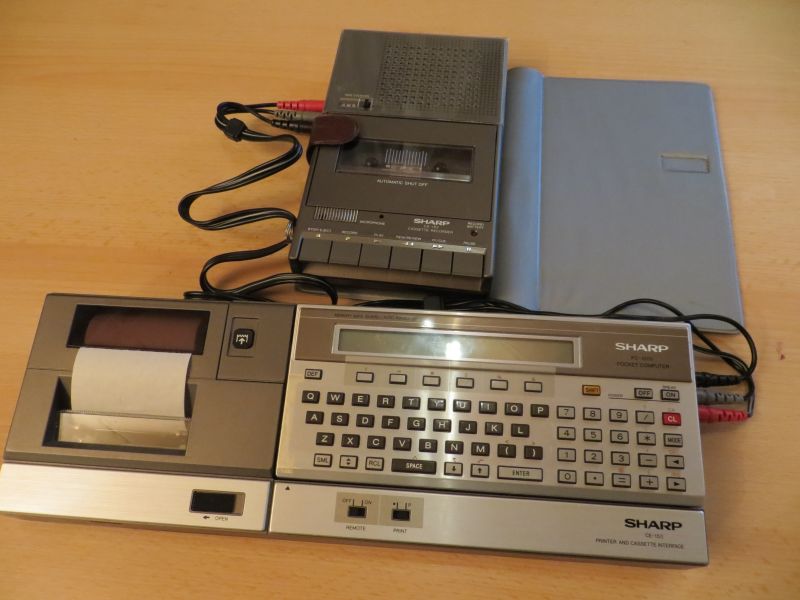
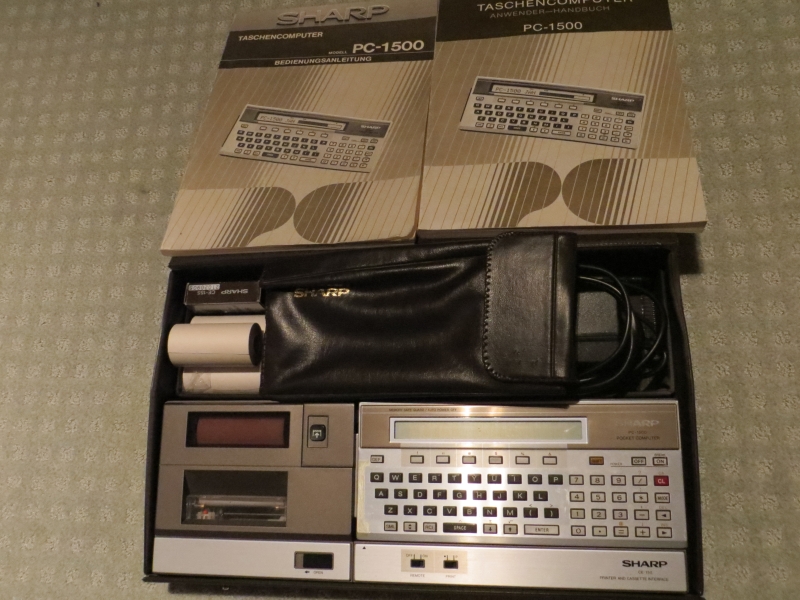
This well-preserved unit also came with a few nice extras:
– CE-155: 8 KB RAM memory module
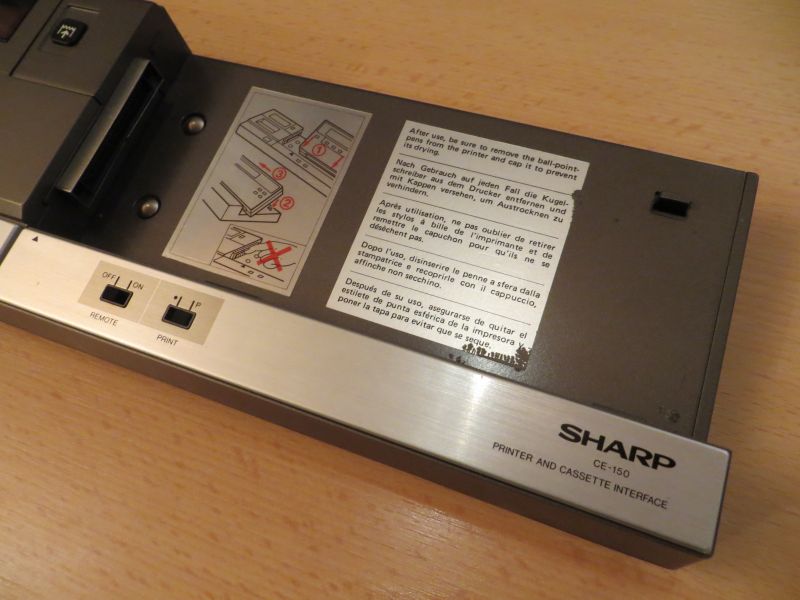
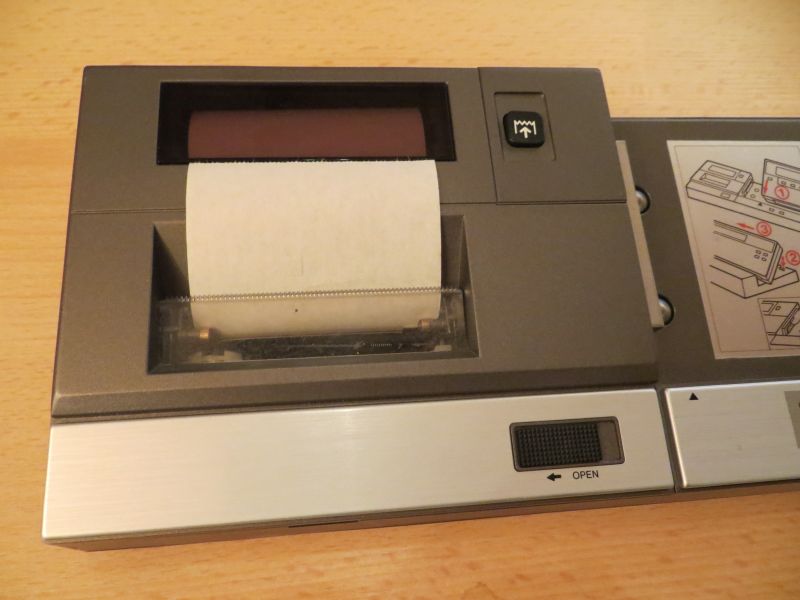
– CE-150: 4-colour printer/plotter with cassette interface
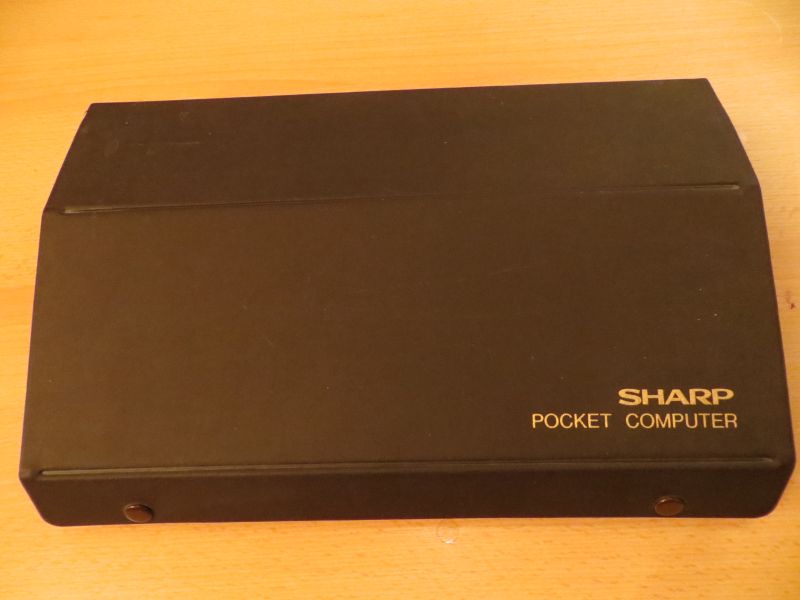
It also came with a matching plastic case that holds everything: the cables for connecting to a cassette recorder, spare pens for the CE-150 and the user manuals.
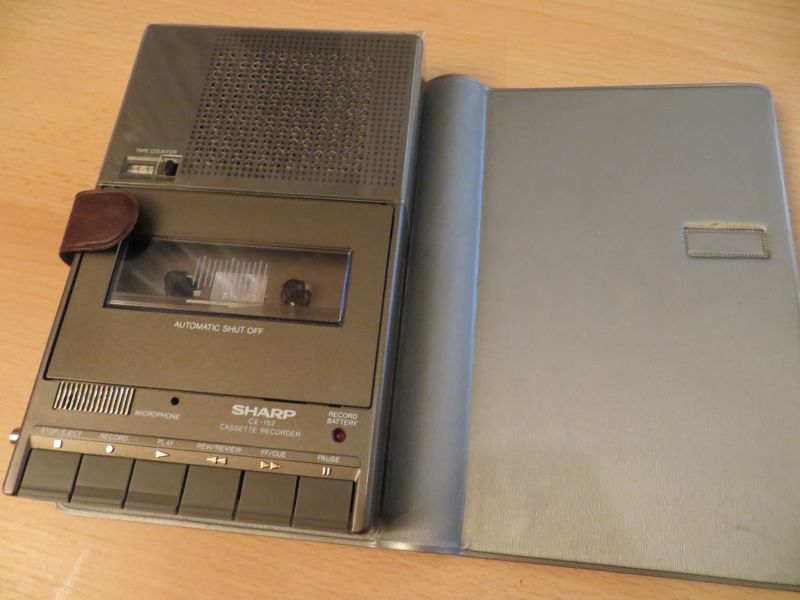
It’s great that everything fits with my CE-152 (a Sharp cassette recorder from the same product range), which I’d received with a Sinclair computer.
I have a vague recollection that a home computer magazine I used to read regularly (CK Computer Kontakt) would occasionally publish BASIC programmes for the Sharp.
Unfortunately, I found that the printer in the CE-150 wasn’t working. After a bit of a search, I came across an interesting article on Kai Bader’s blog. As it’s in English, I’ll describe it again here in German.
The problem with the CE-150 is that it requires more power to operate the printer than the mains adaptor can supply. To ensure that everything still works, a battery pack is built into the device. This battery is charged by the mains adaptor. After more than forty years, these batteries are, of course, faulty and no longer supply any power – which is why the Sharp PC-1500’s display always shows: NEW 6:…. .
However, the repair is relatively simple:
* Loosen all the screws on the underside
* Carefully release the plastic tabs at the front (see also Kai Bader’s video)
* Loosen the screws securing the battery pack to the circuit board.
* The two cables can simply be disconnected
* Remove the battery pack, wearing gloves for safety
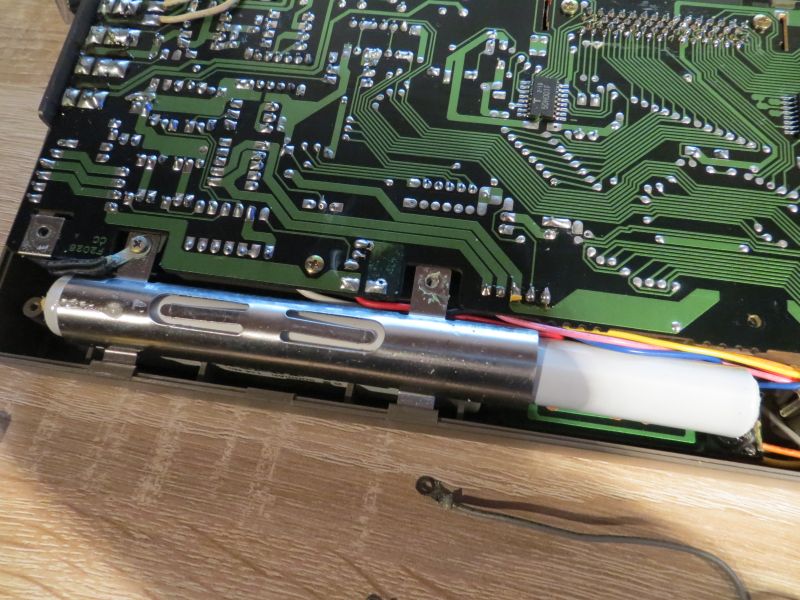
* Clean the circuit board if necessary, should the batteries have leaked heavily
* After that, everything can be reassembled
However, as the battery has now been removed, the required power is still missing. The original mains adaptor should therefore be replaced with another device; 9 volts and 1.2 A should be sufficient. Caution! – Observe the polarity: positive is on the outside and negative on the inside.
The print head should then move to its home position.
Replacement colour pens for the ‘print head’ should also still be available. Either in the USA from Best Electronics – the Atari 1020 plotter pens are said to fit here. They are also said to be available at plotter pens – felt-tip pens.
In another article, Kai Bader mentions the dimensions for the paper rolls that you need to look for today in order to use them in the CE-150: width: 57 mm; inner/outer diameter: 12/30 mm; Length: 10 m – eBay Germany
Links
PC 1500 info
Elmars virtuelles Computermuseum
Computer Oldies
PC1500.com

Sehr schönes Set, Glückwunsch!
zum Thema Druckerinterface CE150: Ich denke es ist sehr gefährlich, den Akkupack einfach zu entfernen und ein stärkeres Netzteil zu verwenden. Es gibt eine Low-Bias-Diode, die vom Akku(+) über den Steckverbinder zur Batterie des PC1500 (Vbat) führt, um diesen bei geringer Batteriespannung noch mit Strom zu versorgen. Die hohe Spannung des 9V-Netzadapters würde die Batterien überladen und -was noch schlimmer wäre-falls der PC1500 ohne Batterien bzw. mit zu stark verbrauchten und damit hochohmigen Batterien bestückt íst, könnte der PC 1500 sich verabschieden, weil die Spannung hochläuft. Man sollte also die erwähnte Diode, die manchmal schon durchgebrannt ist, entfernen oder was in jedem Fall besser ist, diese bei Bedarf durch eine Ge-Diode ersetzen und gleichzeitig den Akkupack austauschen. Es gibt geeignete preiswerte NC-Akkus 1,2V/700mA mit Lötfahnen von Panasonic u.a.
MfG